
Claude Code --append-system-prompt: Usage, examples and best practices
The Claude Code --append-system-prompt flag adds custom instructions without replacing the default system prompt. Use it to give the Claude Code CLI additional guidance about coding standards, testing, or response formats during a specific session. These instructions guide the session launched by that command; they do not permanently configure future launches. Below are patterns for interactive work, one-off requests, and reusable instructions, plus guidance on choosing between prompt files and CLAUDE.md.
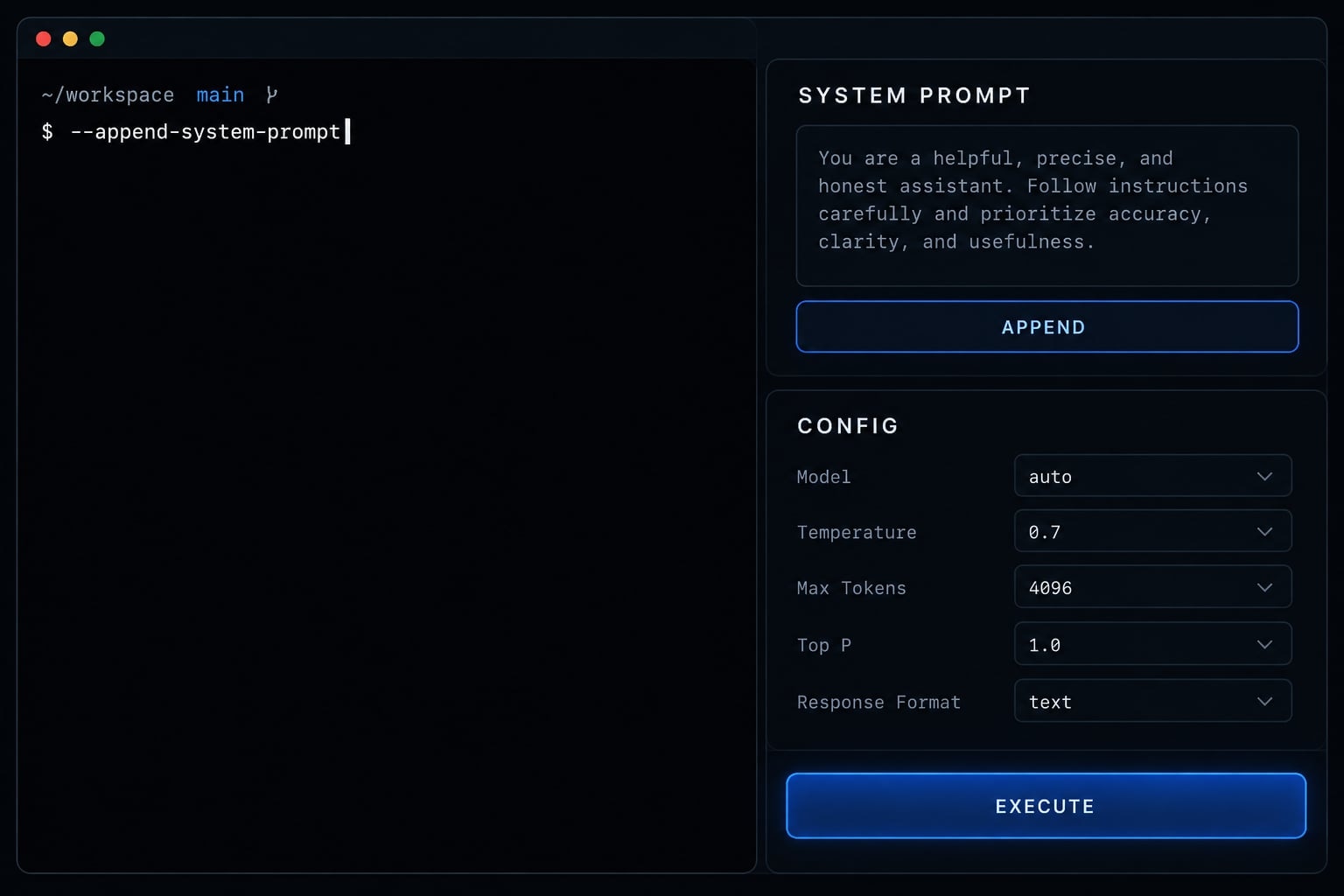
What does --append-system-prompt do?
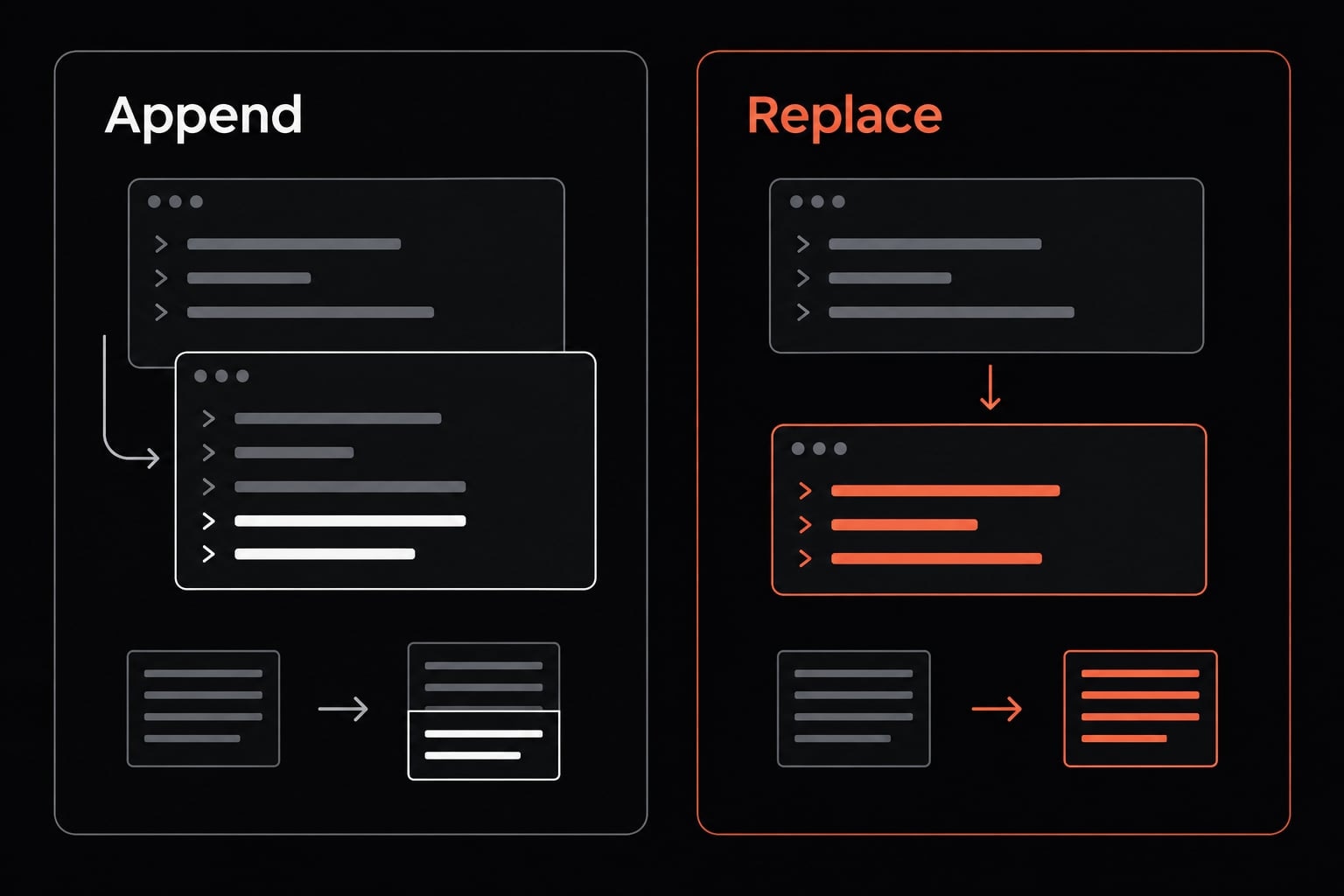
--append-system-prompt supplies additional runtime instructions while retaining Claude Code’s default system prompt. The official Claude Code CLI reference describes it as an append operation, not a replacement. It lets you request task-specific behavior without writing a complete system prompt, though it does not mechanically guarantee that every instruction will be strictly followed.
Conceptually:
- Default instructions remain rather than being replaced.
- Additional guidance is supplied through the flag.
- The resulting invocation uses that guidance.
For example, temporary TypeScript guidance can steer new code toward a chosen language. It does not mechanically prevent other file types.
Basic syntax:
claude --append-system-prompt "<additional instructions>"
claude --append-system-prompt "Always use TypeScript"
Replace the placeholder with your intended instruction. Quote text containing spaces according to your shell.
How to use --append-system-prompt
Keep the behavioral instruction separate from the work you want performed:
- Start with
claude. - Add
--append-system-prompt. - Quote the instruction.
- Optionally supply a task request.
- Repeat the flag on future launches, directly or through a configured wrapper.
The following are Bash/zsh examples. Check local availability first:
claude --version
claude --help
Start an interactive session
claude --append-system-prompt "Preserve existing repository conventions."
This launches an interactive session with additional guidance. Its session scope concerns only that launch, not a permanent installation setting.
Start with an initial request
claude --append-system-prompt "Add tests for changed behavior." \
  "Fix the validation bug in the organization-invite flow."
The appended text is the behavioral rule. The positional text is the initial task. Use a concrete request that matches your repository context.
Use it in non-interactive mode
claude -p \
  --append-system-prompt "Prioritize authorization risks and cite file paths." \
  "Review the authentication module for security issues."
-p is short for --print: Claude processes the request and exits rather than opening an ongoing interactive conversation. Print mode is not inherently read-only.
Shell quoting differs across environments. Double quotes can still allow shell expansion, including $variables and command substitutions. A saved instruction file also needs explicit loading; saving it alone does not activate it.
Practical --append-system-prompt examples
These illustrative examples turn coding preferences into observable instructions; choose rules that fit the repository and inspect the resulting work.
Set a programming language or framework preference
claude --append-system-prompt "Always use TypeScript"
Use this temporary coding standard when new code belongs in a TypeScript project. Avoid imposing it on a mixed-language repository without narrowing its scope. Note that the instruction does not mechanically prevent Claude from creating other file types.
Require tests for behavior changes
claude --append-system-prompt "Add or update tests for changed behavior. Report which tests ran and their results."
This connects implementation changes to regression coverage and makes the final report easier to review. Always check both the test changes and execution results; a claim that tests passed is not independent verification.
Prioritize security review
claude --append-system-prompt "Prioritize authentication, authorization, and input-handling risks. Cite affected files and explain each finding."
Use this when reviewing organization membership, account access, or permission changes in a B2B SaaS repository. Prompted review supplements - not replaces - security scanners and human code review.
Keep final responses concise
claude --append-system-prompt "Keep final responses concise. Summarize changes, tests, and unresolved risks."
This gives reviewers a predictable summary structure without requesting a lengthy narrative. It does not guarantee lower token usage or latency.
Preserve existing repository conventions
claude --append-system-prompt "Preserve existing architecture, naming conventions, and dependency choices unless the requested change requires otherwise."
Use this to discourage unnecessary rewrites during focused maintenance. The exception matters: some tasks legitimately require architectural changes or new dependencies.
--append-system-prompt vs. other Claude Code options
Choose prompt configuration by purpose: temporary guidance, reusable runtime instructions, or maintained project knowledge.
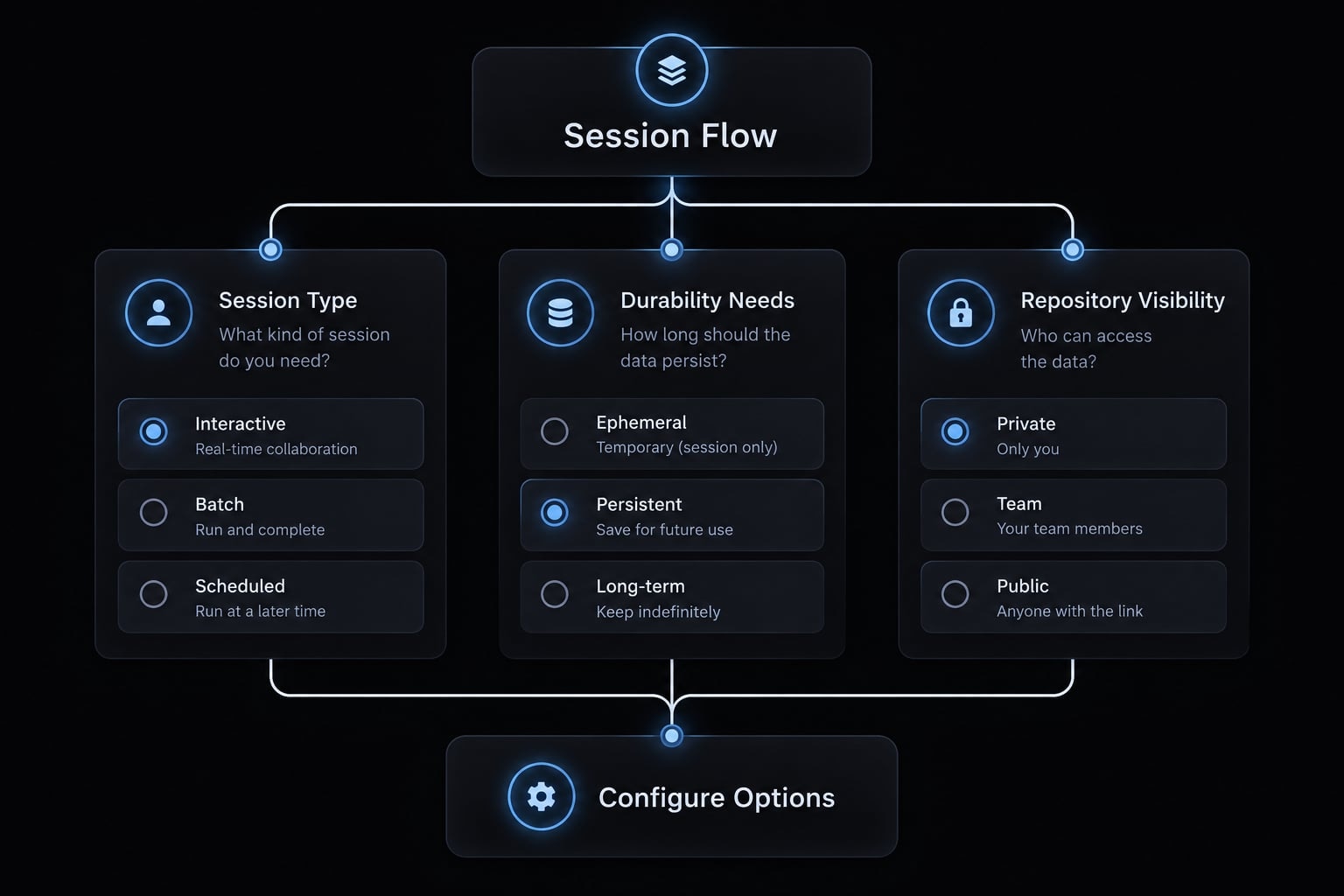
The official Claude Code CLI reference distinguishes append and replacement flags. Its file-backed prompt options are documented for print mode; verify support in your installed release. The official Claude Code memory documentation explains location-based loading for CLAUDE.md.
Option | Effect | Scope | Best Use | Main Consideration |
|---|---|---|---|---|
| Adds guidance | Invocation; interactive or print | Short temporary rules | Requires shell quoting |
| Adds file contents | Invocation; print mode | Longer reusable rules | Explicit loading required |
| Replaces default prompt | Invocation; interactive or print | Intentional customization | Removes default prompt guidance |
| Replaces prompt from file | Invocation; print mode | Maintained replacement text | Same replacement risk |
| Supplies maintained instructions | Documented user/project locations | Shared repository guidance | Loading depends on location and scope |
Alias or wrapper script | Repeats configured arguments | Launches using that helper | Convenient reuse | Not a native instruction store |
Quick selection rule:
- Short temporary rule → inline append.
- Longer reusable runtime rules → supported append-file option.
- Shared maintained project guidance →
CLAUDE.md. - Intentional replacement of default guidance → replacement option.
Long inline strings become difficult to quote, compare, and review. A file makes editing easier, but must still be loaded explicitly:
claude -p --append-system-prompt-file ./review-rules.txt \
  "Review the organization-invite implementation."
CLAUDE.md does not replace the system prompt. Likewise, replacement flags should not be described as disabling permissions or safety controls: replacing prompt text is a different operation.
Common mistakes and limitations
A rejected argument is a configuration problem; an accepted instruction that Claude overlooks is a compliance problem. Check the invocation before rewriting the prompt.
Mistakes to avoid
- Replacing unnecessarily: Choose append unless replacing default guidance is intentional.
- Assuming persistence: Pass instructions again or use an explicitly configured launcher.
- Writing vague rules: Replace “write good tests” with observable coverage requirements.
- Keeping long instructions inline: Use a supported file-backed option and execution mode.
- Ignoring shell-sensitive characters: Apply shell quoting and escaping for your actual environment.
- Creating prompt conflicts: Reconcile task instructions,
CLAUDE.mdand other guidance. - Treating prompts as enforcement: Use tests, permissions, validation or appropriately configured blocking controls.
- Assuming repeated flags accumulate: Check documentation and installed behavior; do not assume values concatenate.