
Best value
AgentKit Bundle
$149one-time kits · Desktop 12 months
Everything, plus the Desktop App.
- AgentKit Engineer and AgentKit Marketing
- Desktop App for 3 devices, 12 months
- Save $148 vs buying separately
AgentKit Desktop App · macOS, Windows and Linux
One native app to see and tune the skills, kits, status lines and configs behind every coding agent on your machine.
For anyone running AgentKit across several agents or devices.
AgentKit Desktop App
$49/yrper year · 1 device
Included in the Bundle with both kits, for $149. See the Bundle
Already have a license? Get the app:
Inside the app
Real screens from the app you install.
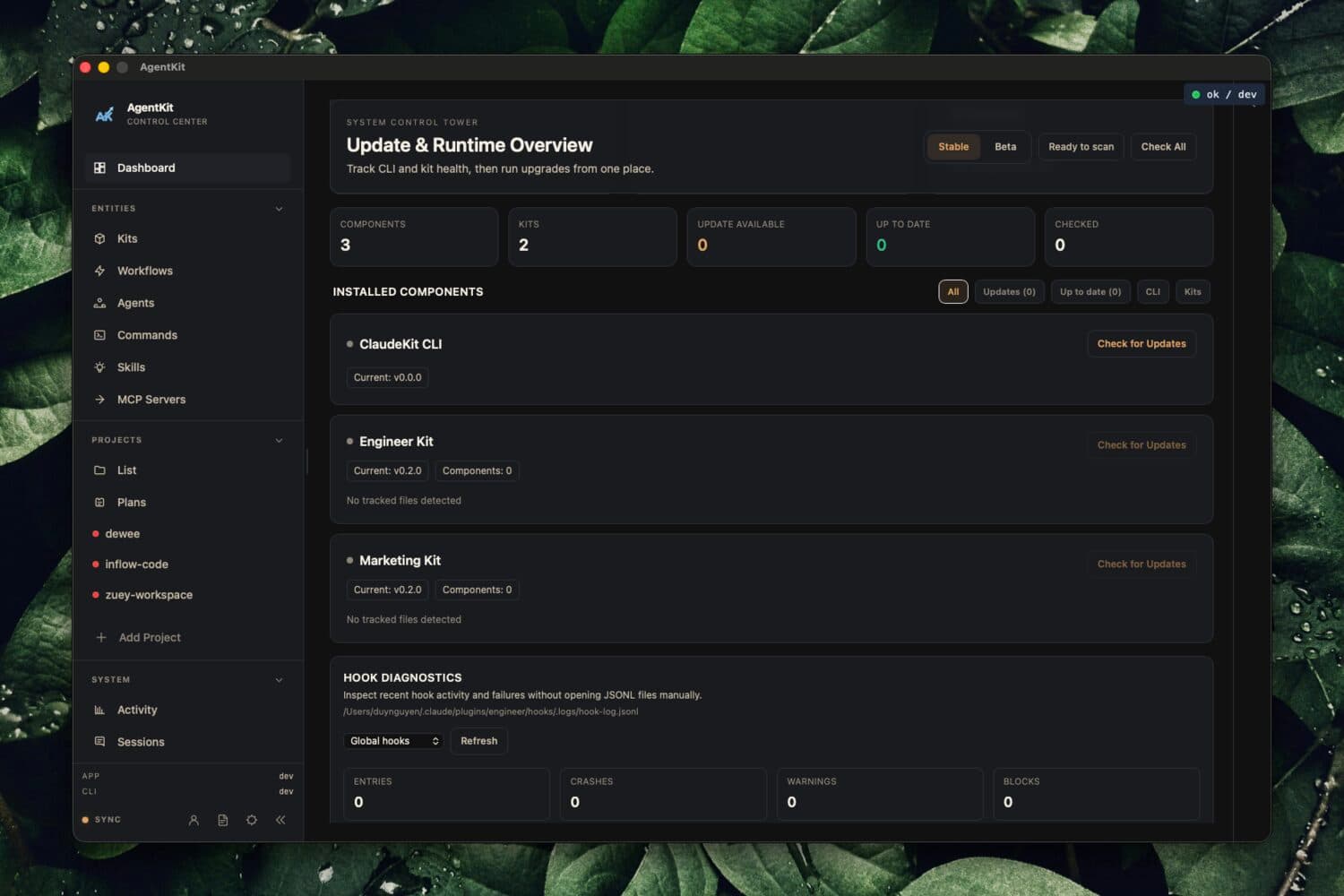
Check CLI and kit health for every agent at a glance.
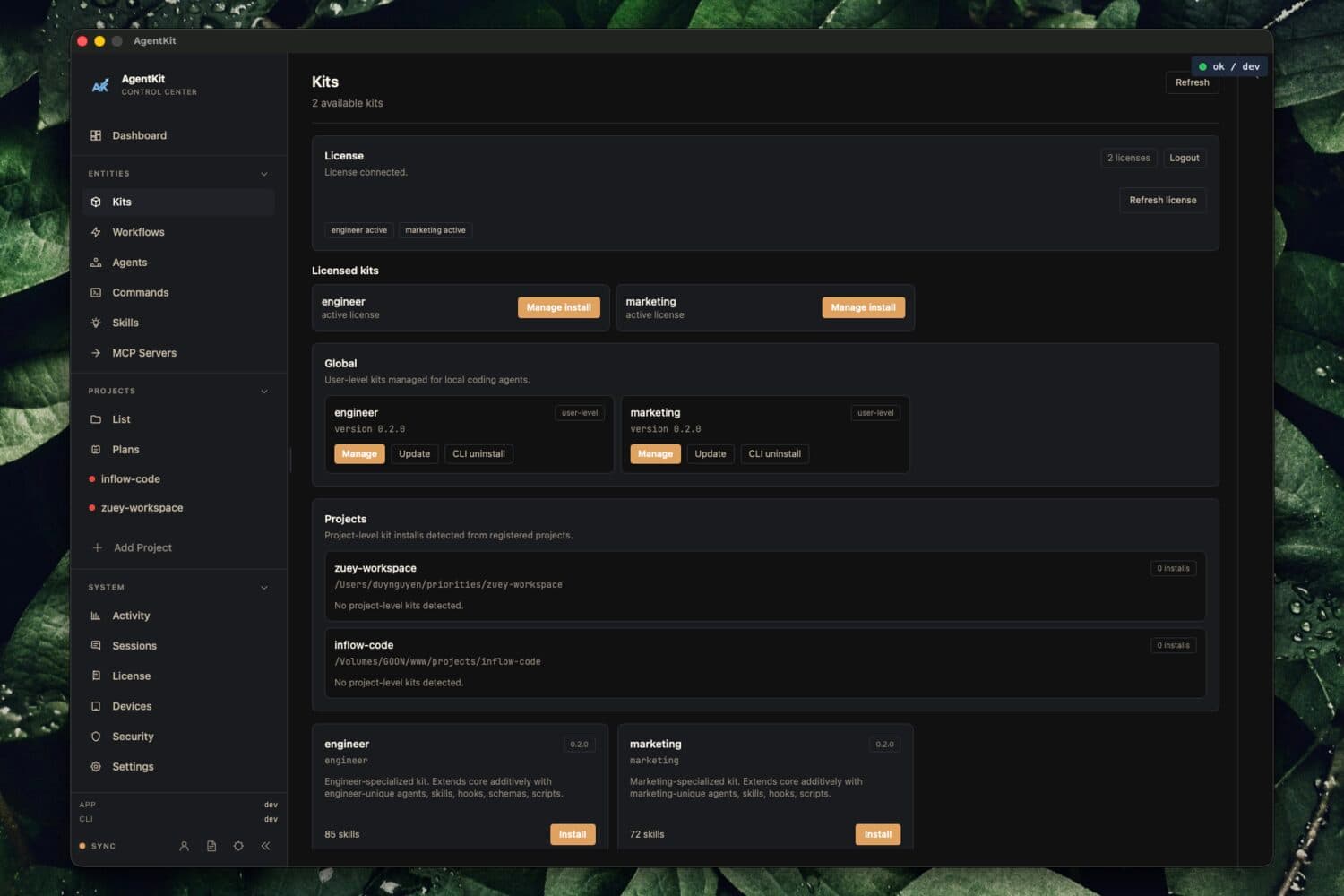
Activate, install and sync your licensed kits.
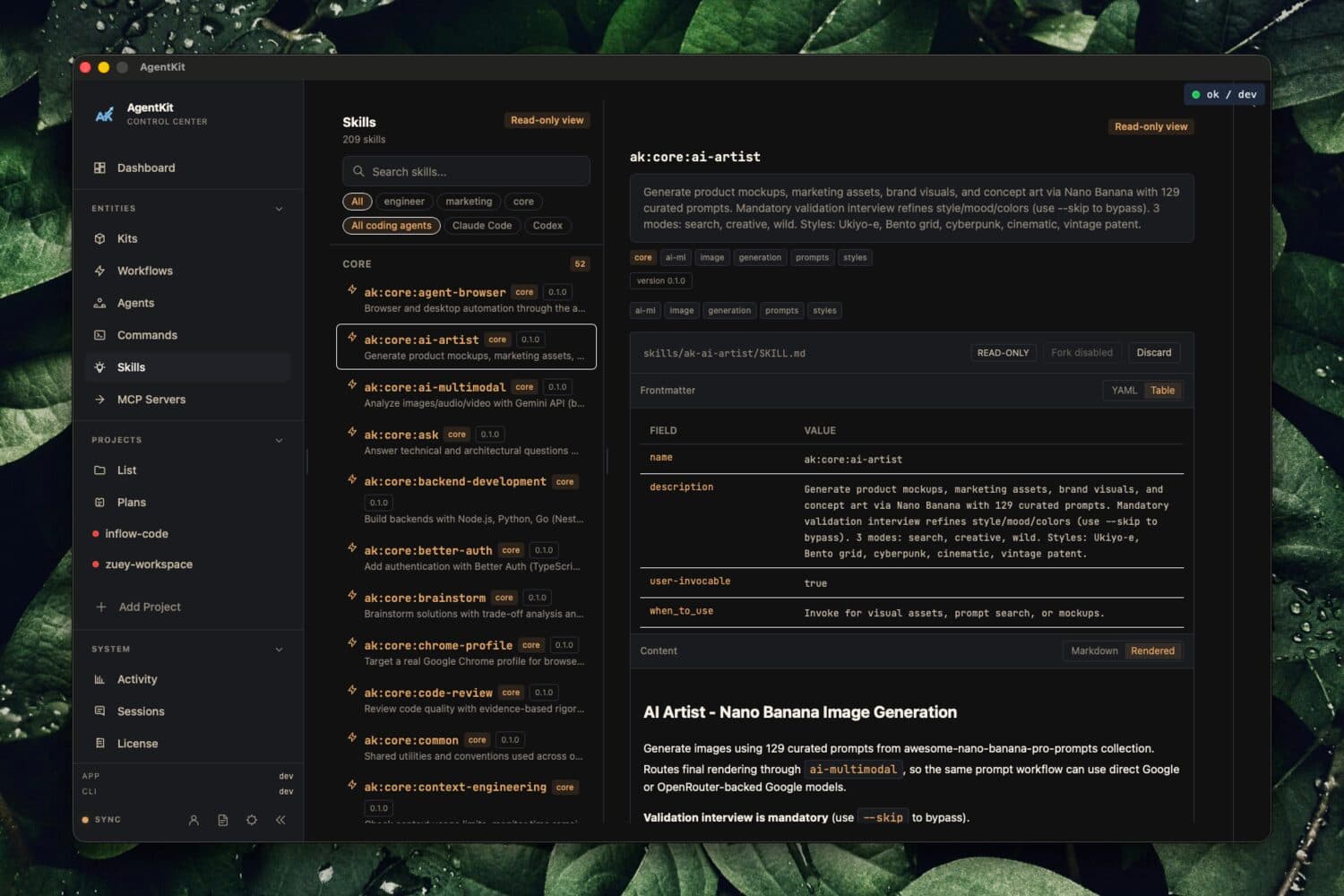
See which skills each agent has and what they do.
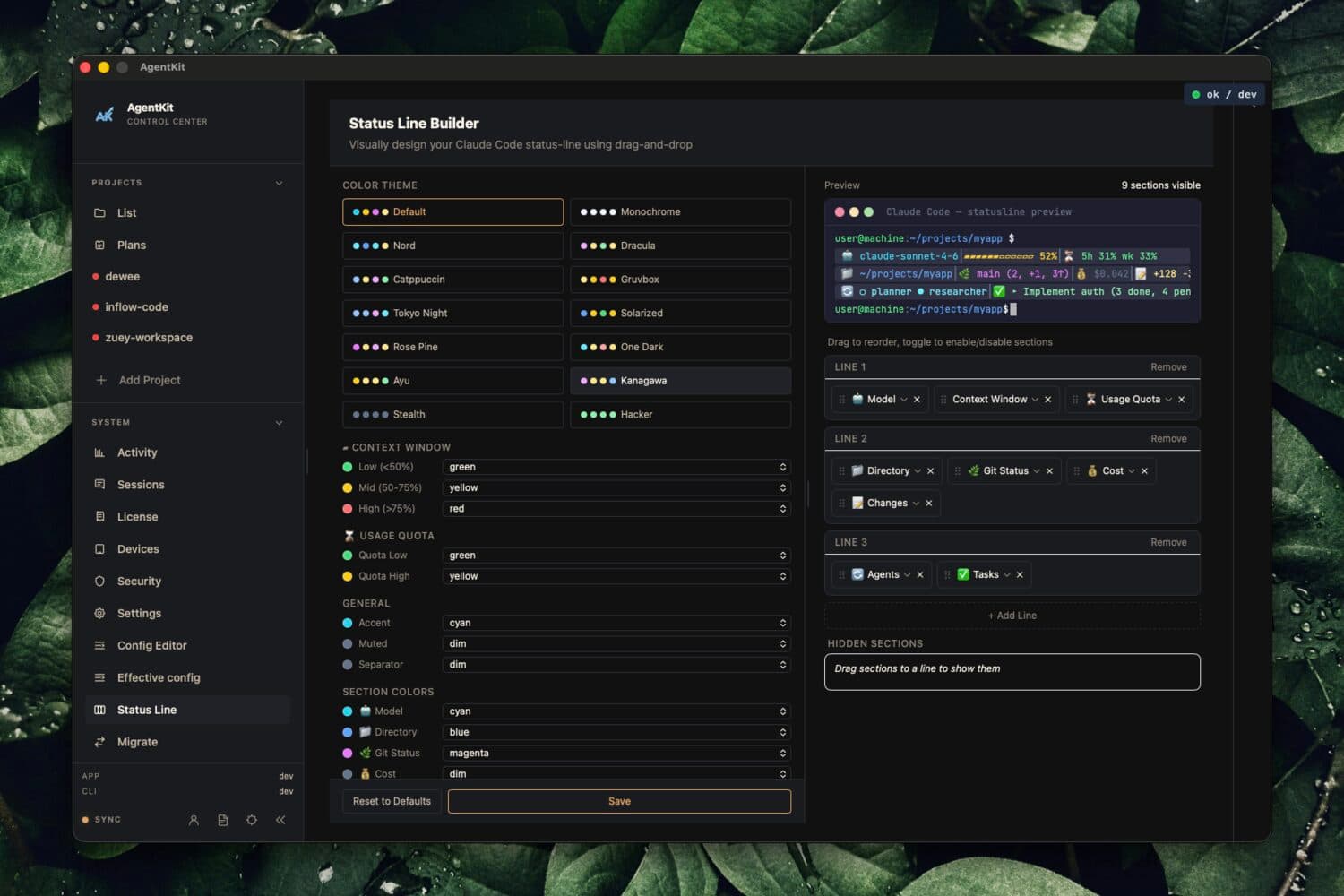
Design your agent status line with a live preview.
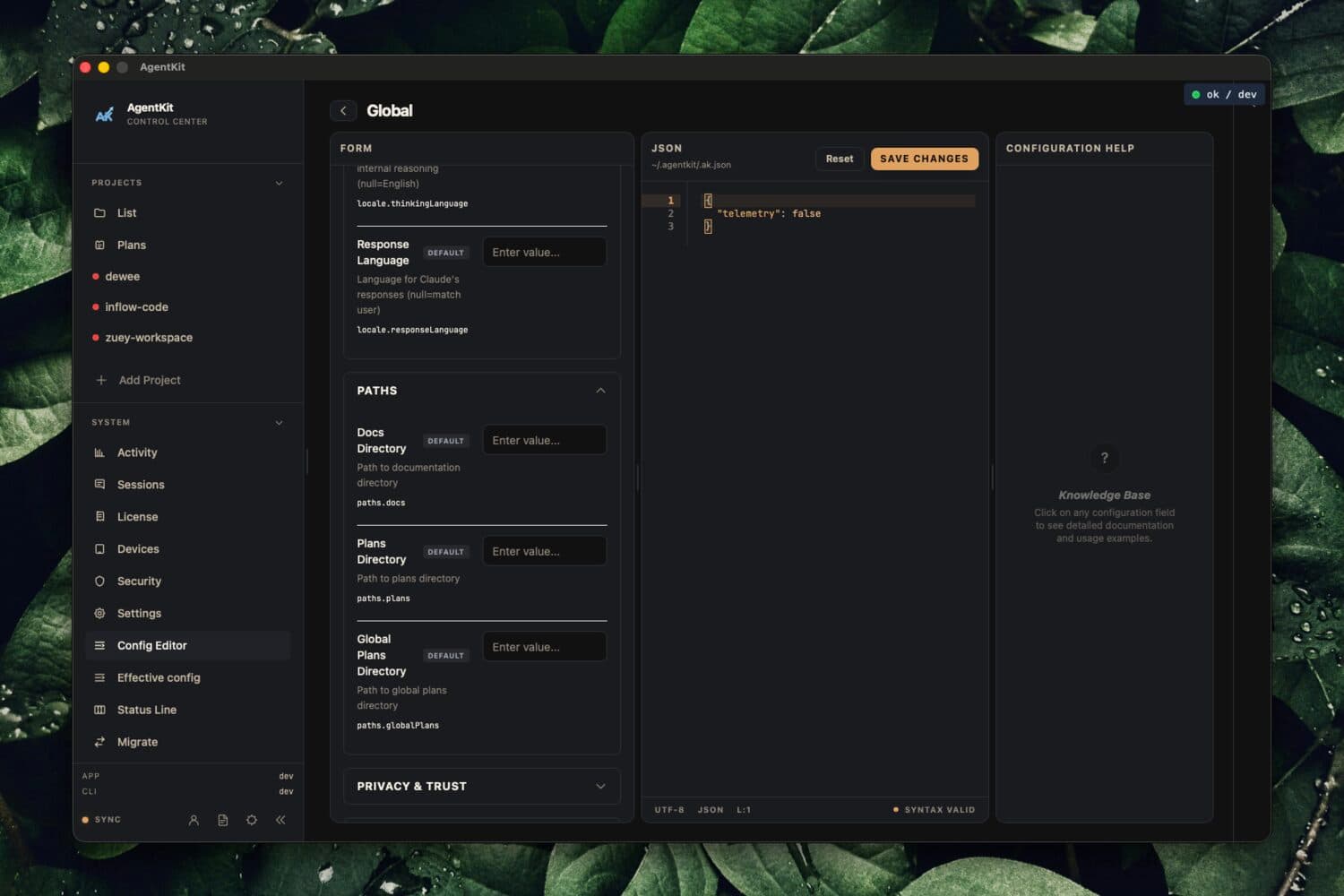
Edit global config with live validation.
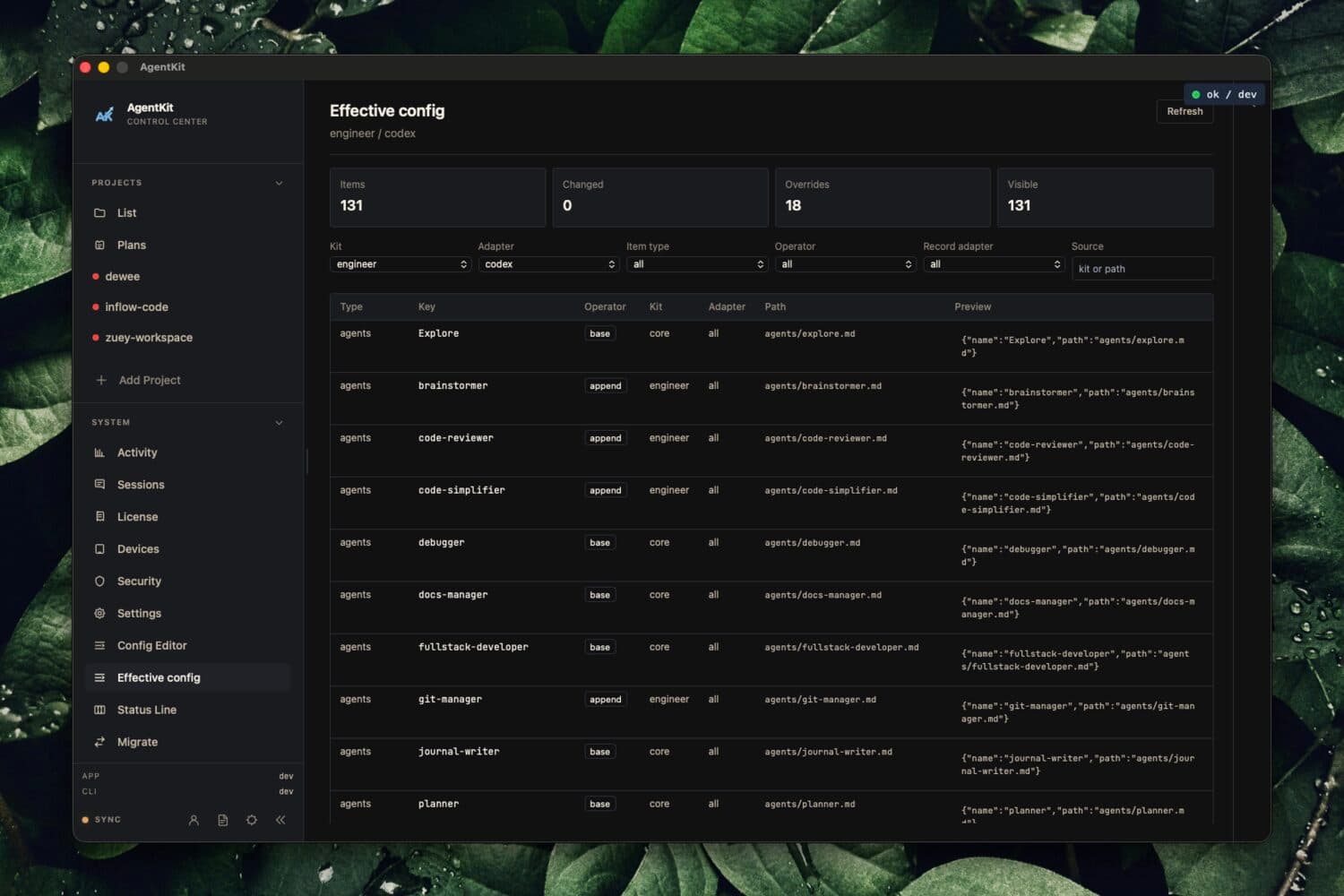
Inspect the merged config your agent really uses.
Pricing
Instant license key delivery. Licenses renew yearly. Prices from live catalog.
Desktop App licenses
Instant license key delivery. Works with the coding agents you already use.
Best value
$149one-time kits · Desktop 12 months
Everything, plus the Desktop App.
Get the app
Grab the build for your platform, then paste your license key to activate your device. Each link always installs the latest build for its channel.
Yes. The Bundle includes a Desktop App license for 3 devices, 12 months, together with AgentKit Engineer and AgentKit Marketing.
macOS (Apple Silicon and Intel), Windows and Linux (x86_64).
Each license runs 12 months and names how many devices you can activate. Your license key arrives right after checkout.
7 runtimes today: Claude Code, Codex, Cursor, Pi, Oh My Pi, DeepSeek Harness, Grok. Certified by a measured run on macOS, Windows and Linux: Claude Code, Pi, Oh My Pi, and DeepSeek Harness. Certified on some operating systems only: Codex. Shipped but not certified on any operating system yet: Cursor and Grok. In preview: Antigravity, OpenCode, and GitHub Copilot. Support for Codex (Windows); Cursor (macOS, Windows, Linux); Antigravity (macOS, Windows, Linux) is assumed: shipped on source and unit tests, not certified by a measured run. The latest measured run failed for Cursor (Linux). Report problems on the AgentKit GitHub issues.
Start with a Desktop App license, or get it with both kits in the Bundle.
Already a customer? Check my access