
How to Check Claude Code token usage
To check Claude Code token usage, enter /usage for subscription allowance, /cost for session cost statistics, or /context for active context occupancy. Each command serves a different purpose: checking your remaining limit, tracking session costs, and viewing the model's current context size. Available commands and output depend on your Claude Code version, authentication method, and account configuration.
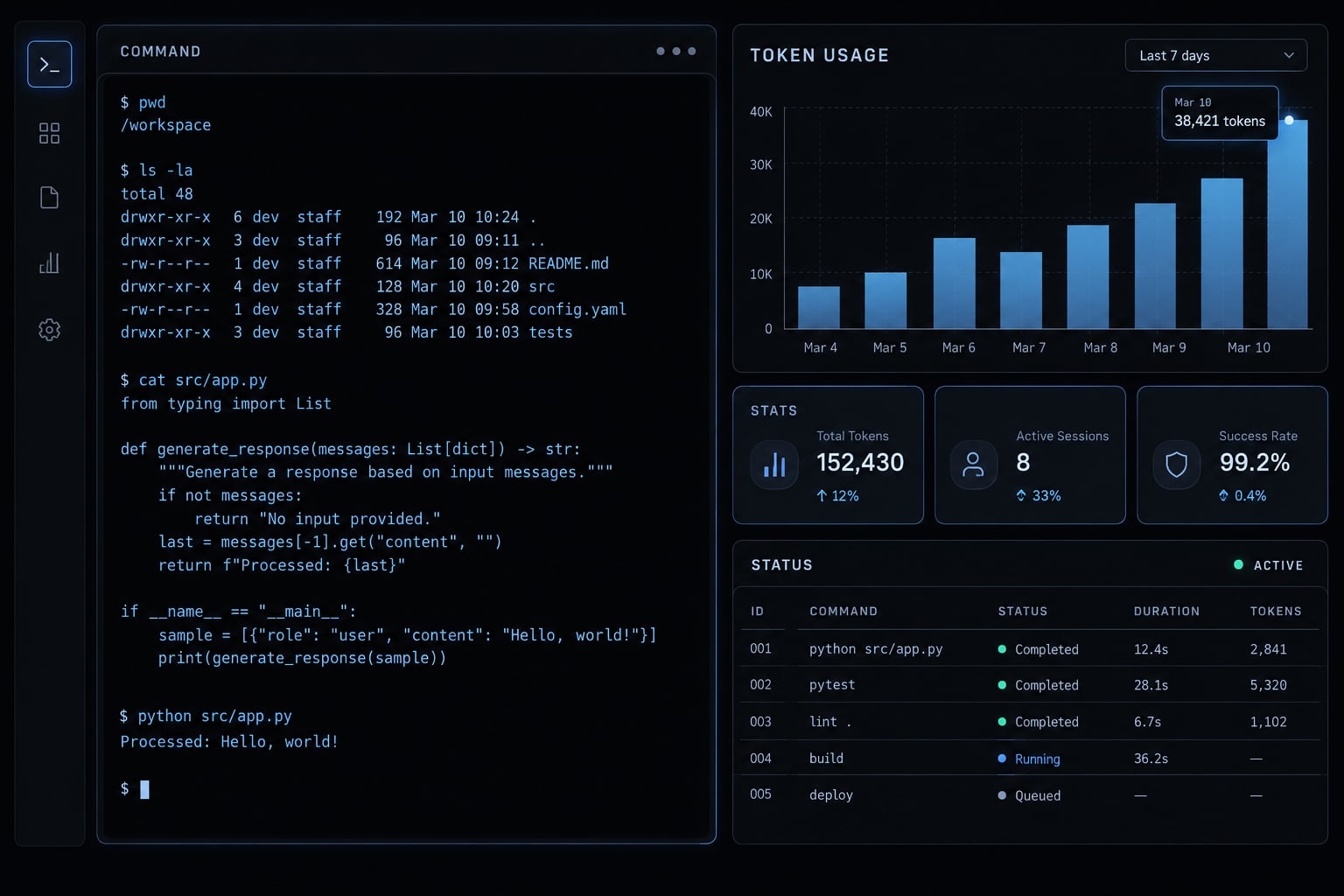
Run the relevant command individually inside an active Claude Code session, not in your ordinary shell:
/usage
/cost
/context
The guidance below follows documented functionality; commands and output can vary by release; check in-session help for your installed version.
Quick answer: Which Claude Code usage command should you run?
Reader need | Command or method | What it shows |
|---|---|---|
Check subscription allowance |
| Available usage-limit and reset information |
Confirm account configuration |
| Account, authentication, and configuration details |
Inspect session spending |
| Session cost statistics; available detail varies |
Inspect active context |
| Context occupancy and contributing categories |
Review previous sessions |
| Aggregated activity from available local logs |
Watch ongoing consumption | Community live monitor | Usage updates and tool-dependent estimates |
Review direct API billing | Anthropic Console | Authorized usage and billing records |
According to the official Claude Code command reference, Claude Code slash commands serve distinct purposes. /status is primarily diagnostic, not a universal remaining-allowance meter. Console visibility depends on your permissions and applies to directly Anthropic-billed API activity.
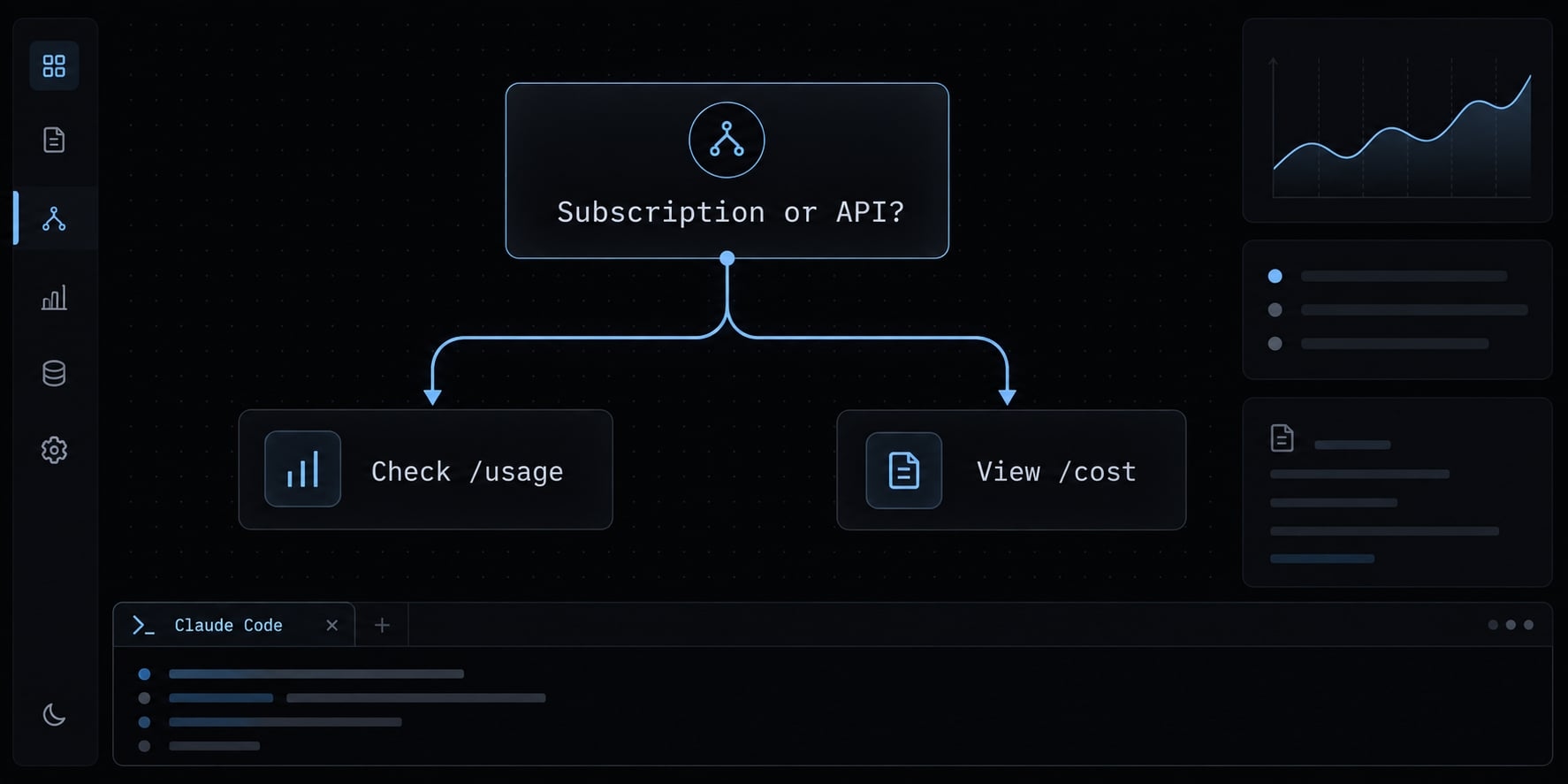
Choose the branch that matches your question:
- Worried about losing subscription access? Check allowance.
- Concerned about a crowded session? Inspect context.
- Investigating API spending? Inspect session cost, then billing records.
- Need trends or ongoing observation? Add historical or live tooling.
You do not need to run every command after every task.
Understand what “token usage” means in Claude Code
“Token usage” is an umbrella phrase. Tokens are units of text the model processes, but usage views measure different aspects of that processing.
Metric | What it measures | Why it matters | Where to check |
|---|---|---|---|
Context occupancy | Information currently available to the model | Remaining working capacity |
|
Session token consumption | Accumulated token activity during a session | Task consumption | Available session statistics or logs |
Subscription allowance | Access under plan-specific policies | Restrictions and resets |
|
API cost | Billable activity under your provider’s rates | Spending |
|
Historical consumption | Recorded activity across sessions | Trends and repeated work | Local analytics; provider reports |
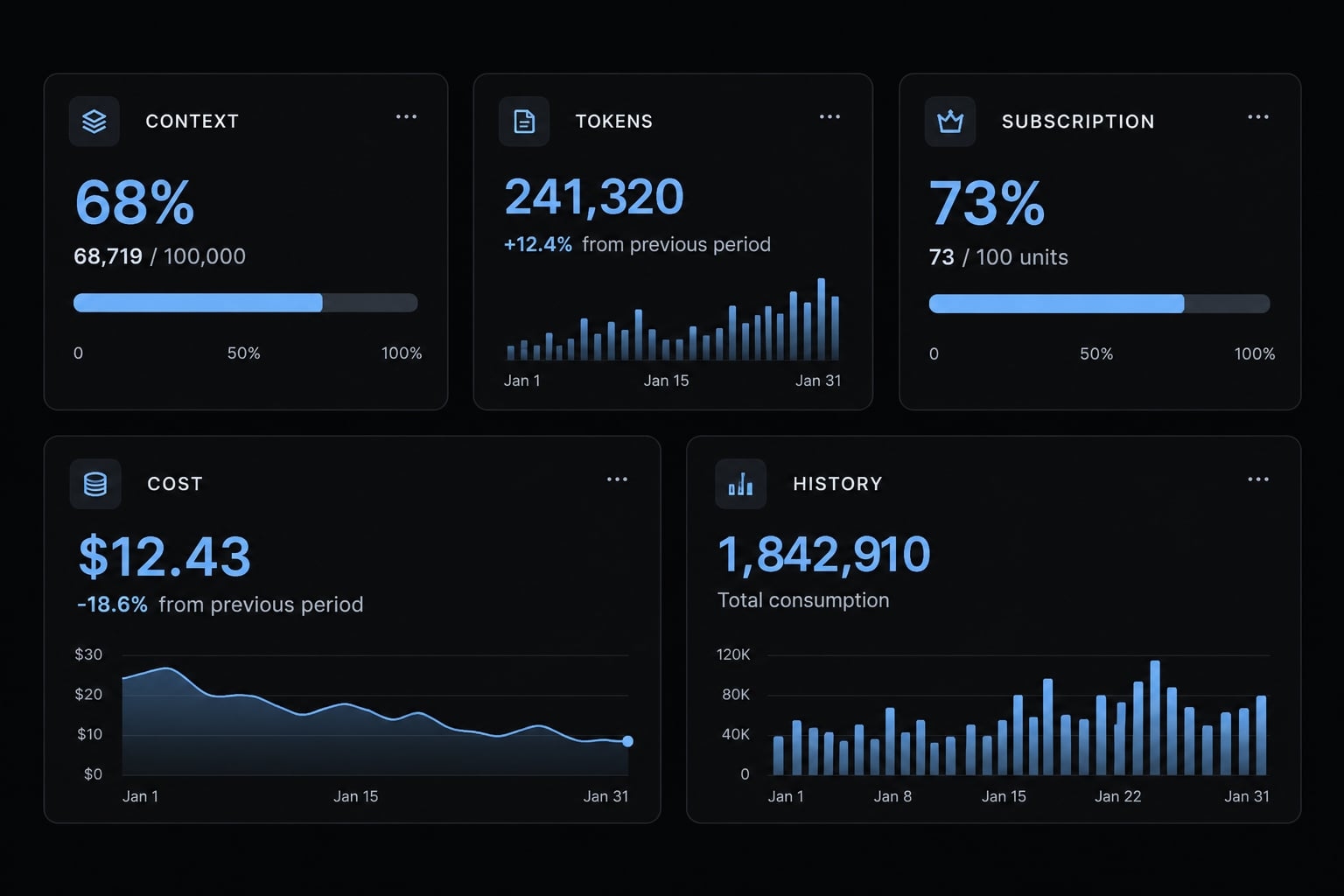
Context usage is not the same as account usage
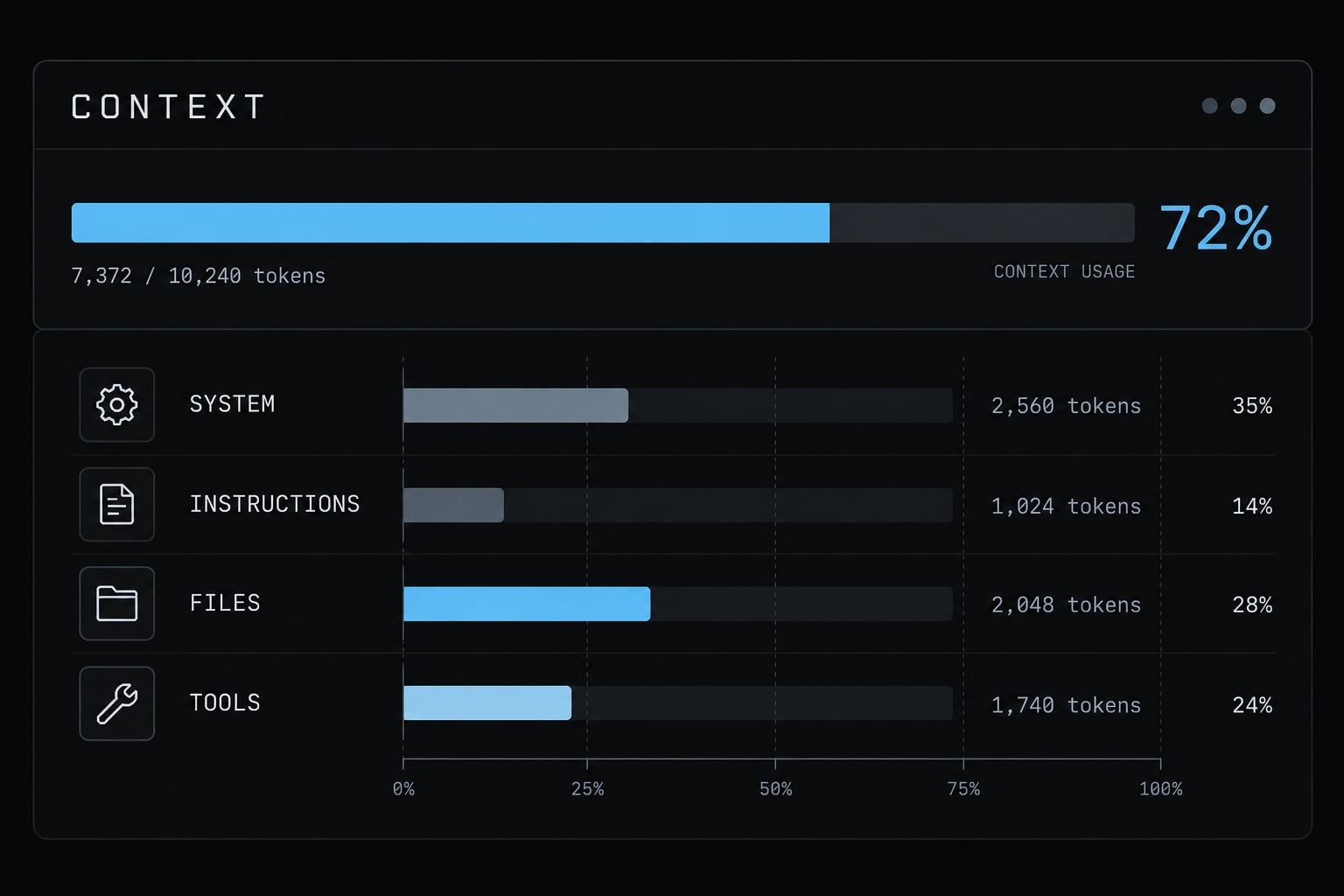
/context: What occupies the model’s active working space?/usage: What subscription allowance information is available?/cost: What session cost statistics are available?
Accumulated session activity can grow while active context shrinks after compaction. Your account can also approach a restriction while a newly opened session contains little context.
Why command output differs between users
Differences can reflect:
- Installed version.
- Authentication method and provider.
- Account configuration and permissions.
- Documented feature availability.
Do not convert subscription percentages into exact token totals without explicit documentation supporting that conversion.
How to check usage for subscription and API accounts
Confirm authentication before interpreting usage. Having a paid Claude subscription does not prove that your current session uses subscription access rather than API billing.
For Claude Pro or Max subscription users
- Open Claude Code.
- Enter
/usageto inspect available allowance information. - Read the displayed usage windows, restrictions, and reset times.
- Enter
/statusif the account or authentication method is unclear. - Use
/contextseparately to inspect active context.
Claude Pro usage and Claude Max usage are governed by plan-specific policies. Do not assume every account has one identical five-hour limit or a fixed token bucket.
An allowance display may not provide a definitive cumulative token count. If paid extra usage is enabled, check its separate spending settings and records as well.
For users authenticated with an API key
- Enter
/costinside your session. - Read the statistics actually displayed; do not expect identical fields across releases.
- For direct Anthropic API billing, check the relevant Console organization, workspace, and reporting period.
- Account for permissions and reporting delays when reconciling differences.
Where token categories appear, input tokens represent material supplied to the model; output tokens represent generated material. Cache reads/writes describe reuse or creation of cached input.
Anthropic’s API pricing documentation distinguishes these categories. They do not necessarily share the same rate, and caching does not make recorded activity disappear.
Local estimates help diagnose sessions; official billing records govern charges. For third-party deployments, use the configured provider’s reporting, not Anthropic Console as a universal billing authority.
Subscription versus API usage visibility
Dimension | Subscription access | Direct API access |
|---|---|---|
Primary measurement | Plan allowance | Billable activity |
In-session method |
|
|
Context inspection |
|
|
Central reporting | Account usage settings | Anthropic Console |
Main concern | Access restrictions; extra usage if enabled | Spending and account limits |
Recommended approach | Allowance checks; optional local history | Session checks plus billing reconciliation |
How to track Claude Code usage across sessions and projects
ccusage is a community-maintained local analytics tool, not an official Anthropic feature. It aggregates recorded activity from supported Claude Code logs. JSONL logs store one JSON record per line, allowing tools to summarize session activity.
Run a basic historical usage report with ccusage
Security first: npx may download and execute package code. Review the canonical package and maintainer documentation before running it. Organizations should approve and pin a reviewed version rather than automatically executing the newest release.
The following are documented basic and daily-report invocation patterns; they were not execution-tested for this article. Run them in your ordinary shell:
npx ccusage@latest
npx ccusage@latest daily
Inspect daily spikes, supported session or project breakdowns, model attribution, and cache activity. Look for repeated attempts or unusually broad tasks before labeling consumption wasteful.
A project identifier is not necessarily a Git repository. Reports cover available logs, not automatically every device or teammate. Missing or deleted records create incomplete historical token usage. For subscription sessions, estimated API-equivalent costs are not your subscription charges.
When historical tracking is worth using
Use Claude Code usage analytics when you need:
- Recurring consumption reports.
- Investigation of unexpected spikes.
- Comparisons across projects.
- Evidence of repeated work or suspected loops.
How to monitor Claude Code token usage in real time
Live monitoring is helpful for long autonomous sessions, parallel work, and repeated MCP (Model Context Protocol) tool calls. It is usually unnecessary for short interactive tasks. Token burn rate refers to how quickly tokens are consumed over time. “Real time” may mean periodic local-log updates, not authoritative account-limit telemetry.
Claude-Code-Usage-Monitor is a community example to evaluate. Confirm current maintenance, supported data sources, and capabilities before adopting it.
Built-in commands versus a live monitor:
Scenario | Better starting point |
|---|---|
Short interactive task | Built-in commands |
Current subscription allowance |
|
Long autonomous workflow | Optional live monitor |
Historical trends | Historical reporting, if supported |
Parallel-agent activity | Monitor; coverage may be incomplete |
Charge reconciliation | Official billing records |
Treat rate-limit predictions as estimates. Changing workloads, incomplete observations, and plan policies can invalidate projected exhaustion times.
How to reduce Claude Code token usage without reducing output quality
Prioritize these actions:
Get the next post in your inbox
New guides and AgentKit updates, no spam. Unsubscribe at any time.
This is context engineering: Selecting and maintaining the information the model needs, rather than indiscriminately minimizing tokens.
Clear or compact context when switching tasks
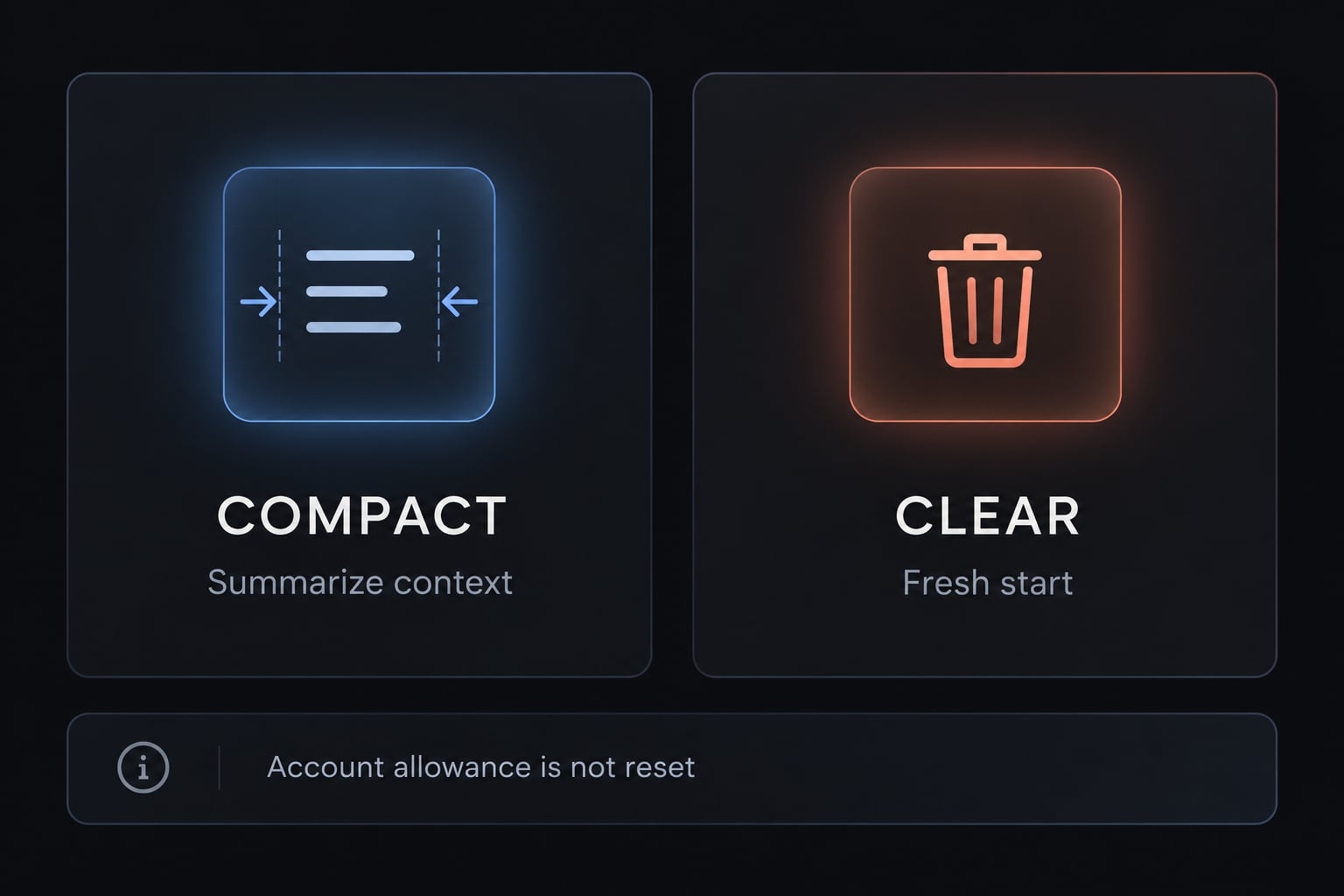
Use /compact to summarize an ongoing conversation when continuity still matters. Use /clear when previous conversation is no longer useful. Save important decisions, constraints, and unfinished work first. Clearing conversation context does not itself switch repositories.
Neither command refunds previous usage or resets account allowance. Compaction can require processing, while aggressive clearing can cause repeated investigation.
Keep CLAUDE.md focused
- Keep: Durable conventions, architecture constraints, essential commands, and security requirements.
- Remove: Duplicate documentation, stale instructions, and lengthy tutorials better referenced when needed.
Do not impose an arbitrary length target that removes information necessary for correctness.
Limit oversized tool output
Use a focused first pass instead of returning an entire log:
# Broad outputcat build.log# Focused first passrg -n -m 20 'error|failed' build.log
This filter is not a complete diagnosis. Inspect surrounding lines and other failure indicators when necessary. Preserve full logs outside model context.
Apply the same principle to MCP tool output: request bounded, relevant results.
Scope prompts and subagents carefully
Specify target files or directories, expected deliverables, constraints, and completion criteria.
For example: “Inspect authentication middleware and its tests. Identify the failing authorization check, propose a minimal fix, and run the relevant tests.”
Subagents can improve specialization and isolate context while adding total consumption. Subagent overhead is task-dependent, not a universal multiplier.
Review consumption by outcome, not tokens alone
Compare usage with accepted changes, completed tickets, rework, and review quality. A lower-token session that produces an incomplete fix is not necessarily more efficient.
Troubleshooting missing or unexpected usage data
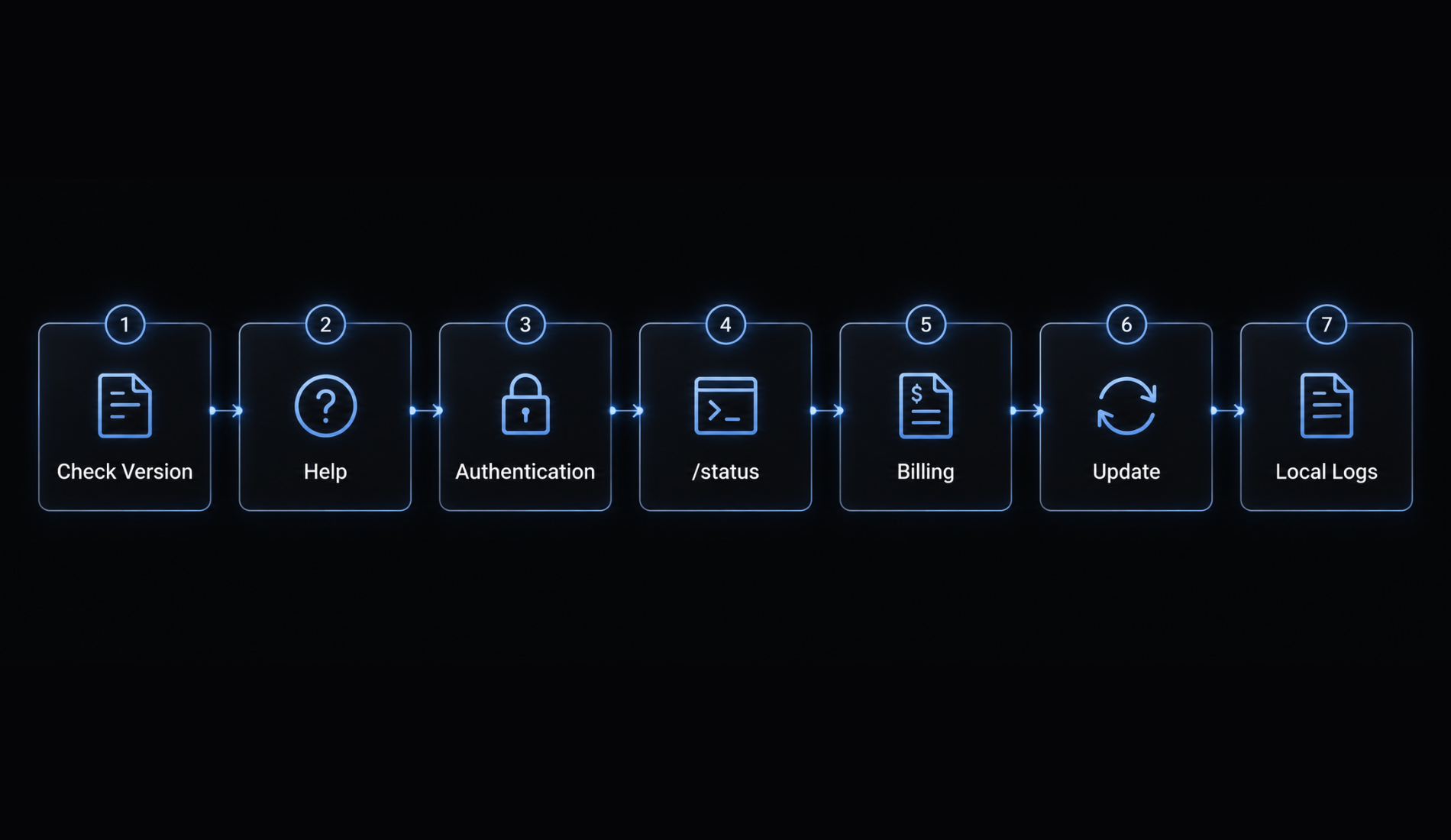
Diagnostic sequence
- Check your Claude Code version in the shell:
claude --version. - Inspect in-session help for available commands.
- Confirm account authentication and the configured provider.
- Review available
/statusconfiguration details. - Check the correct billing account and reporting period.
- Restart or update through your approved installation method if appropriate.
- Investigate local-log coverage before relying on historical reports.
Updating can resolve version differences, but it does not guarantee missing data will appear. Do not routinely delete logs or reset credentials.
Security checklist for third-party monitoring tools
Before granting access, review:
- Canonical repository and package identity.
- Installation scripts and requested permissions.
- Local processing, network access, and telemetry - data sent to maintainers.
- Maintenance history and known issues.
- Protection of prompts, source-code context, paths, and secrets in logs.
“Reads local logs” does not automatically mean “never sends data externally.”
Frequently asked questions
How can I check my current Claude Code token usage?
You can track your usage directly within an active terminal session using built-in slash commands. Run /usage or /status to view your subscription allowance and reset timers, or use /cost if you are accessing Claude Code via an API key for a real-time spending estimate.
What is the difference between /usage and /context?
/usage provides an account-level view of your subscription or API quota, showing your remaining allowance and plan limits. In contrast, /context displays your current session's memory usage, detailing how many tokens are currently occupied by files, tool outputs, and instructions in your active window.
Can I track my historical Claude Code usage over time?
Yes. Claude Code saves interaction logs locally as JSONL files. You can use community-maintained CLI tools like ccusage to parse these local logs. This allows you to generate daily or weekly reports, visualize token consumption trends, and identify which specific projects or sessions are consuming the most tokens.
Why does Claude Code consume tokens so quickly?
Rapid consumption is usually caused by large CLAUDE.md files, recursive subagent loops, or unbounded tool outputs (like reading massive log files). To manage this, keep your instruction files concise, filter terminal outputs before passing them to the agent, and use /effort to set appropriate reasoning depth for your tasks.
Does running /clear reset my account’s usage limit?
No. Running /clear only resets the context window for your current session to reduce token overhead; it does not change your total subscription allowance or reset your rolling 5-hour limit. Use /clear to start fresh on a new task while keeping your account limits intact.
Is there a real-time monitor for token consumption?
Yes, there are community-built terminal dashboards available that connect to your local Claude Code logs to provide a live "burn rate." These tools offer predictions on when you might hit your token limits based on your current pace, helping you decide when to pause or optimize your workflows.
How do I know if I am on a subscription plan or API billing?
Your billing method is determined by how you authenticated your session. If you are using a Claude Pro or Max subscription, your usage is governed by rolling 5-hour windows reported via /usage. If you are using an API key, you are billed based on exact token usage, which you can monitor via the Anthropic Console.
Read more:
- How to monitor and reduce Claude Code plugin token costs
- Claude Code context window size: Practical limits and best tips
- Claude Code pro plan: Access, usage limits and API billing
Conclusion
In summary, effectively monitoring and managing Claude Code token usage requires aligning your diagnostic tool with your primary concern, whether that is tracking subscription limits via /usage, inspecting active session memory via /context, or reviewing API spending via /cost.
By prioritizing built-in commands over external solutions, bounding tool outputs, and maintaining focused context and instructions, you can significantly optimize token efficiency without sacrificing output quality or losing essential context.
Ship features with Engineer Kit
Planning, implementation, review and testing workflows for AI coding agents, ready to install.
Explore Engineer Kit →Share this article
Keep reading
- Master Claude Code PostToolUse hook: Setup and examplesLearn how to configure Claude Code PostToolUse hooks for automated formatting and linting. Follow our guide to improve workflow efficiency today.15 min read
- How to use Kimi K2 with Claude Code: Setup & verification guideLearn how to configure Kimi K2 with Claude Code using Anthropic-compatible endpoints. Follow our step-by-step guide for setup, verification, and testing.13 min read
- Claude Code effort level: How to choose the right settingLearn how Claude Code effort level impacts reasoning and performance. Discover the best settings for your tasks to balance efficiency and accuracy.10 min read