How to vibe code a desktop app: From idea to installer
An AI demo can look complete while still losing data or crashing outside dev mode. Successful desktop "vibe coding" needs a supervised workflow to deliver a reliable, installable app—not just a preview. Using a local Markdown notes app as an example, this guide covers framework selection, AI briefing, testing, and packaging. AI speeds up coding, but human oversight remains critical.
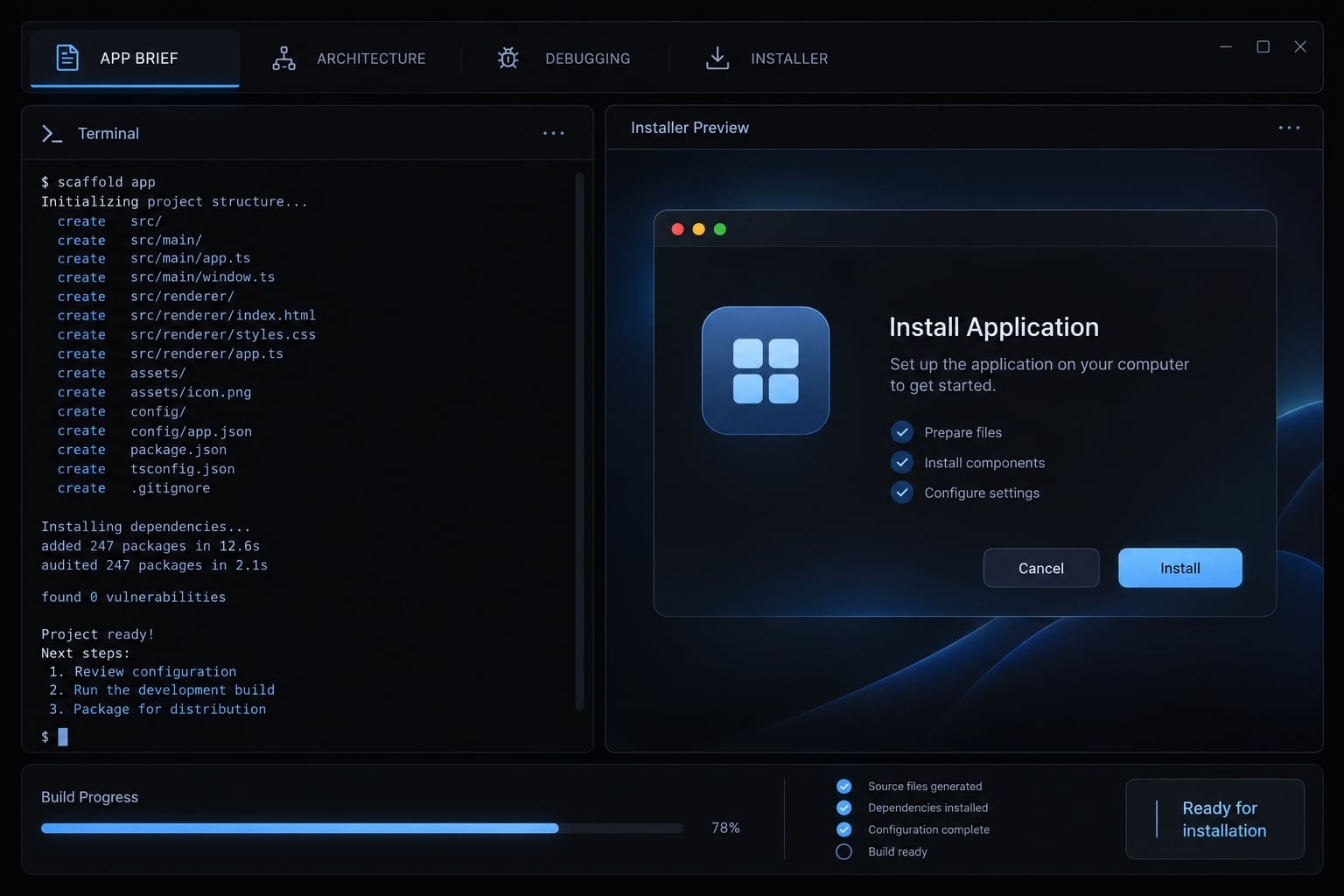
What does it mean to vibe code a desktop app?
To vibe code a desktop app means using natural-language instructions to guide AI-generated application code and subsequent revisions. In this guide, a person supervises the process: Approving requirements, reviewing changes, controlling tool permissions, testing behavior, and deciding whether the resulting application is suitable for installation or wider distribution.
Usage varies. “Vibe coding” also describes more hands-off experimentation; not all AI-assisted development falls into that category.
Autocomplete suggests code; chat tools return snippets or explanations; repository-aware agents can inspect project files, change code, and run permitted commands. This is not no-code development.
When a desktop app is the right choice
Choose desktop when offline operation, local file processing, or operating-system integration is central.
Desktop is often a stronger fit | Web is often a stronger fit |
|---|---|
Sustained offline use | Primarily connected use |
Frequent local-file workflows | Shared, centrally stored content |
Deep OS or device integration | Browser-based functionality |
One-device workflows | Cross-device access |
Individually installed utilities | Centralized updates and collaboration |
Web applications can also support offline and local-file behavior. These are relative fits, not absolute limitations. Local execution may reduce data transfer, but verify network calls, telemetry, and connected AI services.
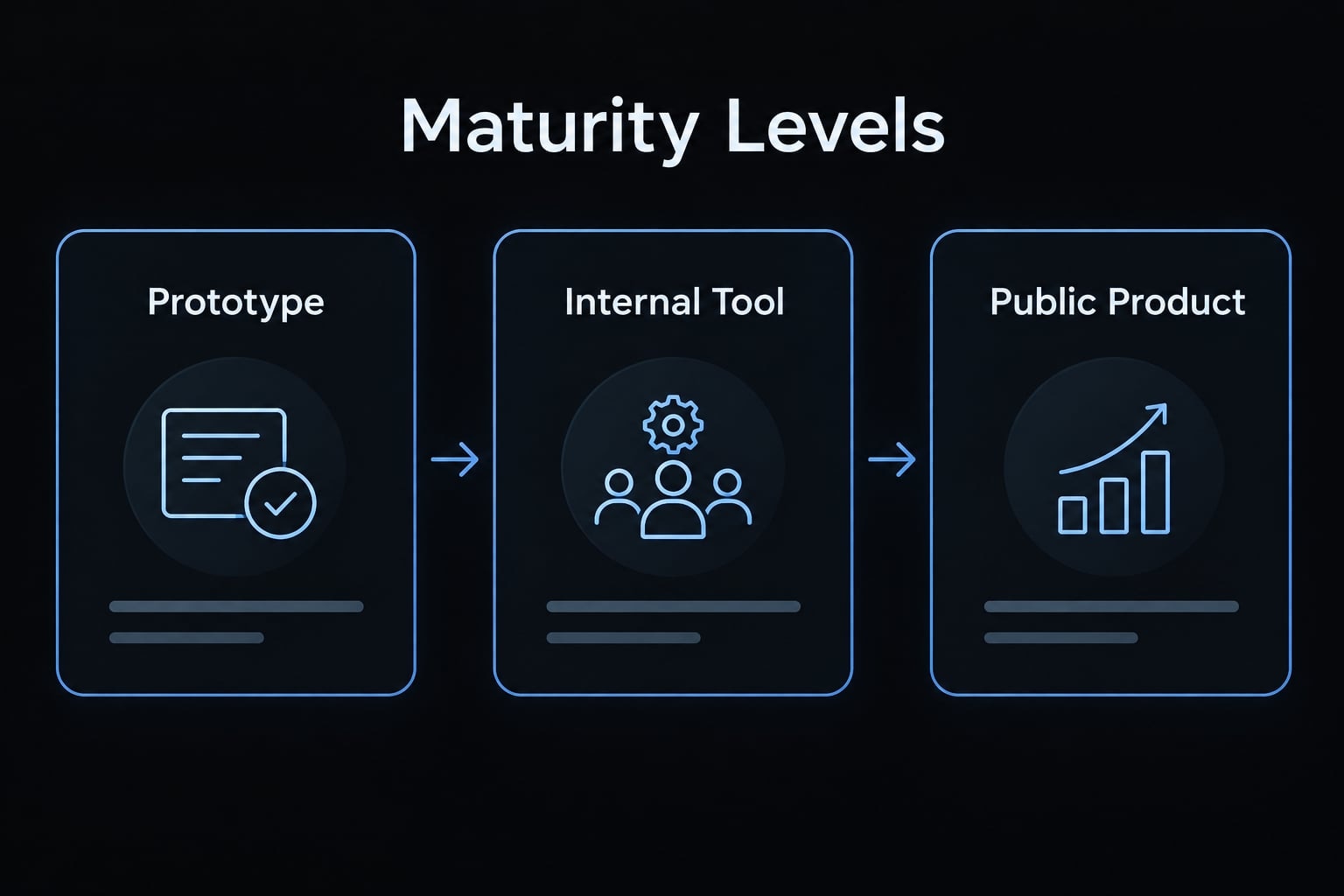
Prototype, internal tool or public product?
Maturity level | Minimum expectation | Primary risk |
|---|---|---|
Validate a narrow task using disposable data | Mistaking rapid prototyping for reliability | |
Internal tool | Reliable storage and appropriate access controls | Operational disruption or data exposure |
Public product | Validated distribution and ongoing support | Failures across unfamiliar environments |
Choose the right framework and AI coding tool
Choose from requirements, not the agent’s first recommendation. Evaluate target operating systems, existing skills, native integration, resource constraints, and packaging maintenance.
A familiar stack often makes review easier. However, familiarity should not override requirements such as specialized hardware access or a strict installation footprint.
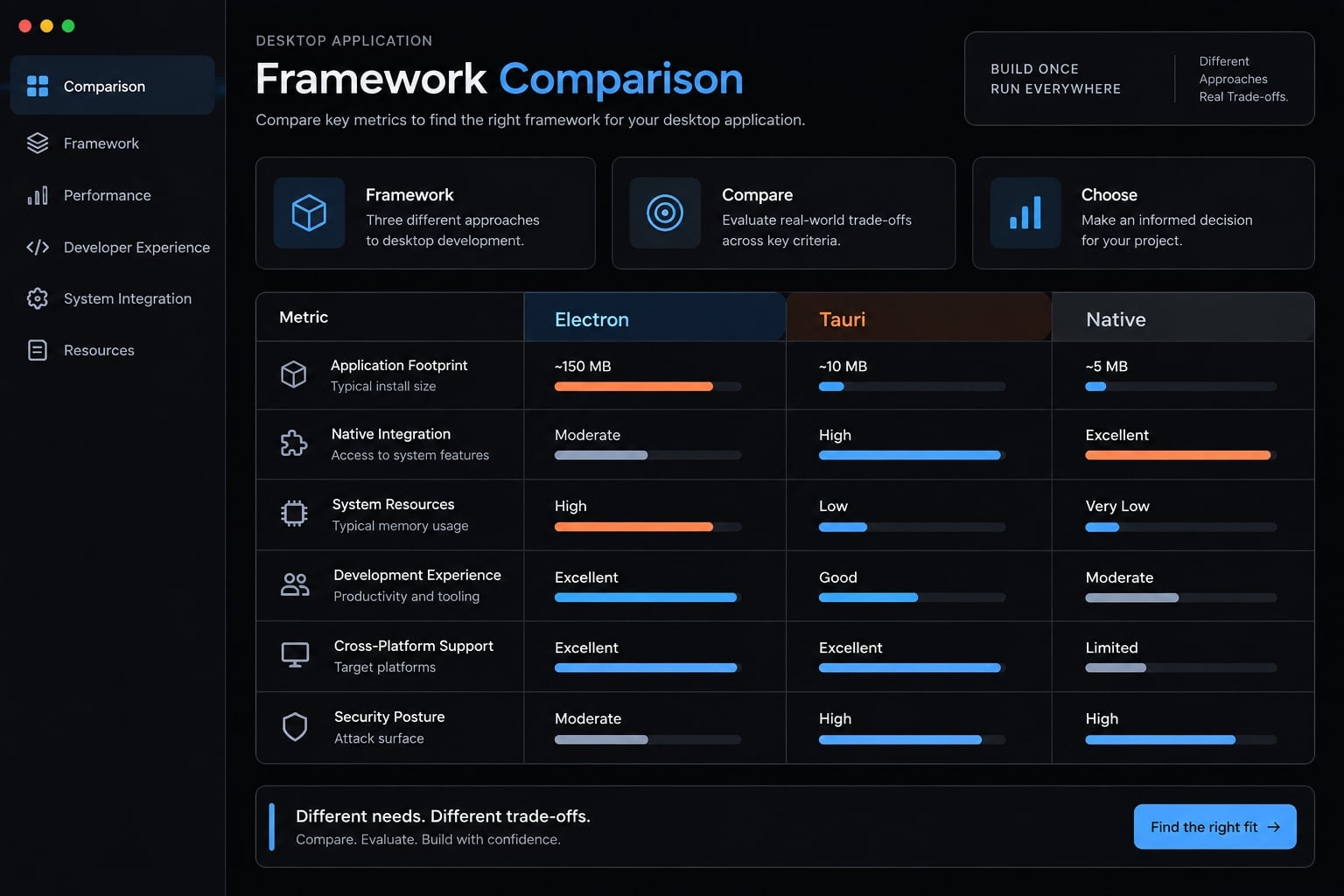
Electron vs. Tauri vs. Native frameworks
Criterion | Electron | Tauri | WinUI or SwiftUI |
|---|---|---|---|
Best-fit use case | Web-skilled desktop teams | Web interfaces with controlled native access | Platform-specific experiences |
Platform support | Windows, macOS, Linux | Windows, macOS, Linux desktop targets | Windows / Apple platforms |
Skills required | JavaScript, HTML, CSS | Web skills plus Rust when needed | Platform languages and tooling |
Application footprint | Bundles Chromium and Node.js | System webviews; often smaller artifacts | Implementation-dependent |
Native integration | Main-process APIs and modules | Rust core, commands, plugins | Platform-native APIs |
Documentation and examples | Extensive official guides and examples | Official guides and plugin examples | Platform documentation and samples |
Packaging considerations | Makers, platform tooling, signing | Bundlers, prerequisites, signing | Platform packaging and signing |
Main trade-off | Bundled runtime overhead | Webview differences and Rust boundary | Separate platform implementations |
Electron’s documentation describes its bundled Chromium and Node.js architecture. Tauri’s documentation describes system webviews and a Rust-based core. Smaller artifacts or lower resource use are tendencies, not universal benchmarks.
Microsoft’s WinUI documentation and Apple’s SwiftUI documentation establish their platform focus. Native development is not automatically simpler, smaller, or faster.
Choose Electron when web skills and its ecosystem fit your project. Consider Tauri when distribution footprint matters and you can maintain the native boundary. Prefer a platform-native framework for deeper platform-specific requirements.
This tutorial proposes Electron with Electron Forge on Windows 11 x64. That keeps one concrete path; it does not claim that this stack has been tested here.
Selecting an AI coding tool
Evaluate AI coding tools by whether they support:
- Repository inspection and multi-file edits.
- Reviewable diffs—a view of what changed in the code.
- Command permissions and test execution.
- Git compatibility.
- Persistent project instructions.
- Suitable data-handling controls.
Claude Code, Codex, and GitHub Copilot are examples, not a ranking. Capabilities depend on the interface, configuration, and version.
A locally running agent may still send code to a hosted model. Check provider documentation and organizational policy before granting repository access.
How to vibe code a desktop app step by step
- Write a one-page application brief.
- Ask the AI to propose the architecture.
- Scaffold the project and create a recovery point.
- Build one feature at a time.
- Test and debug through reproduction.
- Package and install the application.
Documentation-based workflow—not execution-tested: The proposed target is Windows 11 x64, using Electron Forge, npm, and a compatible Node.js release. No framework versions, agent versions, builds, or tests were executed for this article. Confirm current prerequisites in Electron Forge’s documentation and record exact versions before implementation. macOS and Linux remain untested extensions.
Step 1 - Write a one-page application brief
Define observable behavior before selecting implementation details. Copy this brief and resolve ambiguities with the agent:
Brief field | Proposed requirement |
|---|---|
User and task | One person organizing work notes |
Essential features | Create/edit; save/open Markdown files; search; export |
Search scope | Search text within the open note |
Export behavior | Save a Markdown copy without changing the original |
Non-goals | Accounts, cloud sync, collaboration, preferences |
Target | Windows 11 x64 |
Storage | User-selected |
Privacy | No runtime network requests or telemetry |
Acceptance criteria | Saved content survives restart; canceled dialogs preserve content; overwrites require confirmation |
Turn this into a one-page brief. Identify unresolved behavior, including unsaved changes and encoding. Do not write code.
- Expected output: An approved brief with testable acceptance criteria.
- Quality gate: Every feature has observable behavior; cloud services and unnecessary integrations remain excluded.
Step 2 - Ask the AI to propose the architecture
Request alternatives before accepting the proposed Electron path. Architectural confidence is not evidence of correctness.
Compare two or three viable implementations for the approved brief. Recommend one. Describe storage paths, required permissions, tests, packaging, and every dependency. Stop for approval before implementation.
For this example, keep the editor separate from privileged file operations. Store note content in user-selected Markdown files. Use the framework’s application-data location for metadata such as the recent-file list.
Avoid adding a server, authentication system, or database without a requirement. The plan should explain how file dialogs authorize access, how unsaved changes behave, and how a Windows installer will be produced.
- Expected output: A short architecture proposal and justified dependency list.
- Quality gate: Every component serves the brief; file access, persistence, and packaging have explicit designs.
Step 3 - Scaffold the project and create a recovery point
A scaffold is the starter project structure. Use the official Electron Forge Getting Started guide rather than an improvised agent-generated installer script. On Windows, use PowerShell from a new project directory. First confirm the guide’s current Node.js, npm, and platform prerequisites.
Propose the official starter command and explain its effects. After approval, create the scaffold. Add a README, ignore rules, project instructions, a tests directory, and documented scripts. Do not add unrelated packages.
Starter commands download dependencies and create files. Inspect them before execution; install scripts can also run code.
Initialize Git, inspect staged files, launch the blank application, and attempt an initial package before committing. Exclude secrets and generated artifacts.
Git provides version control; GitHub is optional hosting. A local commit is not an independent backup.
- Expected output: A working starter repository and initial commit.
- Quality gate: The blank app launches and packages; staged files contain no sensitive data.
Step 4 - Build one feature at a time
Implement this sequence:
- Basic window and note editor.
- Save/open local Markdown files.
- Search within the open note.
- Export a separate Markdown copy.
Window setup supports the four features; it should not expand into themes, account screens, or other unnecessary work.
Implement only save/open behavior from the approved brief. First list intended files and tests. Use existing dependencies. Ask before expanding scope. Afterward, report changes, checks, and manual verification steps.
For each increment, review the diff and run relevant checks. Confirm cancellation, overwrite handling, and error messages—not merely the successful path.
Commit a verified increment before starting the next feature. This makes failures easier to trace and reversals less disruptive.
- Expected output: One working increment with a reviewed commit.
- Quality gate: Current acceptance criteria pass, previous behavior still works, and unrelated changes are absent.
A beginner’s diff inspection does not replace qualified security review.
Step 5 - Test and debug through reproduction
Describe failures precisely instead of repeatedly asking the agent to “fix it.”
Use this issue template:
- Environment: OS, application version, packaged or development mode.
- Steps: Exact actions and test file.
- Expected: Observable intended behavior.
- Actual: What happened instead.
- Error output: Sanitized logs or messages.
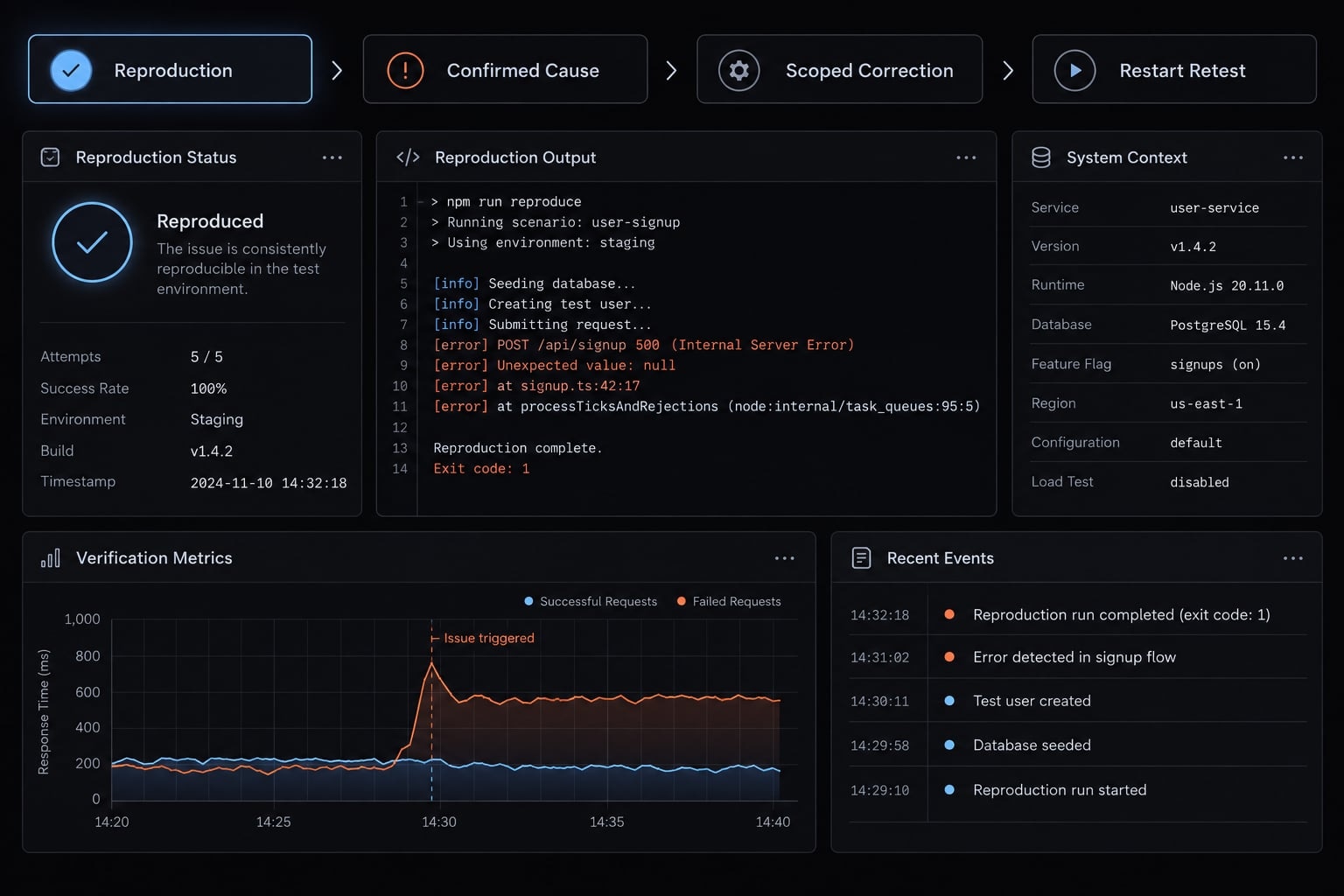
Hypothetical example: Create a note, save it, close the packaged app, and reopen it. The recent-note entry is missing, although the Markdown file still exists. The expected result is a working recent-file entry.
A possible cause is metadata stored relative to the development directory. Confirm that cause before changing paths.
Reproduce first. Explain the likely cause, propose the smallest correction, and add a regression test—a repeatable check preventing recurrence. Do not weaken assertions or safeguards.
- Expected output: A reproduced issue, scoped correction, and recorded retest.
- Quality gate: The original failure no longer occurs; related file behavior still passes.
Step 6 - Package and install the application
Development mode runs through project tooling. A local installable build must launch independently. Public distribution adds further release obligations.
Electron Forge documents a make workflow. If the generated package.json defines "make": "electron-forge make", the corresponding PowerShell command is:
npm run make
This is a documentation-based example, not a command tested for this article. Inspect the script first. Forge normally writes distributable artifacts under out/make; confirm the actual path and configured Windows maker.
Record the version, artifact name, build environment, and release notes. Install using a clean account or separate machine. Test launch, saving, restart, reopening, and uninstall behavior.
Do not advise users to bypass operating-system protections. Signing requirements and platform warnings depend on the distribution route.
- Expected output: A recorded installer with installation and uninstall notes.
- Quality gate: The installed app works outside development mode and preserves saved data after restart. Other operating systems remain unvalidated.
Copyable prompt sequence and human approval gates
Human-in-the-loop development means people approve consequential decisions between delegated tasks. Focused prompts make the work easier to inspect; they do not make generated code trustworthy automatically.
Use the tutorial’s sequence as a series of bounded handoffs:
Stage | AI responsibility | Human approval |
|---|---|---|
Brief | Clarify requirements and ambiguities | Scope and acceptance criteria |
Architecture | Compare options and explain permissions | Design, dependencies, file access |
Scaffold | Prepare starter and scripts | Commands, generated files, baseline |
Features | Implement one approved increment | Diff and demonstrated behavior |
Debugging | Reproduce and propose a scoped fix | Cause, correction, retest evidence |
Packaging | Prepare artifact and release notes | Installation evidence and distribution |
Use your tool’s supported mechanism. OpenAI’s Codex documentation describes AGENTS.md; Anthropic’s Claude Code documentation describes CLAUDE.md. Do not assume every tool reads either file, or reads it with identical precedence.
Follow the approved application brief.Change only files necessary for the current task.Explain new dependencies and obtain approval before adding them.Never expose credentials in source, logs, messages, or artifacts.Ask before destructive commands, overwrites, or expanded file access.Run relevant tests and checks after changes.Report failed, skipped, and unavailable checks honestly.Record assumptions, unresolved risks, and untested behavior.Update documentation when application behavior changes.Stop before publishing or distribution until a person approves.
Prompt-driven programming becomes more repeatable when decisions stay in the repository rather than only in chat history.
However, written instructions are not an enforceable security boundary. Pair them with command permissions, environment isolation, restricted credentials, and branch controls. Review what AI agents actually changed, not just their summaries.
Before implementation, copy these rules into the supported instruction file and verify that the agent recognizes them. Approval should describe the authorized action, not grant blanket permission for the session.
Testing, security and production-readiness checklist
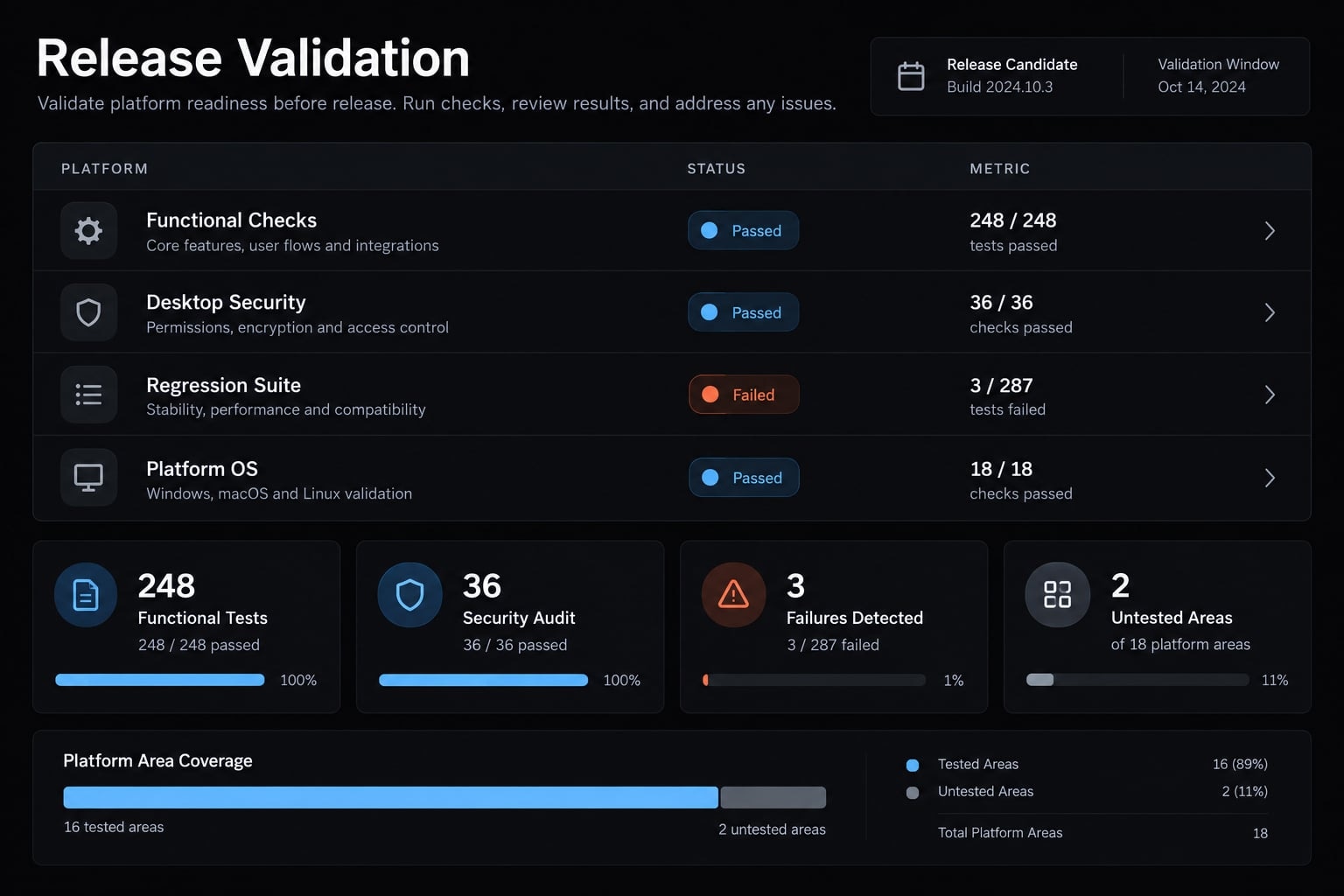
Release readiness means having enough evidence for the application’s intended use and risk—not merely producing a successful build. AI-generated code can be incorrect or insecure.
Sensitive-data warning: Applications handling financial, health, authentication, customer, or regulated data—or destructive file operations—need qualified technical and, where applicable, compliance review before deployment.
Functional testing
- Verify acceptance criteria and regression checks independently of the agent’s summary.
- Test empty notes, malformed input, unusual characters, and realistically large files.
- Test save, restart, reopen, open existing Markdown files, and export copies.
- Test missing files, denied access, canceled dialogs, and failed writes without losing unsaved content.
- Repeat core behavior on every supported OS; explicitly record untested platforms.
For this notes app, test the installed build with non-sensitive files. Passing development-mode tests does not establish packaged-app reliability.
Desktop security review
Risk | Action |
|---|---|
Excessive file access | Restrict operations to authorized files and necessary app-data locations |
Exposed credentials | Exclude secrets from source, logs, and packaged assets |
Unsafe command execution | Review command construction; avoid shell execution for routine file operations |
Privileged remote content | Avoid untrusted remote content or isolate it from privileged functionality |
Dependency risk | Review necessity, maintenance, licenses, and reported vulnerabilities |
Destructive actions | Require confirmation and a recovery strategy |
For Electron, its Security documentation recommends reviewing renderer isolation and privileged API exposure. Keep Node.js access away from untrusted interface content and validate messages crossing that boundary.
Markdown preview is outside this version’s scope. If added later, review untrusted HTML and link handling.
A private repository does not make exposed credentials safe. Rotate leaked secrets. A passing dependency audit is not a complete security review; dependency management also requires human judgment.
Packaging and release checks
- Reproduce a clean build with recorded versions.
- Inspect artifacts for secrets and unintended files.
- Test installation, launch, updates if implemented, and uninstallation.
- Apply signing and notarization appropriate to the distribution route.
- Document release notes, recovery options, privacy expectations, and support boundaries.
Code signing verifies publisher identity and artifact integrity; it does not guarantee safe software. Microsoft documents Windows signing mechanisms. Apple’s notarization is a separate automated assessment used for relevant macOS distribution routes, not another name for signing.
A checksum detects changes relative to a trusted reference; it does not independently establish publisher trust.
Production-readiness levels
Level | Additional evidence or obligation |
|---|---|
Personal prototype | Safe test data and basic persistence checks |
Internal tool | Access controls, recovery procedures, accountable owner |
Public beta | Validated installation, known limitations, issue reporting |
Production product | Maintained security, release, support, and recovery processes |
A production-ready claim requires evidence appropriate to the risk. This checklist supports assessment; it does not certify readiness.
Common failure modes and how to make the workflow repeatable
Most workflow corrections are straightforward: Narrow the task, preserve decisions, and demand evidence before progressing. The patterns below are practical troubleshooting categories, not measured frequency data.
Failure | Likely cause | Concrete correction |
|---|---|---|
Unrelated rewrites | Broad requests without boundaries | Specify the feature and approved files; reject unrelated changes |
Dependency sprawl | Packages added for convenience | Require purpose, alternatives, and approval |
Returning bugs | Fixes lack repeatable checks | Add regression tests and commit verified corrections |
Packaging failures | Installer work postponed | Create a test package immediately after scaffolding |
Excessive permissions | Defaults exceed actual needs | Compare each permission against an approved requirement |
Context drift | Decisions exist only in chat | Maintain the brief, architecture notes, and unresolved issues in the repository |
Conflicting agent edits | Multiple agents own the same files | Separate ownership and isolate work before reviewed integration |
When a task repeatedly fails, stop expanding the prompt. Return to the last verified commit, reproduce the smallest failing case, and reconsider the assumption behind the change.
Frequently asked questions
What does it mean to vibe code a desktop app?
To vibe code a desktop app means using natural language instructions to guide AI coding agents in building, iterating, and packaging software. Instead of manually writing every line of code, you supervise the AI as it generates the application architecture, implements features, and prepares the build — with you approving packaging and any distribution.
Vibe coding versus traditional coding: which is better?
Traditional coding provides full manual control and deep architectural understanding, while prompt-led work can move quickly on small, well-scoped utilities and building custom local utilities.
Choose vibe coding for rapid iteration of personal or internal tools; the real variable is supervision: As consequences grow — shared users, sensitive data, wider distribution — review, testing, and approval requirements rise regardless of how the code was written.
Is desktop development harder than building web apps?
Desktop development involves unique considerations like platform-specific installers, local data storage, and operating system permissions. While web apps are often easier to deploy, desktop is often the stronger fit for sustained offline use and deep OS integration — though web apps can also support offline and local-file behavior. Your choice should depend on whether your tool requires persistent local file access or internet-independent operation.
How do I ensure my AI-coded desktop app is secure?
Security requires a human-in-the-loop approach. You must independently validate AI-generated code, restrict the agent's file system permissions, and keep sensitive keys out of your source code. Before release, test the packaged installer rather than development mode alone.
If the app handles financial, health, authentication, customer, or regulated data — or performs destructive file operations — get qualified technical review first. Testing supports assessment; it does not certify safety.
Which tools are best for building a desktop app with AI?
The best tools depend on your target operating system and expertise. Electron is widely documented for cross-platform apps, while Tauri uses system webviews, which often produces smaller artifacts — a tendency rather than a guaranteed benchmark.
For Windows-specific development, WinUI is one native option. Select your framework based on these requirements before delegating implementation to your chosen AI coding agent.
How do I package my app for others to install?
Packaging involves using your framework's build tools to create an executable installer bundle for specific operating systems. You must verify the build on a separate machine, document the uninstallation process, and comply with platform-specific code-signing or notarization requirements if you intend to distribute your application publicly.
Read more:
- How to vibe code: A practical beginner guide to AI development
- Vibe code mobile app: Build ideas faster with AI development
- How to vibe code a CRUD app without losing control
Conclusion
To vibe code a desktop app successfully, start with a clear brief, guide AI through small, reviewable changes, and thoroughly test the final installed build—not just the preview. While AI accelerates development, human supervision remains essential for architecture, security, and release decisions. Copy the brief and follow the quality gates above to take your project from a working prototype to a reliable, production-ready app.