Warp and claude code: Setup, integration, and workflow comparison
Claude Code can run directly inside the Warp terminal. Claude Code provides the coding agent, Warp provides the terminal interface hosting that agent. Warp Agent is a separate, native agent workflow, so choosing Warp does not require replacing Claude Code or using both agents together.
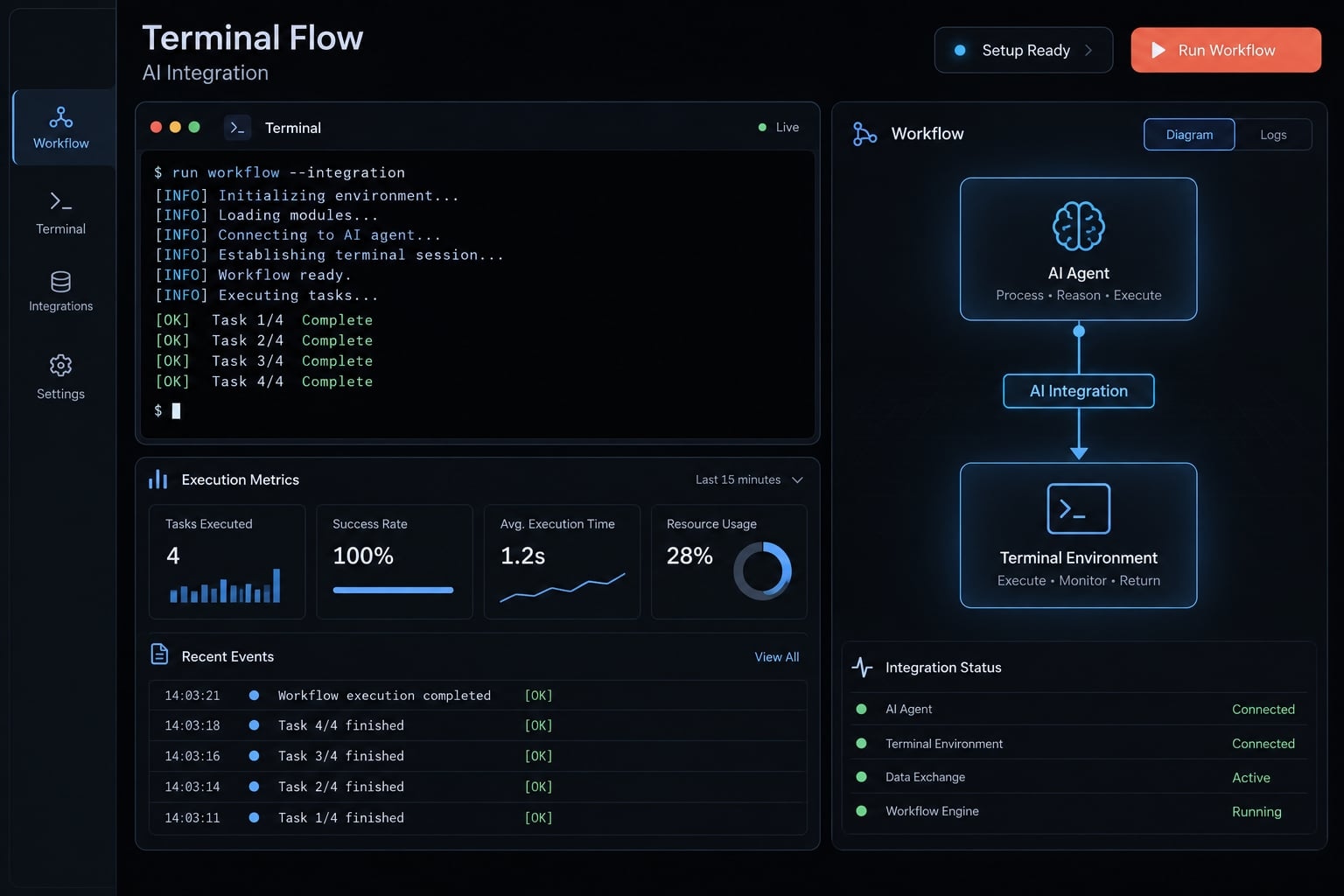
The useful decision is not simply “Warp versus Claude Code.” It is which agent should perform the work, which interface should host it, and whether additional workflow management solves a real problem. This guide separates those choices, explains basic setup and integration checks, and compares the alternatives without assuming that every Warp feature applies to Claude Code.
Warp vs Claude Code: Understand the difference first
Warp and Claude Code occupy different product layers. Claude Code is an agentic coding CLI, a command-line application that can inspect repositories, propose changes, and execute permitted tools. Warp is the terminal environment in which that application can run.
Consequently, “Warp vs Claude Code” becomes a meaningful agent comparison only when discussing Claude Code versus Warp Agent. Claude Code does not require Warp.
The three workflows users often confuse
- Claude Code in an existing terminal: Keep your current terminal and use Claude Code as the coding agent.
- Claude Code hosted in Warp: Keep Claude Code while changing the terminal interface and optionally adding supported integration behavior.
- Warp Agent operating natively in Warp: Use Warp’s own agent workflow rather than launching Claude Code.
Product relationship table
Component | Primary role | Contribution |
|---|---|---|
Coding agent | Repository interaction, tool execution, and coding assistance within configured permissions | |
Warp terminal | Host interface | Terminal sessions and the surrounding application experience |
Warp–Claude Code plugin | Optional integration | Notification-related behavior within its documented version and environment |
Warp Agent | Native agent workflow | An alternative agent experience integrated into Warp |
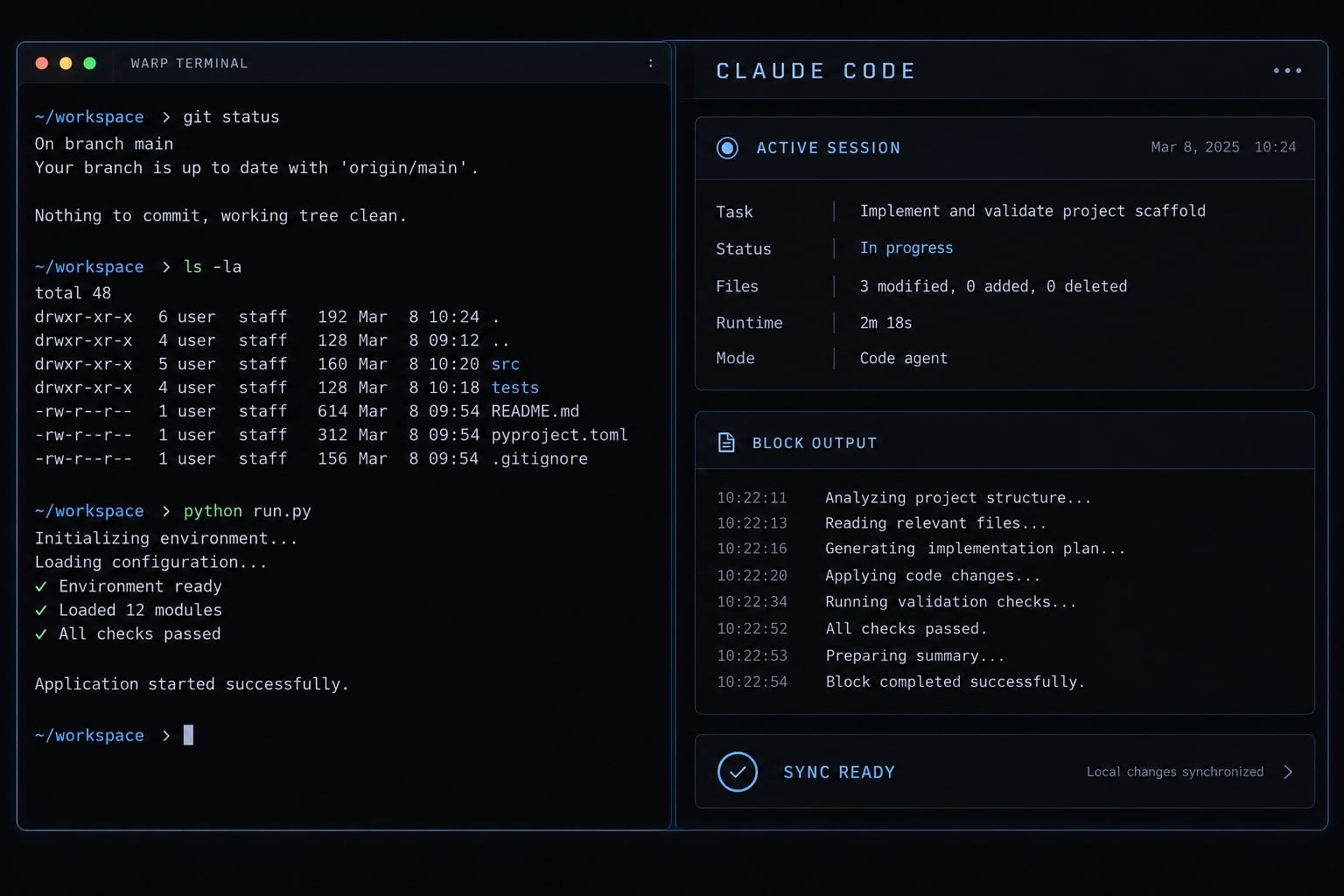
Illustrative scenario: A developer maintains a B2B SaaS backend using Claude Code. Moving the session from an existing terminal into Warp does not inherently change the selected agent, repository instructions, or review requirements.
Existing terminal ── hosts ── Claude CodeWarp terminal ── hosts ── Claude Code └─ Optional notification integrationWarp ── provides ── Warp Agent Separate agent workflow
How to set up Claude Code in Warp
- Confirm that Warp and Claude Code support your environment.
- Install Claude Code and authenticate through a supported account route.
- Open a disposable or sanitized repository in Warp.
- Launch Claude Code and inspect repository access.
- Optionally install the notification integration using its current official instructions.
- Verify basic operation and notification behavior separately.
Verification status: No live environment test or current plugin-command verification accompanies this guide. Warp, Claude Code, plugin behavior, supported platforms, and pricing may change. Confirm current details in official Warp and Anthropic documentation before installation.
Prerequisites
To set up Claude Code in Warp, prepare:
- A supported Warp installation and operating environment.
- An installed Claude Code CLI with authenticated access.
- A test repository without production credentials.
- Appropriate shell and repository permissions.
- Any dependencies specified by the current plugin release.
Installation is not authentication. A working executable does not establish that your account has access, available usage, or the intended billing configuration.
Use Anthropic’s Claude Code setup documentation for installation and authentication. Check Warp’s installation documentation separately for platform requirements.
Launch Claude Code inside warp
Run these commands in the Warp shell, not inside an existing Claude Code conversation:
cd path/to/your-repository
claude
Replace path/to/your-repository with your actual repository directory.
Confirm that Claude Code recognizes the intended project. Inspect trust and permission requests rather than approving unfamiliar access automatically. Begin with a read-only request:
Summarize this repository’s structure and identify its test commands.
Do not edit files, install dependencies, or run migrations.
Review any proposed tool calls. Prompt instructions supplement permission controls; they do not replace them.
Install the sarp notification plugin
The plugin is optional for basic CLI use. Running Claude Code inside Warp and enabling integration notifications are separate operations.
Consult the official warpdotdev/claude-code-warp repository instructions before adding a plugin marketplace or installing a package. Confirm repository ownership, dependencies, installation scope, and activation requirements.
Exact plugin commands are intentionally omitted here because their current syntax and activation behavior have not been independently verified. Do not assume that a reload command, automatic detection, or one-click installation exists in your version.
Where official instructions offer both shell commands and in-session commands, those are alternative installation paths, not consecutive requirements. Follow the documented restart or reload procedure.
Verify the integration
- Confirm that Claude Code launches in the expected repository.
- Confirm plugin installation and activation using the documented status mechanism.
- Trigger a specifically supported completion or approval event in the test repository.
- Check application and operating-system notification permissions.
A successful repository summary proves basic agent operation not notification delivery.
CLI verification:          Launch → Read-only request → Inspect response
Integration verification: Activate → Supported event → Confirm expected signal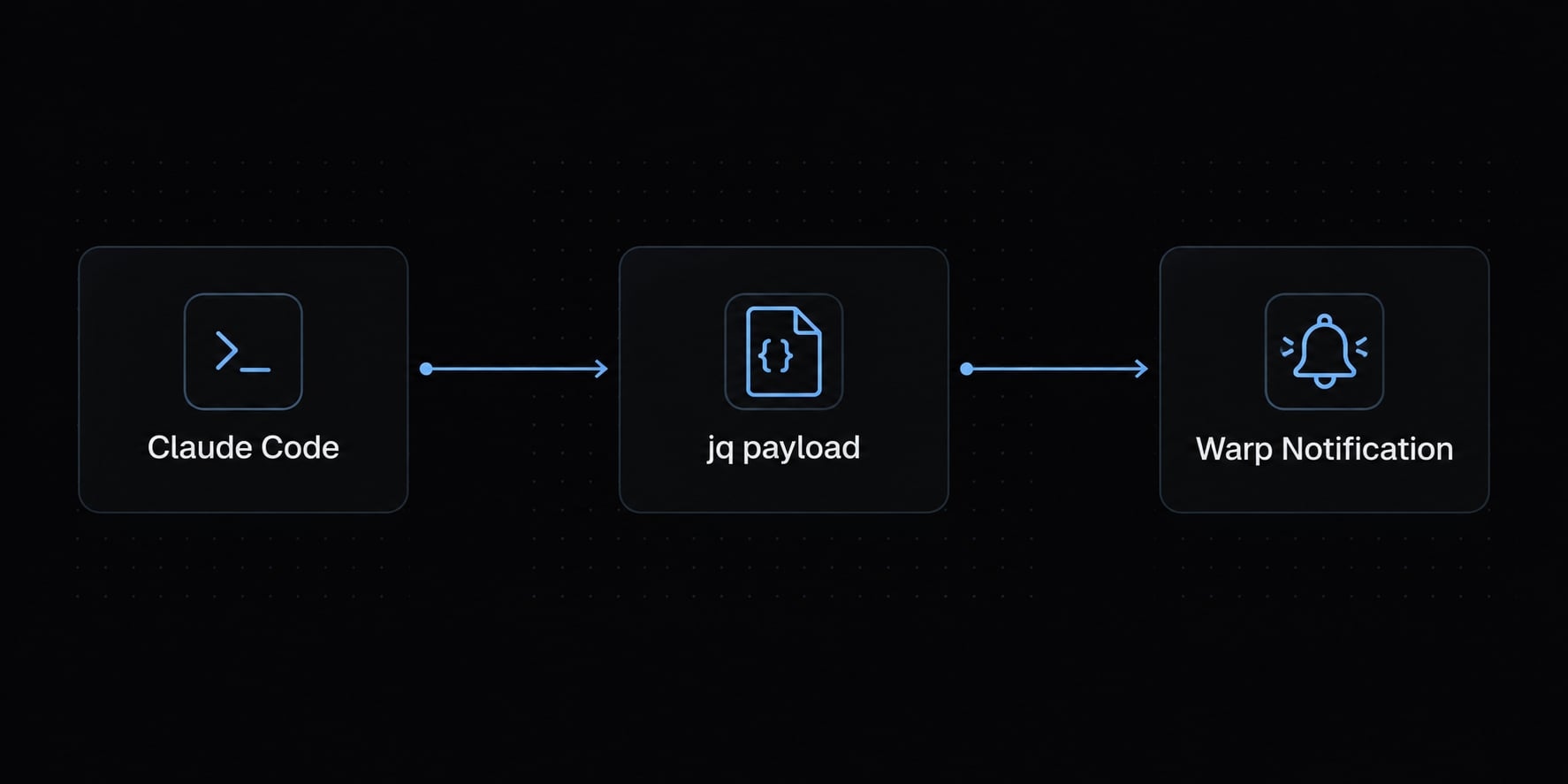
What Warp adds to the claude code experience
Warp primarily changes the surrounding interface and session management experience. Whether that improves your workflow depends on the friction you currently face, not on the number of features advertised.
Supported integration features
Separate ordinary terminal capabilities from plugin dependent behavior before evaluating benefits.
Capability | Behavior and conditions | Practical value |
|---|---|---|
Terminal hosting | Claude Code runs as a CLI process in a supported Warp environment | Keeps the chosen agent while changing its host interface |
Multiple terminal sessions | Warp tabs or panes can host separate processes | Separates work across repositories or tasks |
Agent notifications | Requires compatible integration, supported events, and enabled notifications; exact behavior needs current verification | May surface work needing attention |
External code review | Git and an external editor remain independent of the notification plugin | Preserves an established review process |
Rich prompt composition, a native code review panel, “code as context” branch metadata, and remote control should not automatically be attributed to Claude Code because they appear elsewhere in Warp.
Verify each against integration-specific documentation. This guide does not establish support for those additional capabilities.
Where these features matter most
Three illustrative scenarios show where additional session visibility may help:
- Long-running SaaS refactor: A supported approval alert could surface an intervention while the developer reviews another task.
- Parallel branch work: Separate Git worktrees-working directories attached to different branches help isolate concurrent changes.
- Integration-script maintenance: A supported completion notification could indicate that a result is ready for inspection.
These are potential workflow benefits, not measured productivity results. An existing terminal may already solve the same problems.
What warp does not change
Visibility is not validation.
- Generated changes still require inspection.
- Tests and security checks remain necessary.
- Interface improvements do not establish better architectural judgment.
- Restoring a layout does not establish restoration of agent memory, authentication, or live processes.
Agent activity → Supported event → Notification → Human inspection
                                                   ↓
                                            Tests and review
Claude Code in Warp vs Claude Code in a standard terminal vs Warp agent
Compare complete workflows using the same criteria. A terminal advantage is not necessarily an agent advantage, and an existing terminal may already provide sophisticated session management.
Workflow comparison table
Criterion | Claude Code in an existing terminal | Claude Code in Warp | Warp Agent |
|---|---|---|---|
Setup and dependencies | Claude Code plus existing environment | Claude Code plus Warp; optional plugin | Warp plus configured agent access |
Coding agent | Claude Code | Claude Code | Warp’s native agent workflow |
Prompt input | Claude Code interface | Claude Code interface; verify enhancements separately | Native Warp agent interface |
Notifications and approvals | Claude Code permissions; alerts depend on setup | Same permission responsibility; optional supported alerts | Native controls; verify current behavior |
Review approach | Git, editor, and supported agent tools | Same baseline; verify integration-specific review features | Supported native review tools plus independent validation |
Concurrent session visibility | Terminal tabs, panes, or multiplexers | Warp sessions; additional metadata requires verification | Native workflow organization |
Remote workflow | Depends on host and session arrangement | Verify local versus remote integration behavior | Verify supported remote features separately |
Model choice | Claude Code-supported configuration | Same Claude Code configuration | Warp-supported selection and access |
Configuration reuse | Project instructions and supported settings | Same Claude Code reuse mechanisms | Warp-supported configuration mechanisms |
Cost and accounts | Claude Code access and terminal-related costs | Check Claude Code and Warp separately | Warp plan and agent usage conditions |
Useful starting point | Existing tooling already works | Keep Claude Code while testing interface benefits | Prefer a native Warp workflow |
Warp access does not automatically include Claude Code usage or vice versa. Check account requirements, subscriptions, usage limits, and relevant pricing documents separately.
Model availability also changes. A shared model provider does not make Warp Agent and Claude Code the same product: their tool orchestration and surrounding interfaces differ.
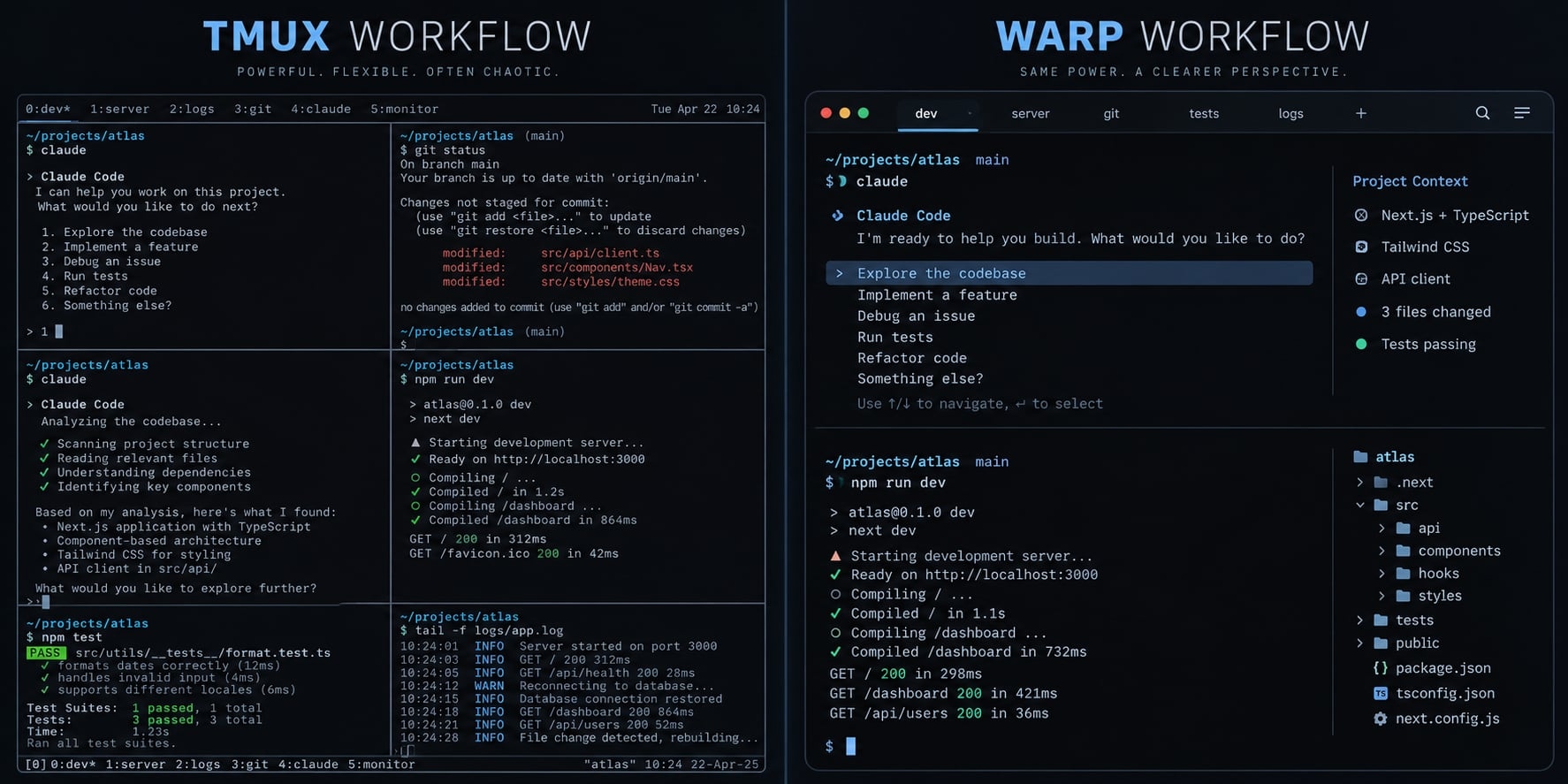
Where Claude Code in Warp has an advantage
Consider this combination when:
- You want to retain Claude Code but prefer Warp’s terminal interface.
- A verified notification integration addresses missed interventions.
- Warp’s session organization fits how you manage concurrent work.
These conditions justify a pilot, not a universal recommendation.
Where warp agent may be sufficient
If Warp Agent handles your repository tasks and review process adequately, another agent may add unnecessary configuration and billing complexity.
Do not assume Warp Agent is suitable only for simple shell commands. Evaluate its documented coding workflow against your actual task.
Where a standard terminal is enough
Keep your existing terminal when supervised sessions, current notifications, and Git or editor-based review already work.
For a fair Claude Code vs Warp agent evaluation, use the same small B2B API change: update validation, add a test, run checks, and inspect the diff.
Start from equivalent repository states. Record review effort, missed interventions, and configuration maintenance. No comparative performance result is assumed here.
Which Warp or Claude code workflow should you choose?
Choose by observed friction, not by job title or feature count. The following recommendations are editorial judgment, intended to guide a small pilot rather than prescribe a permanent stack.
Recommendation by developer profile
Profile | Recommended starting point |
|---|---|
Minimalist developer | Keep the existing terminal if it supports the required work |
Long-task user | Test Warp only if verified alerts address missed interventions |
Parallel-task developer | Evaluate session visibility alongside isolated worktrees |
Warp-first user | Try Warp Agent before adding a second coding agent |
Technical founder or automation operator | Define review and deployment gates regardless of terminal |
Small engineering team | Share instructions and configuration before adding operational tooling |
A founder maintaining a SaaS backend may need fewer tools, not more. Likewise, a small team may achieve adequate consistency through repository instructions, scripts, and clear ownership. An effective AI coding setup makes completed work easy to inspect and risky actions easy to control.