
How to connect PostgreSQL to Claude Code with MCP
Connecting PostgreSQL to Claude Code with Postgres MCP allows you to inspect database structures and run SQL queries without leaving your AI coding assistant. Claude Code acts as the client, an MCP server exposes database tools, and PostgreSQL enforces the connection’s permissions.
This guide uses Model Context Protocol (MCP) to connect a fictional SaaS database, inspect app.subscriptions, and request a bounded query. The approach combines a dedicated restricted role, private credentials, and explicit verification. A successful connection is only the beginning: database authorization and control over returned data remain separate responsibilities.
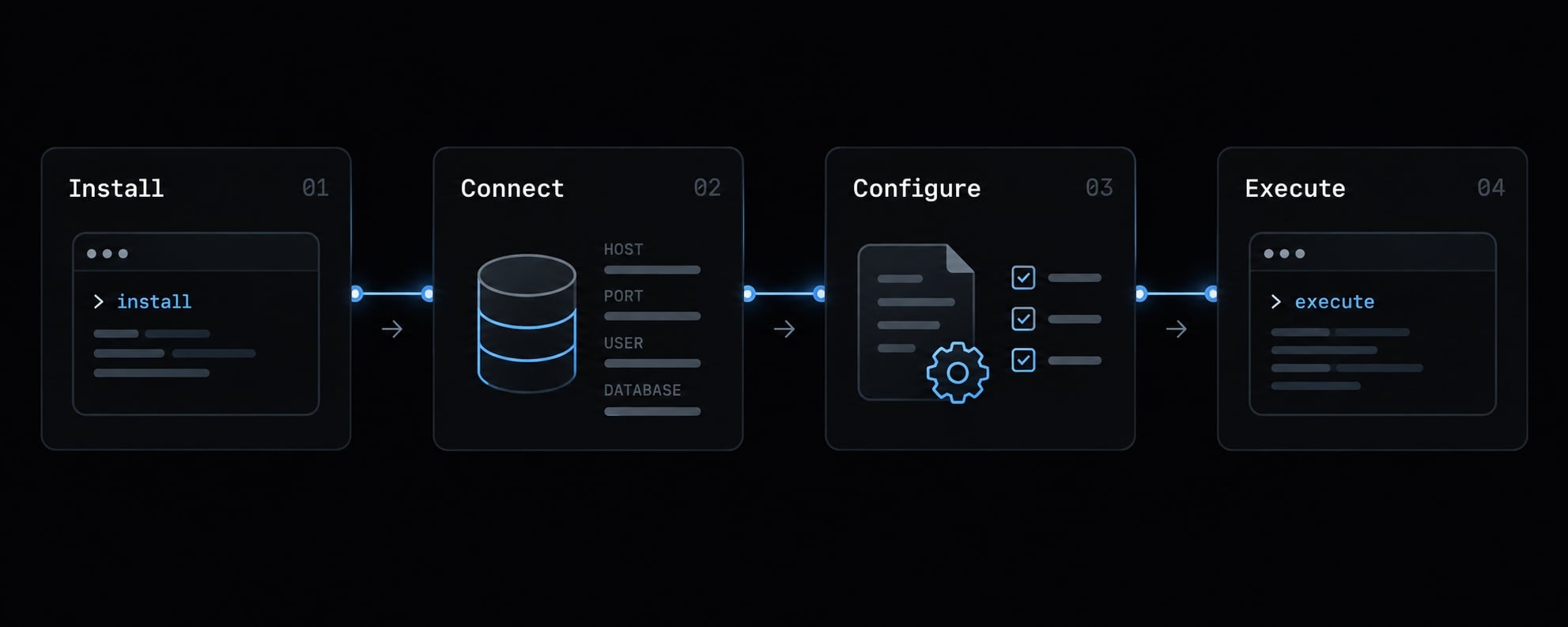
Quick setup: Connect Claude Code to PostgreSQL
Follow this checklist to connect Claude Code to PostgreSQL using Model Context Protocol:
- Confirm Claude Code is installed and authenticated.
- Install uv, the Python package manager, then install the selected server:
uv tool install postgres-mcp. - Confirm PostgreSQL is reachable from the machine running that server.
- Create the restricted
claude_roidentity in Step 1. - Supply
DATABASE_URIprivately using the Bash instructions below. - Register the server with local scope.
- Start Claude Code, open
/mcp, and complete a schema request.
This guide uses the postgres-mcp implementation by Crystal DBA. Its documented interface supports DATABASE_URI and --access-mode=restricted. Confirm those options against the installed release before proceeding:
claude --version
uv tool list
postgres-mcp --help
For a disposable development database, use Bash’s hidden input instead of placing a password-bearing Postgres connection string in command history:
read -r -s -p "PostgreSQL connection URI: " DATABASE_URIprintf '\n'export DATABASE_URIclaude mcp add --transport stdio --scope local \ postgres-local -- postgres-mcp --access-mode=restrictedclaude
Enter a URI using the restricted identity, not an administrator account. Follow your provider’s connection-format and certificate requirements.
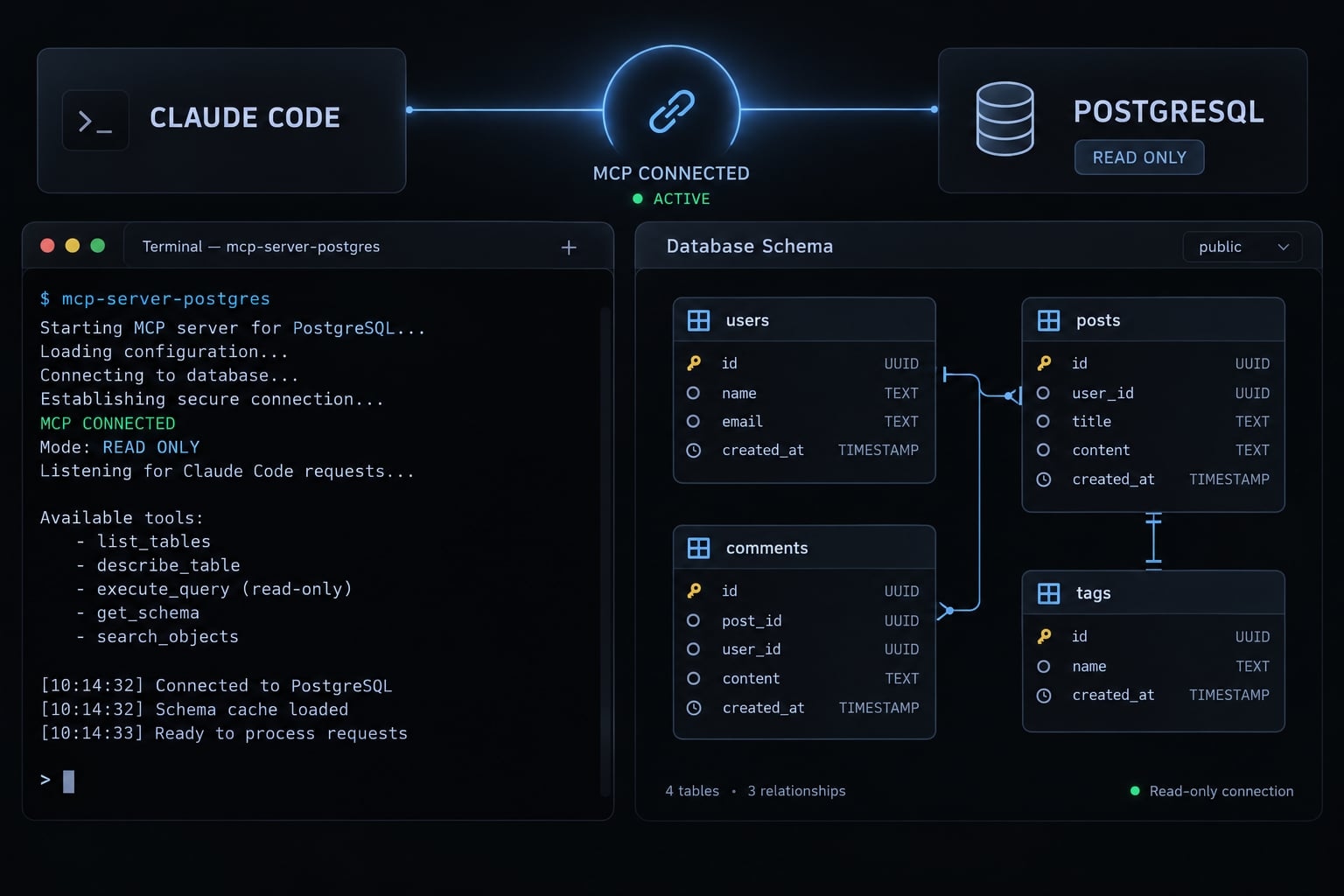
What this command does
- Registers
postgres-localprivately for the current project. - Launches the installed
postgres-mcpexecutable. - Uses stdio, communication through the process’s standard input and output.
- Lets the server receive
DATABASE_URIfrom the inherited environment.
Registration does not create PostgreSQL permissions.
Quick success check
In /mcp, confirm the server starts and exposes database tools. Then ask:
Using postgres-local, inspect the app schema and identify app.subscriptions. Do not retrieve application rows.
Tool discovery alone does not prove database connectivity; some servers connect only when a tool runs.
How Claude Code, MCP and PostgreSQL work together
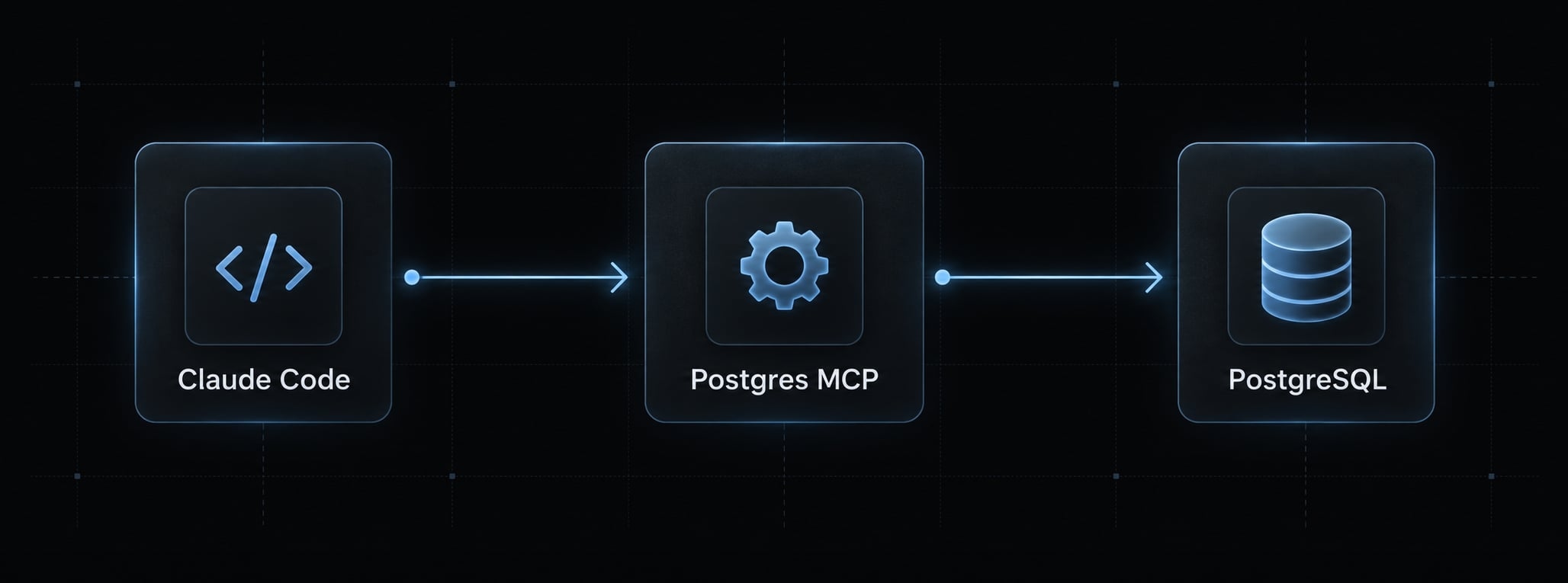
Postgres MCP connects an AI coding client to database operations exposed by a separate server. Claude Code requests a tool, the server performs the supported operation, and PostgreSQL checks the database identity’s privileges. Results return through the server to Claude Code, where they can become part of the model’s context.
Claude Code
    │ tool request
    ▼
Postgres MCP server
    │ database connection and SQL
    ▼
PostgreSQL authorization boundary
    │ permitted result or permission error
    └──────────────────────────────► Claude Code
Schema introspection of database structure and SQL execution depend on the chosen implementation. MCP itself does not supply PostgreSQL authorization.
What Claude Code can and cannot do:
- It can request the tools the server exposes.
- A prompt cannot grant database privileges.
- Generating SQL and executing SQL are separate actions.
- Authorized results can still disclose sensitive information.
The relevant source foundations are the Model Context Protocol architecture and transport documentation, alongside Claude Code’s MCP documentation.
Step 1 - Create a dedicated read-only PostgreSQL role
Use a fresh, non-owner identity with access to explicitly approved tables. Do not reuse the application’s normal connection credentials.
The following example assumes a disposable saas_dev database already contains synthetic app.accounts and app.subscriptions tables. Run it through psql as an administrator authorized to create roles and grant access. The backslash commands are psql commands, not ordinary SQL.
CREATE ROLE claude_ro LOGIN NOSUPERUSER NOCREATEDB NOCREATEROLE NOINHERIT NOREPLICATION NOBYPASSRLS;\password claude_roGRANT CONNECT ON DATABASE saas_dev TO claude_ro;\connect saas_devGRANT USAGE ON SCHEMA app TO claude_ro;GRANT SELECT ON TABLE app.accounts, app.subscriptionsTO claude_ro;ALTER ROLE claude_ro IN DATABASE saas_dev SET statement_timeout = '5s';ALTER ROLE claude_ro IN DATABASE saas_dev SET lock_timeout = '1s';
\password prompts for a password rather than embedding one in a shared script. The timeouts are example session defaults, not immutable resource controls.
Action | Intended result |
|---|---|
Connect to | Allowed |
Resolve approved objects in | Allowed |
Read the two approved tables | Allowed |
Update those tables | Denied, absent other privilege sources |
Read future tables | Not automatically granted |
USAGE permits access to schema objects subject to their own permissions. It does not establish a complete metadata-visibility policy.
Effective privileges require review. Access may come from PUBLIC, role membership, ownership or executable functions, including privileged SECURITY DEFINER functions. NOINHERIT alone is not a substitute for reviewing memberships and possible role switching.
Revoking a privilege directly from claude_ro does not cancel privileges received through PUBLIC. Database-wide revocations can disrupt existing applications; review their impact before making them.
Avoid automatic future-table access unless intentional. For example:
ALTER DEFAULT PRIVILEGES FOR ROLE app_owner IN SCHEMA app
  GRANT SELECT ON TABLES TO claude_ro;
This optional command affects future tables created by app_owner, not existing tables or objects created by other owners. It deliberately expands the allowlist.
Why MCP “Read-Only mode” is not enough
Prompts and server checks supplement PostgreSQL authorization. The database must independently reject unauthorized application-data changes. SELECT access does not eliminate disclosure, expensive queries or function-related side effects.
When write access is actually required
Use a separate identity and MCP entry against an isolated branch or disposable database. Keep migration approval separate from AI-generated SQL.
Step 2 - Configure the Postgres MCP server in Claude Code
Shared configuration and private credentials are separate concerns. Share the executable and approved arguments; supply credentials through each developer’s private environment.
Option A - Add the server with the Claude Code CLI
The Quick Setup command uses local scope: Private configuration associated with the current project. Run it from the intended repository directory.
The -- separator ends Claude Code options. Everything after it specifies the server executable and its arguments.
Check version-specific syntax with:
claude mcp add --help
The selected implementation is Python-based; it does not require Node.js or npx. If postgres-mcp is unavailable, check the uv tool installation and executable path.
Record the installed package version with uv tool list. After validation, standardize that exact release:
# Replace X.Y.Z with the exact version your team validated.
uv tool install 'postgres-mcp==X.Y.Z'
Note: This version placeholder is for demonstration and has not been verified for production use.
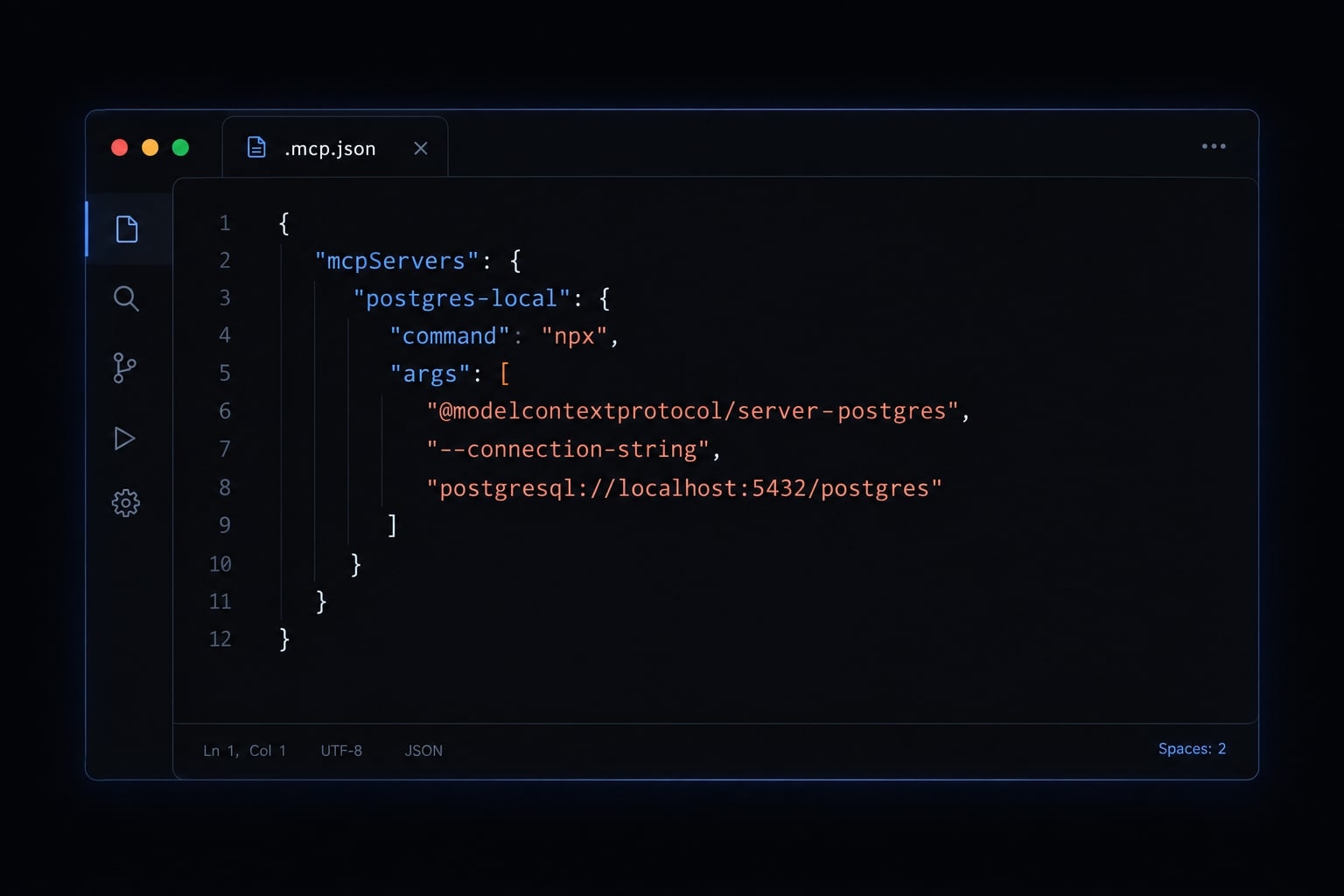
Option B - Add a Project-Level .mcp.json
Use this alternative when the team needs a reviewable repository configuration:
{
  "mcpServers": {
    "postgres-local": {
      "command": "postgres-mcp",
      "args": [
        "--access-mode=restricted"
      ],
      "env": {
        "DATABASE_URI": "${DATABASE_URI}"
      }
    }
  }
}
Three mechanisms are involved:
- Claude Code expansion:
${DATABASE_URI}references Claude Code’s launch environment. - Child-process configuration: The
enventry passes that value to the launched server. - Server configuration: Postgres MCP Pro reads its documented
DATABASE_URIvariable.
Claude Code does not automatically load an arbitrary .env file. Start it from an environment where the variable is available.
Use either the local registration or the project entry for this example, rather than maintaining conflicting definitions. Review project configuration before approving it: an MCP entry launches code, not just a connection.
Project scope vs. User scope
Scope | Behavior |
|---|---|
Local | Private configuration associated with the current project |
Project | Repository-level |
User | Private configuration available across projects |
Repository: executable + arguments + variable reference
                              │
Private launch environment: DATABASE_URI
                              │
                              ▼
                   MCP server environment
Remote hosting is a deployment choice, not another configuration scope. A remote server may use Streamable HTTP, if supported by that implementation.
Step 3 - Protect database credentials and separate environments
Keep credentials outside shared artifacts and assign a different identity to each environment.
- Exclude secrets from Git, prompts, transcripts, shared scripts, and screenshots.
- Use hidden input or an approved secret-injection mechanism for development.
- Separate local, staging, production, and write-enabled credentials.
- Rotate exposed credentials;
.gitignoredoes not remove historical exposure. - Follow provider requirements for TLS (Transport Layer Security) and certificate validation.
Environment variables avoid putting this example’s password in process arguments, but they are not a complete secret-management system. Diagnostics and child processes may expose them. Avoid printing the environment, and restrict access to the developer account.
PostgreSQL password files such as .pgpass, OS keychains and secret managers work only when the driver or integration supports them. They are not interchangeable configuration switches.
A Postgres connection string may also require percent-encoding special characters. Use the provider’s documented URI format rather than guessing.
Recommended environment naming standards:
MCP name | Purpose | Minimum controls |
|---|---|---|
| Synthetic development data | Restricted role; local-only exposure |
| Approved staging inspection | Separate credentials; limited dataset; validated TLS |
| Approved production reads | Controlled network; validated TLS; auditing; data-handling approval |
| Isolated write testing | Separate write identity; isolated dataset; remote TLS |
Encryption alone does not prove server identity. Validate the trust chain and hostname according to PostgreSQL and provider documentation.
Step 4 - Verify the MCP connection and test safe queries
Validate four things: Server availability, schema discovery, known-table metadata, and a bounded read. Capture your actual versions and sanitized results before treating this configuration as a team standard.
Check 1 - Confirm the server is active
Open /mcp and select postgres-local.
Expected result: An available server with no unresolved startup error and database tools listed. If startup fails, inspect the executable and logs before changing permissions.
Check 2 - Discover the intended schema
In the Claude Code prompt, type:
Using postgres-local, confirm the current database and current role. Then inspect the app schema for accounts and subscriptions without selecting application rows.
Expected result: saas_dev, claude_ro and the intended objects. Metadata discovery may reveal additional object names; visibility depends on catalogs and server behavior.
Check 3 - Inspect a known table
Ask:
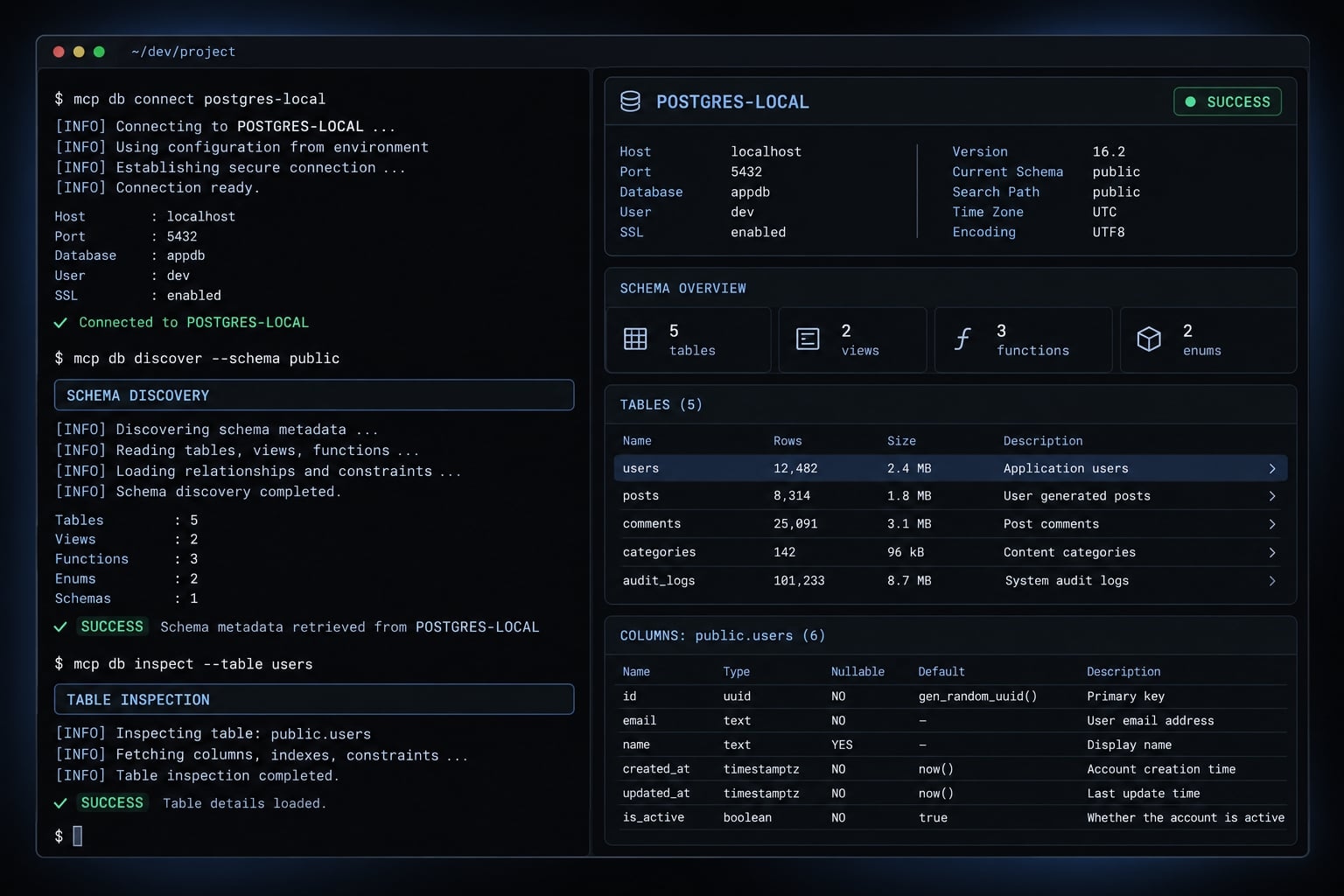
Inspect app.subscriptions. Return its columns and any primary-key or index metadata supported by your tools. Do not retrieve rows.
Expected result: Metadata matching the fixture. Unsupported index discovery is not necessarily a connection failure.
Check 4 - Run a limited read
Ask:
From the small synthetic app.subscriptions fixture, return only id and created_at, with at most five rows.
A suitable query is:
SELECT id, created_at
FROM app.subscriptions
LIMIT 5;
Expected result: Up to five synthetic records or a valid empty result. An empty table is not a failed connection.
LIMIT bounds returned rows, not necessarily the work performed. Keep initial queries on small fixtures.
Optional permission test
Only in a disposable database, connect as claude_ro and attempt a harmless update on the prepared fixture:
UPDATE app.subscriptions
SET created_at = created_at
WHERE false;
Expected result: A table-permission error despite no matching rows. A server-level rejection alone does not demonstrate database enforcement; use the same identity through psql if necessary. Unexpected success requires privilege review.
Which Postgres MCP server should you use?
“Postgres MCP” describes multiple implementations, not interchangeable packages. Choose by connection model and permission behavior, not the package name alone.
Implementation | Best-fit requirement | Important caveat |
|---|---|---|
Crystal DBA Postgres MCP Pro, | Direct PostgreSQL connections and database inspection | Selected here based on documented options; not independently tested |
pgEdge Postgres MCP Server | PostgreSQL tooling within pgEdge’s server implementation | Review the specific release’s authentication, tools, and transports |
Neon MCP | Neon platform and database-branch workflows | Platform authorization may permit actions beyond SQL |
Supabase MCP | Supabase project and platform inspection | Project scope and enabled capabilities need separate review |
pgEdge’s MCP implementation should not be assumed to require a multi-master deployment. Likewise, provider-native tools are not merely substitutes for a direct database connection string.
Selection criteria
Check:
- Identifiable ownership, release history and unresolved security issues.
- Documented credential injection and authentication.
- Tool coverage and permission behavior.
- Supported
stdioor Streamable HTTP transport. - Compatibility with your PostgreSQL version and provider.
A platform token can authorize infrastructure or project operations. PostgreSQL grants alone do not describe that entire access boundary.
Important version disclaimer
No version is labeled tested here. Confirm the selected release’s documentation, then pin the version you validate.