Claude Cowork vs Claude Code: Choosing the right agentic tool
Claude Cowork vs Claude Code: Which one fits your workflow better?
Deciding between Claude Cowork and Claude Code isn't about raw power, it is about your workflow. While both handle complex, multi-step tasks, they target completely different environments. Cowork offers a low-friction desktop experience for documents and spreadsheets, whereas Code provides a terminal-based environment with deep Git and repository control. This guide helps you choose the right tool based on your daily needs.
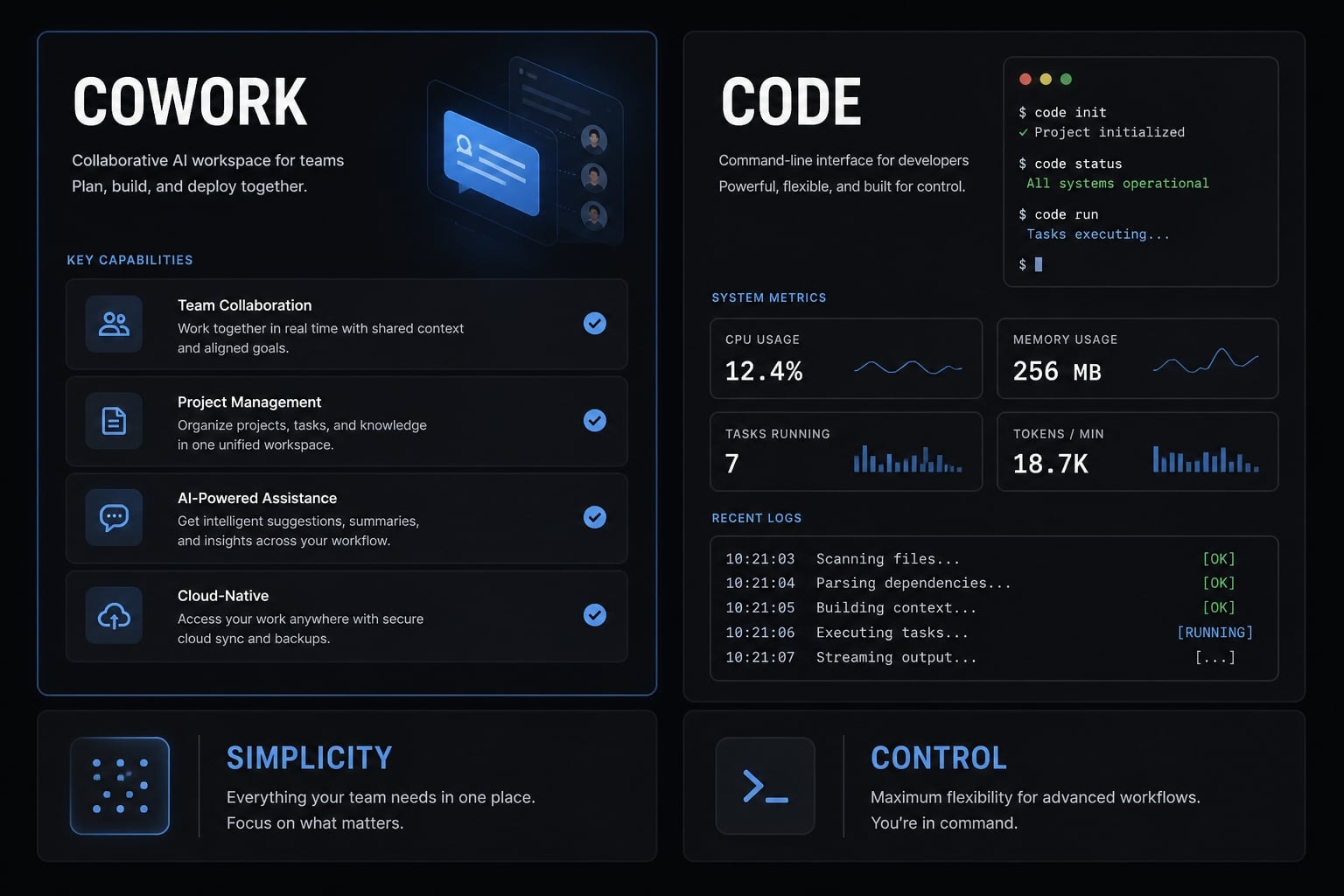
Claude Cowork vs Claude Code: The short answer
In short, Claude Cowork is the better fit for file-based work that values speed and convenience, while Claude Code is better suited to software tasks that require deeper control through the terminal. The difference between these two tools is less about model quality and more about the operating environment.
Users often confuse these Anthropic agentic tools because both can execute tasks instead of only answering prompts. In practice, the overlap is real, but the working style is different. One is designed to reduce friction around documents and operational outputs. The other is designed to work inside developer environments.
A better rule for deciding when to use Claude Code vs Claude Cowork is to ask where the work lives. If the work mostly lives in folders, documents, and source materials, Cowork usually fits better. If it lives in a repo, terminal, or Git workflow, Claude Code is usually the stronger choice.
One-Line Verdicts:
- Claude Cowork: Best for desktop-first document, file, and operations workflows.
- Claude Code: Best for terminal-first engineering and codebase workflows.
- Remember this: Choose based on work surface, not abstract power.
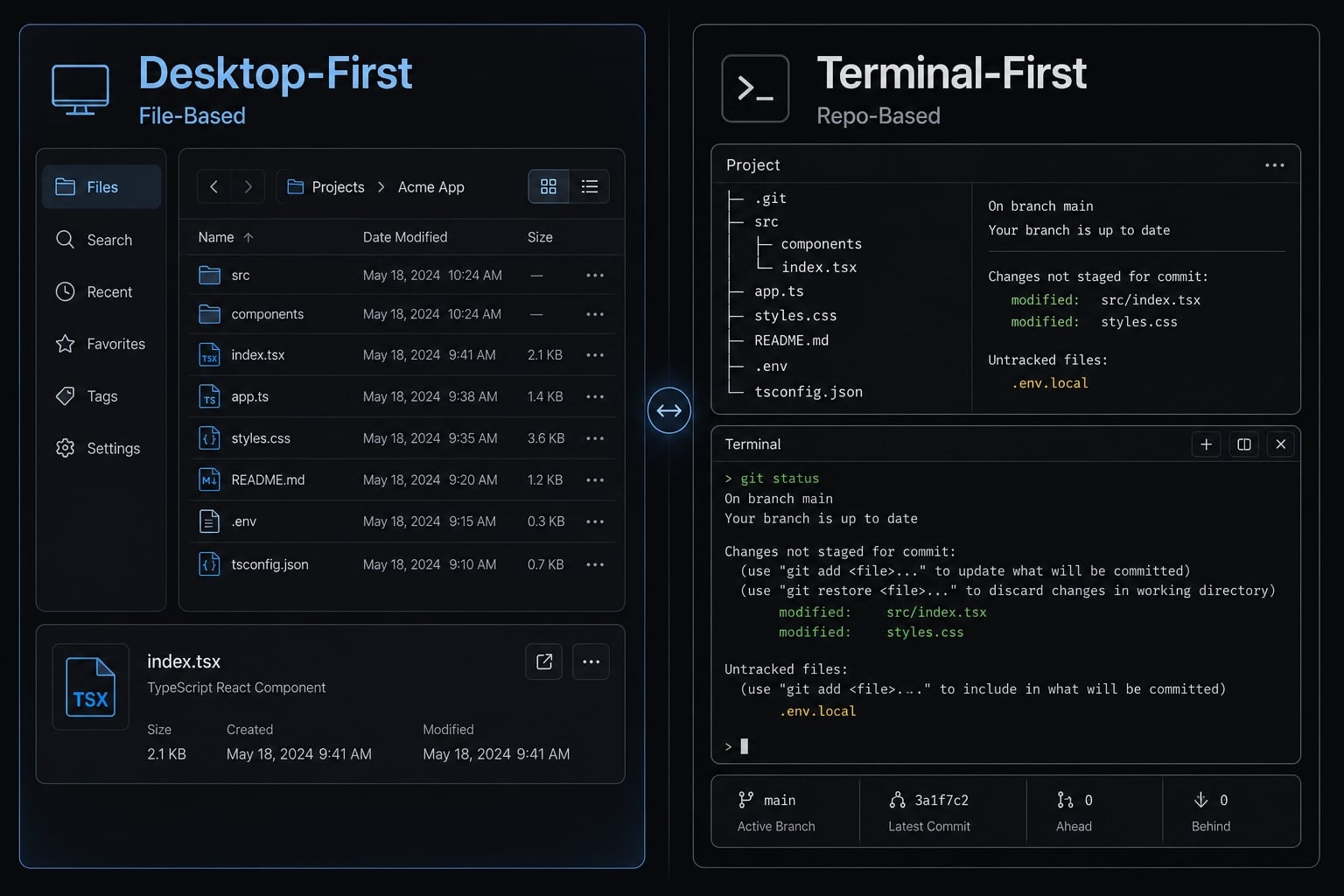
Side-by-side comparison table
The fastest way to evaluate these tools is to compare them across real adoption criteria, not feature noise. For most teams, setup friction, review overhead, and environment fit matter more than headline capabilities.
The table below is built for practical selection: How quickly you can get value, how much technical skill is required, and how well each tool fits a desktop AI workflow versus terminal-based AI.
Criteria | Claude Cowork | Claude Code | Verdict / Note |
|---|---|---|---|
Best for | Documents, spreadsheets, reports, folder-based tasks | Coding, debugging, refactoring, scripts | Depends on workflow |
Primary interface | Claude desktop app | Terminal / CLI | Clear split |
Setup difficulty | Low | Medium to high | Cowork easier |
Technical skill required | Low to moderate | Moderate to high | Cowork easier |
Works with local files | Yes | Yes | Tie |
Best for codebases | Limited | Strong | Claude Code |
Terminal / Git access | No native focus | Yes | Claude Code |
Visibility into execution | Lower, more abstracted | Higher, step-level visibility | Claude Code |
Speed to first success | Fast | Slower at first | Cowork |
Reliability on complex technical tasks | Limited | Stronger | Claude Code |
Safety / containment | More contained, sandbox environment orientation | More open through local environment execution | Depends on governance |
Extensibility | Lower | Higher | Claude Code |
Review overhead | Lower for simple operational tasks | Higher due to deeper action scope | Depends |
Human-in-the-loop review | Useful, but lighter in many tasks | Critical for technical execution | Different review depth |
Best choice if… | You want fast value from files and workflows | You need repo, terminal, or engineering control | Choose by environment |
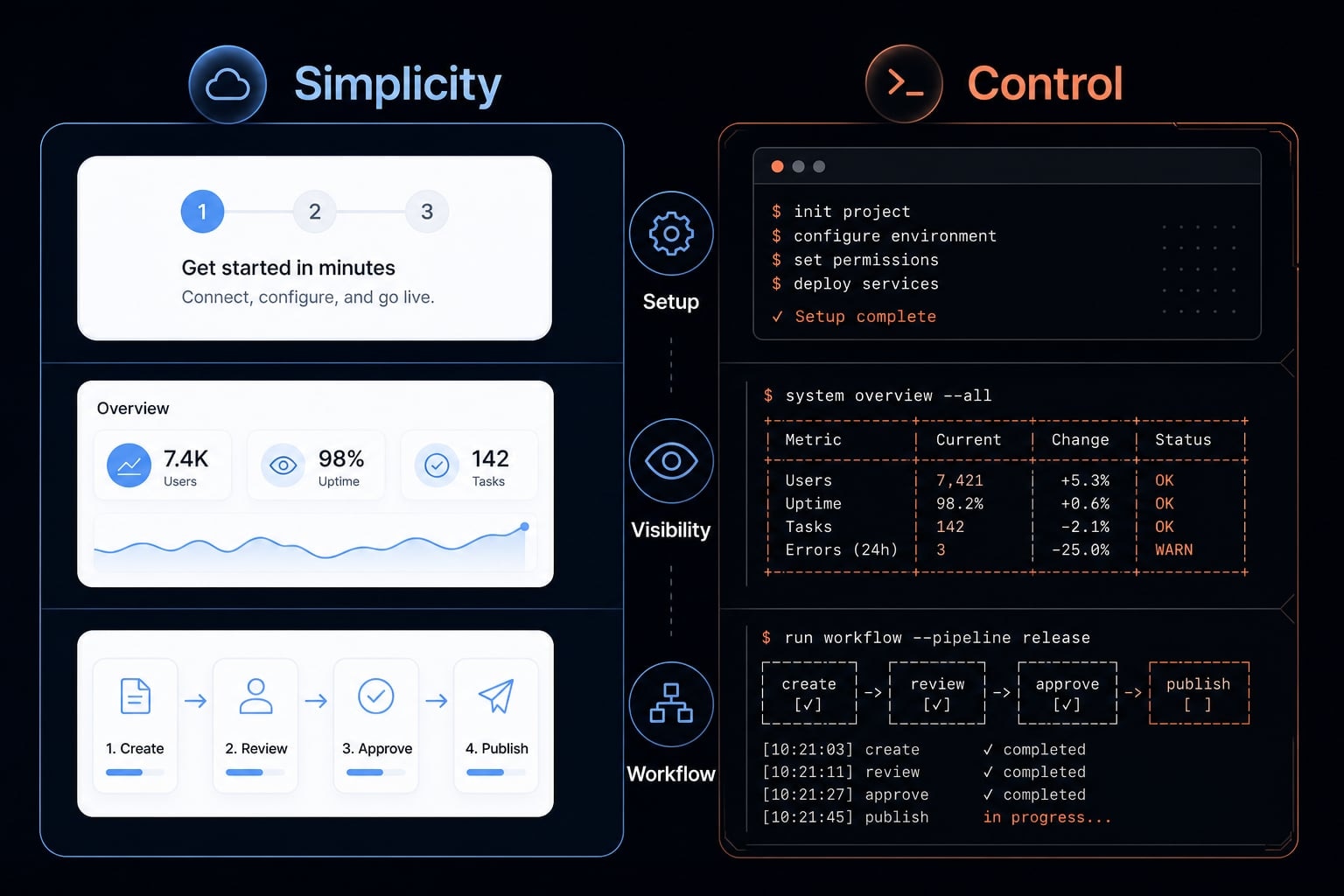
The real difference: Simplicity vs control
The real distinction is not branding. It is operating model. In practice, this is a control vs convenience decision inside an agentic workflow.
- With Cowork, simplicity means lower setup, fewer moving parts, and faster time to useful output. You work through a desktop interface, point the tool to files or folders, and ask it to complete a task. That makes Cowork a strong fit for users who want results from file manipulation, document synthesis, or operational tasks without touching a command line.
- With Claude Code, control means more visibility, more intervention points, and more flexibility. You work closer to the execution layer. That matters when the work involves terminal access, repo structure, scripts, or Git-based changes. In those environments, human-in-the-loop review becomes more important because the consequences of a wrong step are higher.
What “simplicity” and “control” mean here
- Simplicity = lower setup, more abstraction, easier start
- Control = more visibility, more intervention, more flexibility
- The tradeoff = more capability brings more user responsibility
A practical example makes the difference clearer. If you need to turn scattered notes, research files, spreadsheets, and source documents into a clean report, Cowork is often the better fit. If you need to debug a failing service, refactor code inside a repo, run tests, and review diffs in a Git workflow, Claude Code is the better tool.
Choosing the wrong tool adds unnecessary friction. Using Claude Code for mostly file-based business work can create extra setup and review overhead, while using Cowork for repo-based work can reduce visibility into the execution process.
Why more power is not always a better fit
More power is useful only when the workflow needs it. In many teams, the best decision is not the most capable tool in theory. It is the one with the best workflow fit for the task at hand.
Where Claude Cowork makes more sense
Claude Cowork makes the most sense when the work is file-heavy, outcome-oriented, and better served by a lower-friction interface. As a desktop operation agent, it is well suited to people who want useful outputs quickly without managing terminal workflows or repo logic.
This is where Claude Cowork for business workflow automation becomes a practical choice. Its strength is the file-native workflow: You already have materials, and you want the system to turn them into something usable.
Common use cases include:
- Turning research folders into structured briefs.
- Converting raw notes into client-ready reports.
- Working across spreadsheets and supporting source files.
- Summarizing document collections for strategy or planning.
- Organizing marketing materials into reusable deliverables.
- Supporting document processing automation for recurring operations work
Best user profiles for Cowork
- Operations managers.
- Marketers.
- Agency teams.
- Founders doing lightweight operational work.
- Users who want a lower learning curve.
Cowork’s more contained setup can also be a benefit, not a limitation. A sandbox environment can reduce risk for users who value safer boundaries and do not need deep system-level control.
Signs Cowork may be too limiting
- You need terminal or Git access.
- You want deeper visibility into execution steps.
- Your work happens directly inside repos.
- You need more flexible automation behavior.
- You are doing technical workflows that require repeated intervention.
For most non-repo workflows, Cowork is the safer choice because it reduces unnecessary complexity. But once the work shifts from files to engineering environments, its abstraction becomes a constraint rather than an advantage.
If your team is trying to standardize document-heavy AI workflows, explore AgentKit’s guides on reusable workflow design and review checkpoints for operations and marketing teams.
Where Claude Code pulls ahead
Claude Code becomes worth the added complexity when the work lives inside technical environments. For teams evaluating Claude Code for software development lifecycle tasks, the key advantage is not just output quality. It is access to the environment where real engineering work happens.
Because Claude Code is a terminal-based AI tool, it can operate closer to the repo, tooling, and execution layer. That changes what is possible. It can support debugging, refactoring, scripting, repo navigation, and work that depends on a git workflow or local environment execution. For developers, that is the difference between an assistant that describes work and one that can participate in doing it.
This matters across the software lifecycle. A bug fix may require reading the codebase, identifying dependencies, running commands, checking outputs, and validating results. A refactor may require multiple edits across files. A deployment-adjacent task may involve scripts, environment checks, and test runs. In these cases, terminal access is not a nice-to-have. It is part of the job.
Strengths that usually justify Claude Code:
- Better fit for debugging and root-cause analysis.
- Stronger support for refactoring across a repo.
- Useful for scripting and command-line tasks.
- Works naturally with terminal and Git-based changes.
- Better aligned with build, test, and deployment workflow needs.
- Higher execution visibility for human-in-the-loop review.
Best user profiles for Claude Code
- Developers.
- Engineers.
- Technical founders.
- Solo builders.
- Small product teams.
Claude Code is not automatically the better choice just because it is more powerful. It also requires more setup discipline and better review habits. That is especially true when using local environment execution, where power and responsibility increase together.
When Claude Code is overkill
- Your work is mostly documents, reports, or files.
- You want instant value with low setup.
- You do not need terminal or Git access.
- Your team cannot sustain review discipline.
- The workflow does not justify higher operational overhead.
If your team is building repeatable AI-assisted engineering processes, AgentKit can help package coding workflows, review steps, and reusable agent behavior into more consistent systems.
Which one should you choose by role and use case?
The best decision usually comes from role plus workflow, not feature count. When choosing between Claude Code and Cowork for developers or mixed-skill teams, the right question is simple: where does the work happen, and how much control do you need?
Use this decision process:
- Start with your main workflow: files or codebase.
- Check whether terminal or Git access matters.
- Assess how much setup friction your team will tolerate.
- Decide how much execution visibility you need.
- Choose the lower-complexity tool that reliably fits the work.
Role-Based recommendation table
Role | Better fit | Why |
|---|---|---|
Developer | Claude Code | Best for repo, terminal, and Git-heavy work |
Technical founder | Depends | Code for product work, Cowork for operational tasks |
Non-technical founder | Cowork | Faster value for briefs, docs, reports, and research |
Marketer | Cowork | Better for file-based planning and content workflows |
Operations manager | Cowork | Strong fit for repeatable document and spreadsheet tasks |
Agency team | Depends | Cowork for delivery ops, Code for technical execution |
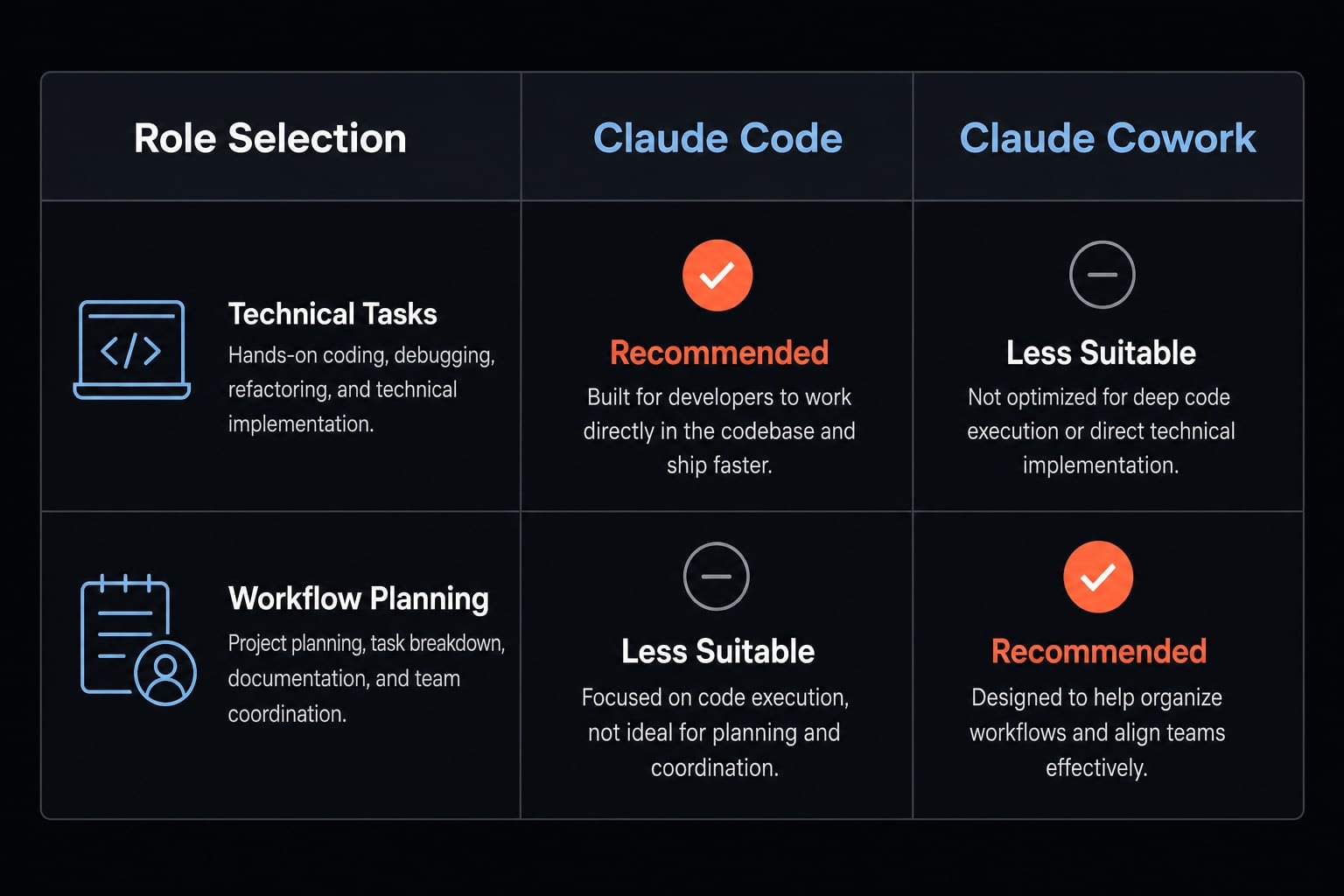
Choose Cowork If… / Choose Claude Code If…
Choose Cowork If… | Choose Claude Code If… |
|---|---|
Your work is mostly file-based | Your work is mostly repo-based |
You want low setup friction | You need terminal and Git access |
You value convenience over precision control | You need higher execution visibility |
You handle reports, research, and documents | You debug, refactor, script, or test code |
Your team is mixed-skill or non-technical | Your team can manage technical review discipline |
A simple adoption path
- Start with Cowork for low-friction wins in document and operations work.
- Move to Claude Code when control needs increase in engineering workflows.
- Use both when roles split across operating and building.
For many teams, the honest answer in the AI coding agent vs desktop operation agent comparison is not either-or. It is role separation. Cowork supports the operator side of the business. Claude Code supports the developer workflow and technical execution side.
Common mistakes when comparing Claude Cowork and Claude Code
Most selection errors come from comparing abstract capability instead of real workflow fit. In practice, AI workflow governance, review overhead, and environment match matter far more than many first-time evaluators expect.
Five mistakes to avoid:
- Treating one tool as universally better: Neither tool wins in every context; the right choice depends on task surface and review needs.
- Choosing based on hype instead of environment fit: Power sounds attractive, but control vs simplicity should be judged against the work itself.
- Underestimating setup and review overhead: A tool that requires more discipline can slow a team down if the workflow does not justify it.
- Expecting Cowork to act like a full engineering environment: It handles file-based work well, but it is not the right default for repo-native tasks.
- Expecting Claude Code to feel effortless for non-technical users: Its strength comes with more responsibility, which affects onboarding and safe autonomy.
The safest decision rule is straightforward: choose the lowest-complexity option that can reliably handle the job.
Beyond the tool choice: How teams turn one-off AI wins into repeatable workflows
Choosing the right tool solves the first problem. It does not solve repeatability. Many teams get early wins with Claude, Cowork, or Claude Code, then run into a second issue: The work is useful, but inconsistent. Prompts get rebuilt from scratch, review steps vary by person, and output quality depends too much on who ran the task.
That is where workflow standardization starts to matter. Once a task is repeated across people, projects, or departments, it needs clearer guardrails. The goal is not just better prompting. It is building production-ready AI workflows and reusable agent workflows that reduce coordination cost.
When experimentation should become systemization:
- Repeated tasks start showing up every week.
- Outputs vary too much between users.
- Review checkpoints are unclear.
- Prompts keep getting rebuilt from scratch.
- Coordination cost rises across teams.
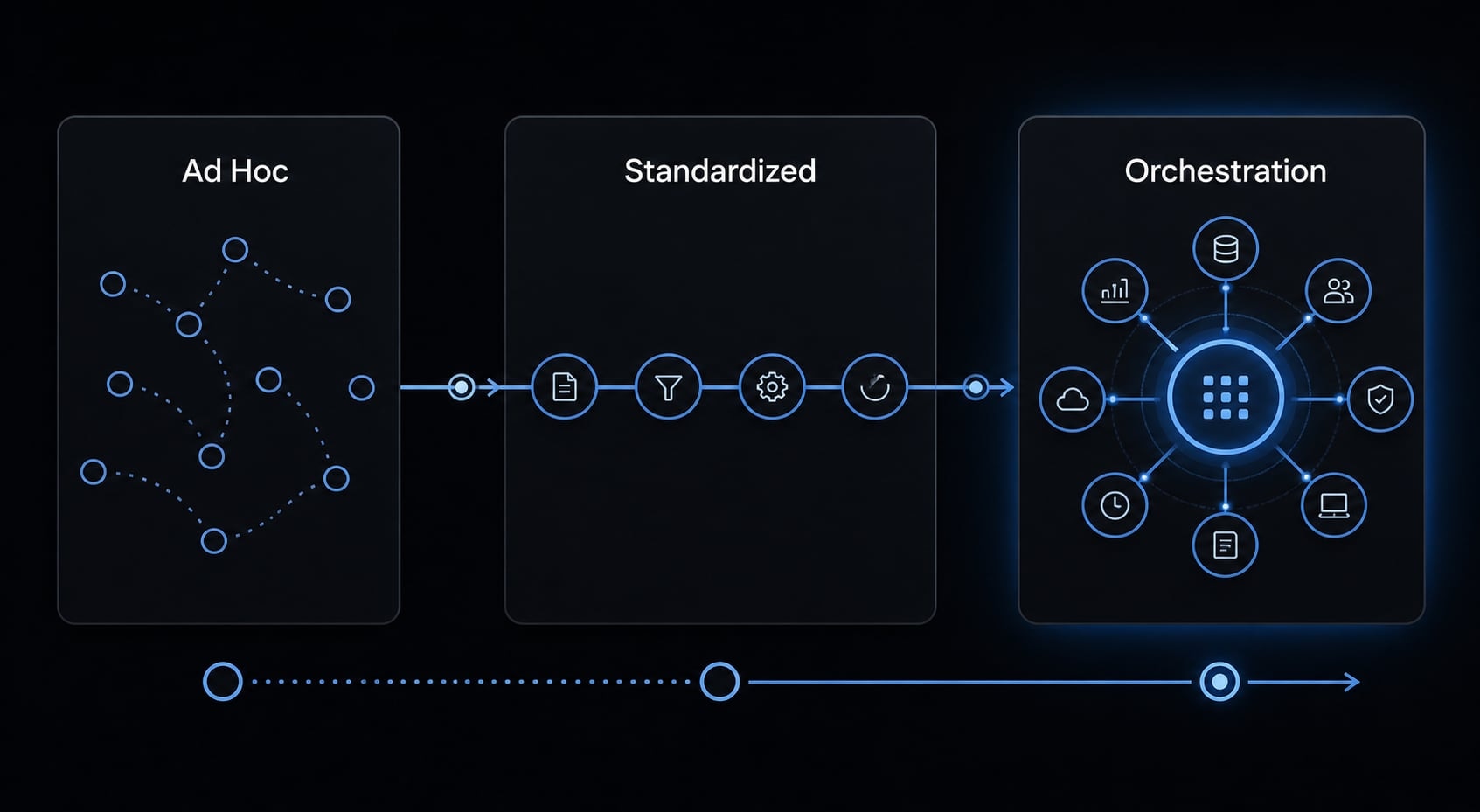
For teams that want to operationalize this across AI development and marketing teams, AgentKit provides a system layer for packaging prompts, subagents, workflows, and controls into more repeatable execution. It does not replace tool choice. It helps teams scale the right choice more consistently.
Frequently asked questions
What is the primary difference between Claude Cowork and Claude Code?
Claude Cowork is a desktop-first tool designed for operational workflows involving files, data, and documents. Claude Code is a terminal-first developer tool built for software engineering tasks, providing direct access to your codebase, git, and command-line environment for deeper control.
Which tool should I use if I am not a developer?
You should choose Claude Cowork. It provides an intuitive interface for handling documents, spreadsheets, and folder-based tasks without requiring command-line knowledge or terminal access, making it the better fit for marketers, operators, and non-technical business founders.
Can Claude Cowork be used for coding tasks?
While Claude Cowork can handle basic text-based tasks, it is not optimized for complex software development. Use Claude Code instead if your workflow requires navigating a codebase, running git commands, refactoring services, or executing code within a technical development environment.
Do Claude Cowork and Claude Code share the same subscription?
Yes, both tools are powered by Anthropic's models and draw from the same Claude Pro subscription usage. You do not need separate accounts to switch between these interfaces depending on the specific task you are tackling.
Why does Claude Code require more review than Cowork?
Claude Code operates directly in your local development environment with terminal and git access, allowing it to modify your software. This level of power necessitates a structured git workflow and careful human review to ensure all automated changes remain stable and secure.
Is Claude Cowork safer than Claude Code?
Claude Cowork runs in a more contained desktop environment, making it inherently safer for general operational work. Claude Code is more powerful and "open" to your file system and terminal, which requires greater security discipline and an established human-in-the-loop review process.
Read more:
- Claude Code vs OpenCode Features: Choosing the right CLI agent
- Claude Code vs Cline: Which AI coding workflow suits you?
- Codex vs Claude Code: Which AI coding agent suits you best?
Conclusion
In Claude Cowork vs Claude Code, the best decision comes down to workflow, not prestige. If your work is mostly file-based, document-heavy, and convenience-first, Cowork is usually the better fit. If your work is repo-based, terminal-native, and control-heavy, Claude Code usually makes more sense.
For most teams, the practical recommendation is simple: Start with the lower-complexity tool that reliably fits the task. Add more control only when the workflow truly demands it. That is how you avoid unnecessary friction while still building toward production-ready Claude workflows.