
Claude Code Buddy: What it was and why /buddy no longer works
Claude Code Buddy was a small terminal pet that Anthropic shipped as an April Fools’ feature. Typing /buddy hatched a text-based companion that sat beside your prompt and occasionally commented on your work. It arrived in Claude Code 2.1.89 on April 1, 2026, and Anthropic removed it in 2.1.97 on April 9. If /buddy does nothing in your installation today, that is expected: the command no longer exists in current versions.
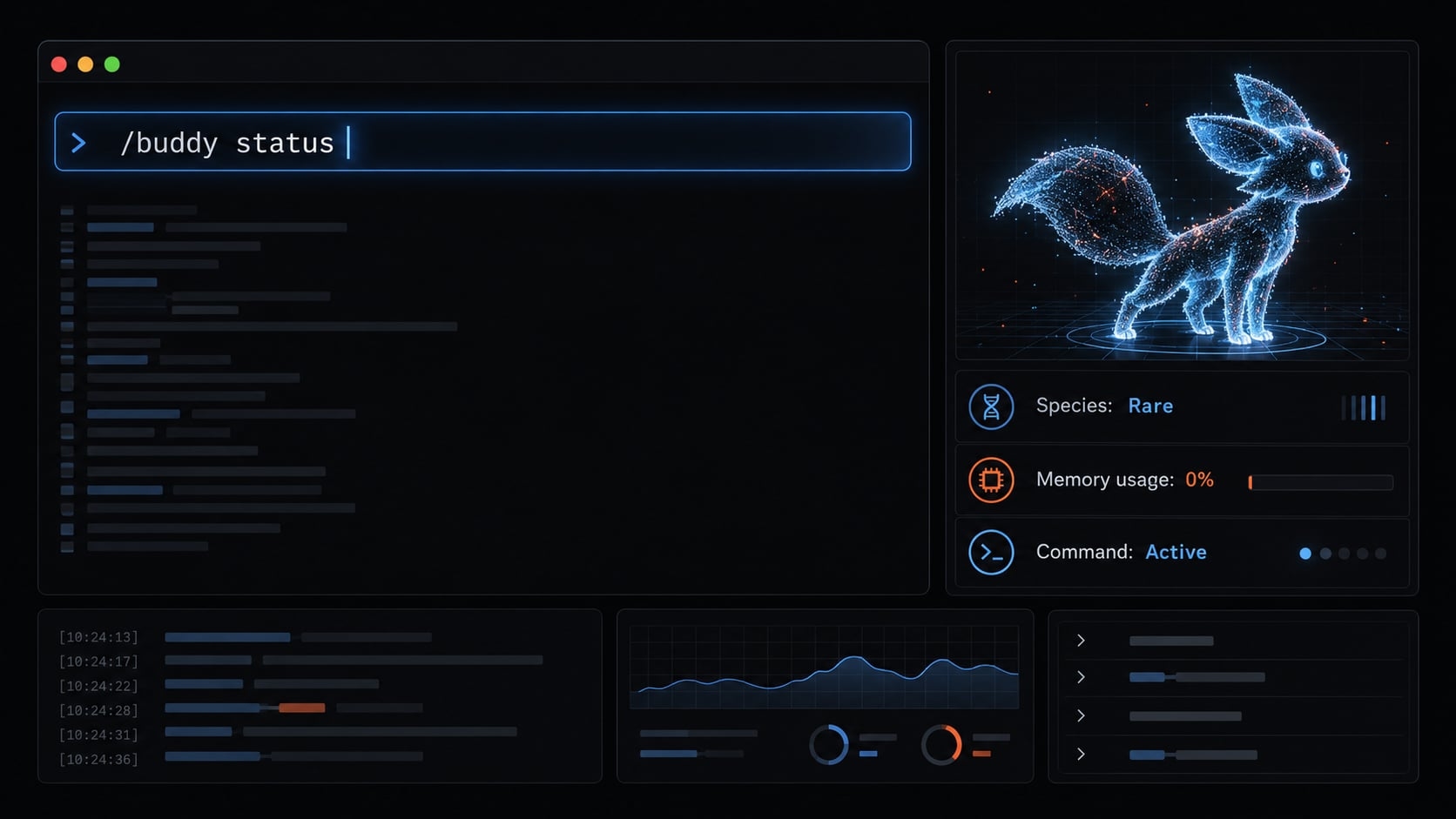
What is Claude Code Buddy?
Claude Code Buddy was a Tamagotchi-style terminal pet that Anthropic shipped as an April Fools’ feature in April 2026. After you ran /buddy and agreed to hatch it, a small text-art creature appeared beside your prompt and stayed there while you worked.
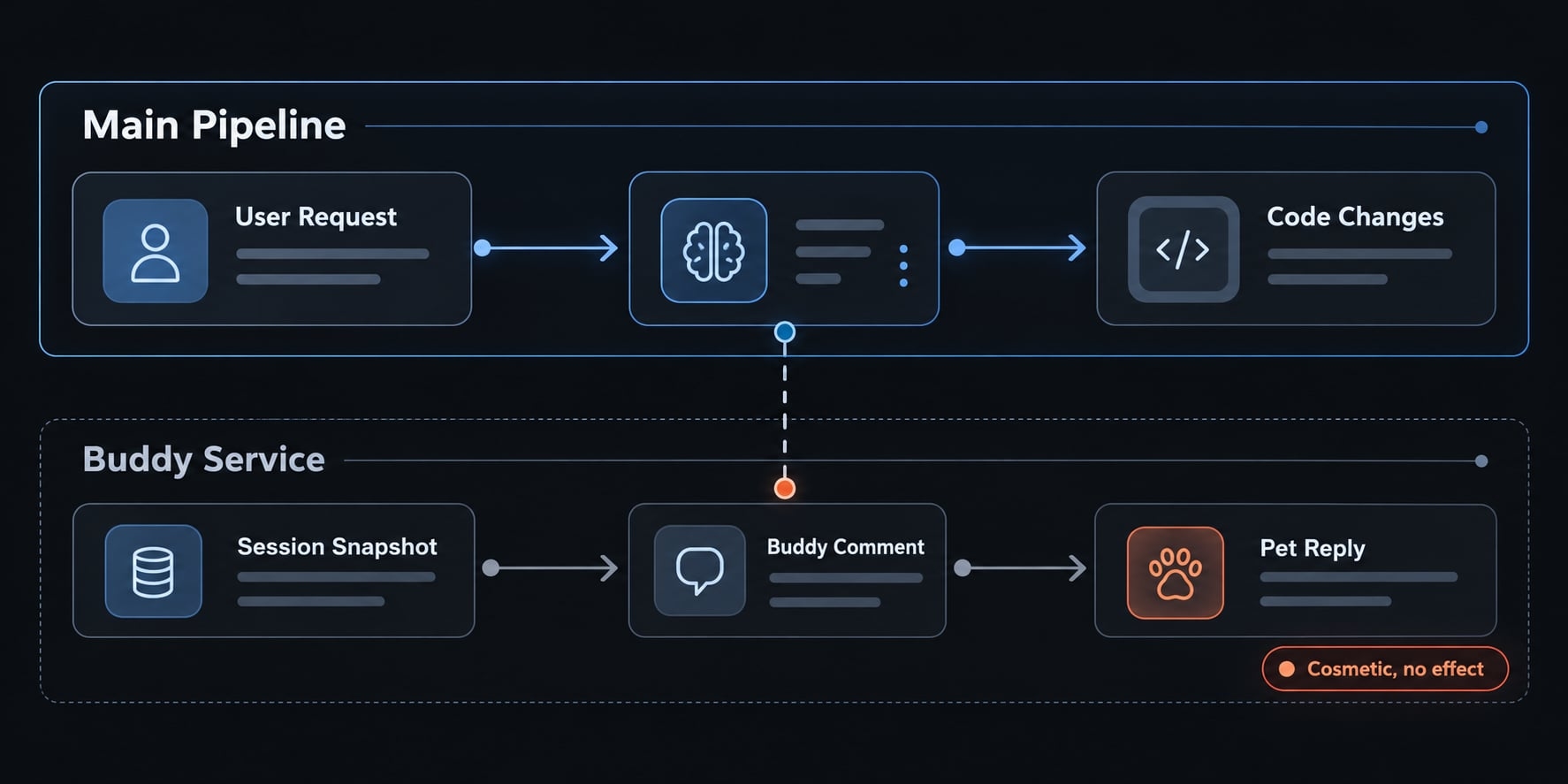
Buddy was purely cosmetic. Its traits had no connection to Claude’s coding ability, and it did not change how Claude wrote, tested, or reviewed code. It was a lighthearted companion, not a productivity tool.
How Buddy worked
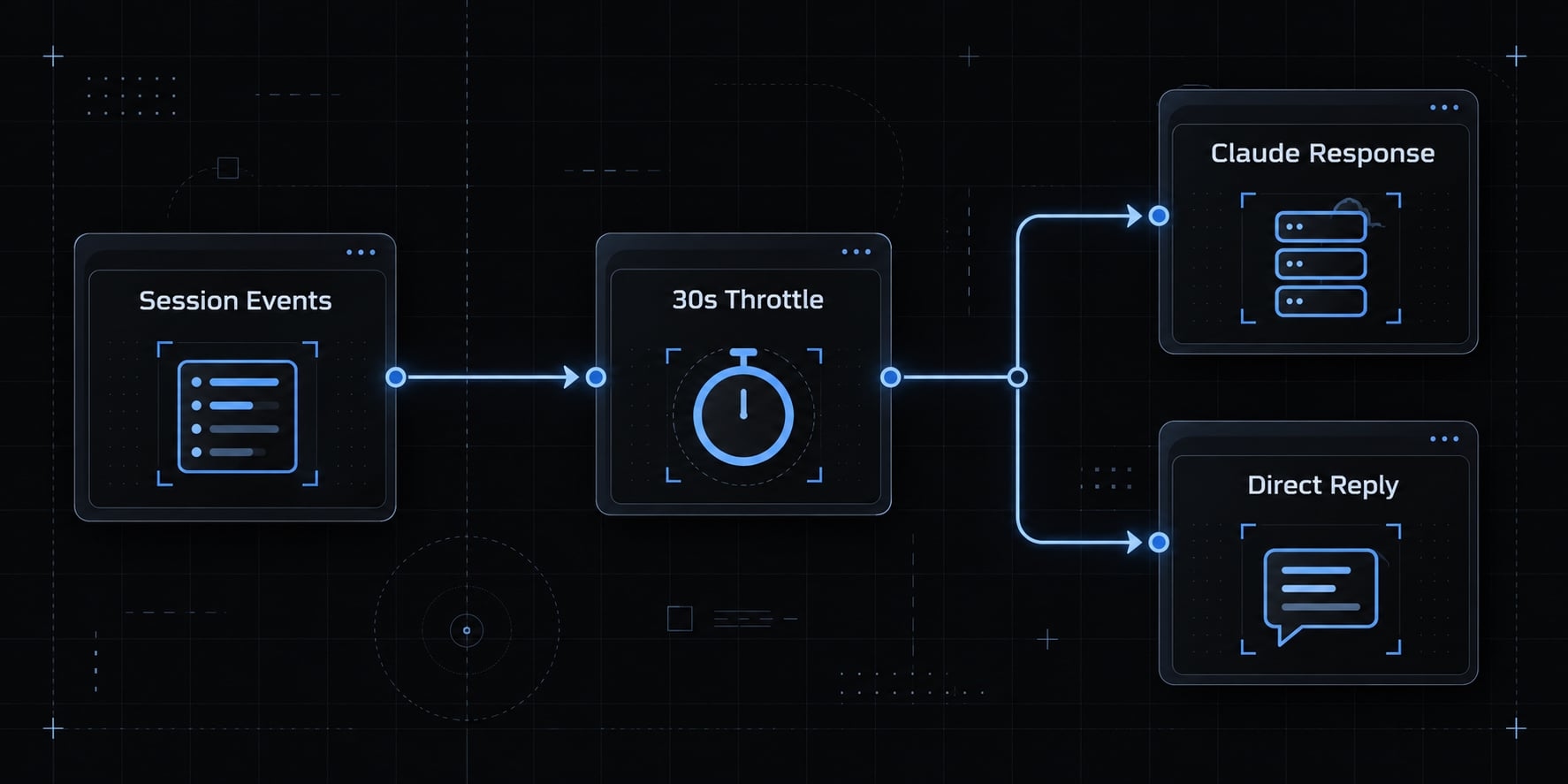
According to community analyses of the released code, Buddy had four main behaviors:
Behavior | What happened |
|---|---|
Hatching | Running |
Reacting to your work | Every few turns, Buddy posted a short comment. Triggers included failing tests, errors, large diffs, and ordinary turns. Routine comments were throttled to roughly one every 30 seconds. |
Talking by name | Addressing Buddy by its name prompted a direct reply. Claude was instructed to treat Buddy as a separate character and stay out of the way. |
Petting |
|
Because these details come from analyses of a feature that no longer ships, treat them as a historical description rather than instructions.
How Buddy came to light
Buddy became public a day before its official launch. On March 31, 2026, a Claude Code npm release accidentally included a source map that exposed internal code, including a buddy feature with an April 1 teaser schedule.
Date | Version | Event |
|---|---|---|
March 31, 2026 | — | Source leak exposes the unreleased buddy code |
April 1–7, 2026 | 2.1.89 |
|
April 9, 2026 | 2.1.97 | Anthropic removes Buddy, calling it a small April Fools’ feature |
Why /buddy no longer works
Anthropic removed Buddy in Claude Code 2.1.97, about a week after launch. Current versions do not recognize the command, and there is no setting to turn it back on. To confirm, run claude --version in your terminal. If your version is 2.1.97 or later, /buddy is expected to be unavailable; this is not an installation or account problem, so there is no need to reinstall or change your subscription.
Should you downgrade to get Buddy back?
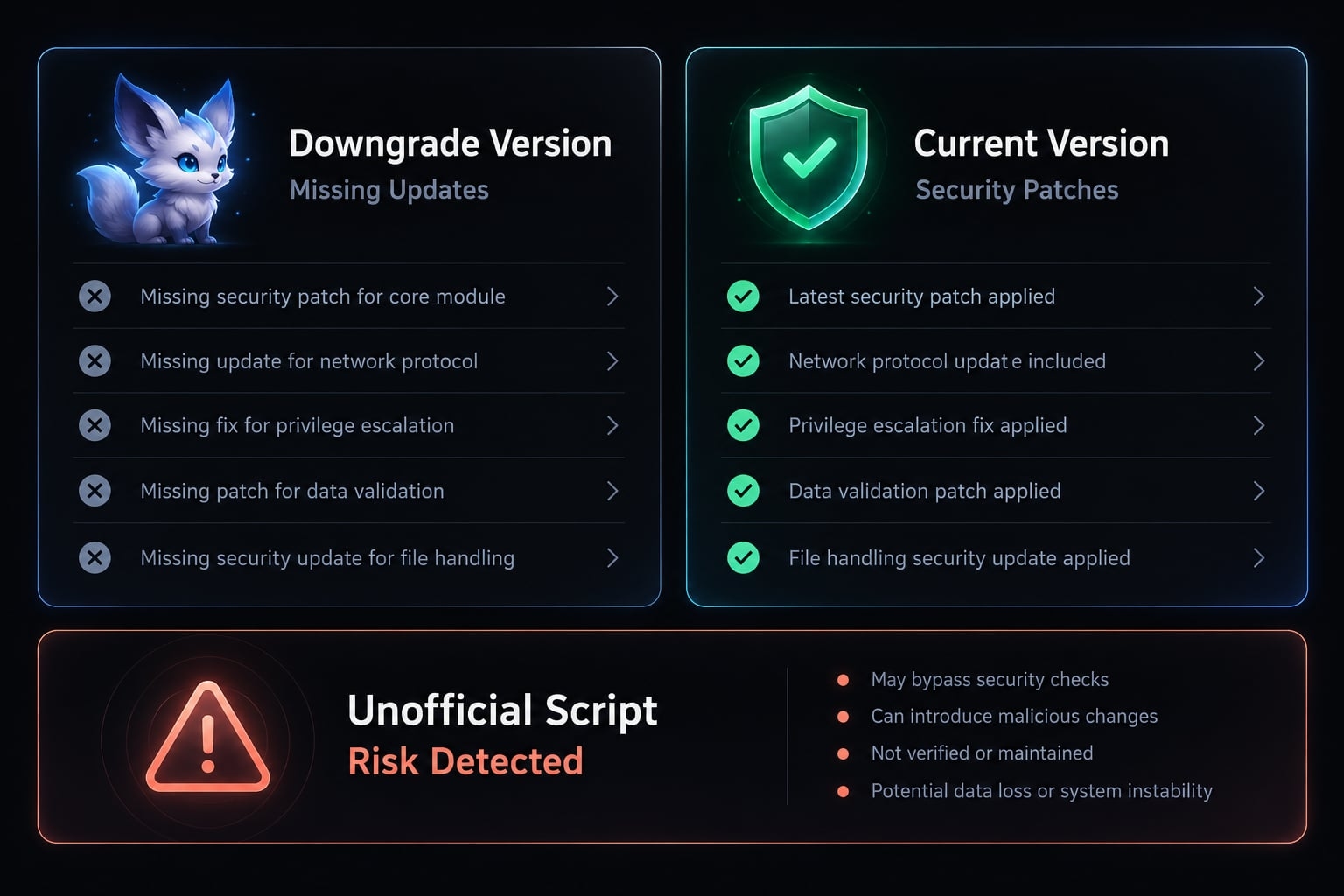
No. Some users rolled back to an older version to keep their pet, but this trades a cosmetic feature for missing bug fixes and security updates. Be equally cautious with similarly named packages or scripts that claim to “restore” Buddy: they are not official, and installing them can expose your environment to unreviewed code.
Species, rarity, and stats
Community write-ups described multiple species, rarity tiers, rare “shiny” variants, and named stats such as SNARK and WISDOM. These were collectible-style labels on a novelty feature. They never measured Claude’s capabilities, and since Buddy no longer ships, they have no practical effect on Claude Code today.
Did Buddy affect tokens, performance, or privacy?
While it was enabled, Buddy’s comments came from a separate request to Anthropic’s service, built from a snapshot of your recent session activity. The pet was therefore not entirely free of model activity, even though it was cosmetic. It did not affect code quality or Claude’s performance on your tasks. Since the feature has been removed, it has no effect on current sessions, usage, or files.
Will Buddy come back? - Anthropic has not announced plans to bring Buddy back. Treat any claim of a return, or any tool promising to revive it, with caution unless it appears in Anthropic’s official release notes or documentation.
Want more personality in your terminal? Use supported options
If you enjoyed having something extra beside your prompt, Claude Code offers supported ways to customize your session:
Get the next post in your inbox
New guides and AgentKit updates, no spam. Unsubscribe at any time.
Ship features with Engineer Kit
Planning, implementation, review and testing workflows for AI coding agents, ready to install.
Explore Engineer Kit →Share this article
Keep reading
- Master Claude Code PostToolUse hook: Setup and examplesLearn how to configure Claude Code PostToolUse hooks for automated formatting and linting. Follow our guide to improve workflow efficiency today.15 min read
- How to use Kimi K2 with Claude Code: Setup & verification guideLearn how to configure Kimi K2 with Claude Code using Anthropic-compatible endpoints. Follow our step-by-step guide for setup, verification, and testing.13 min read
- Claude Code effort level: How to choose the right settingLearn how Claude Code effort level impacts reasoning and performance. Discover the best settings for your tasks to balance efficiency and accuracy.10 min read