
Claude Code limits reset: When usage resets and how to avoid hitting it
Claude Code limits reset based on your account's specific restriction, not at a fixed time. Check the displayed reset timestamp or countdown in your terminal first. Short-window, weekly, and model-specific restrictions can overlap, while billing restrictions can require direct account action rather than passive waiting. Your account’s current notice is the most reliable operational reference.
If a Claude Code usage limit interrupts your work, identify the exact blocker before retrying. The workflow below helps you verify availability, preserve unfinished code changes, and reduce unnecessary model processing during future sessions.
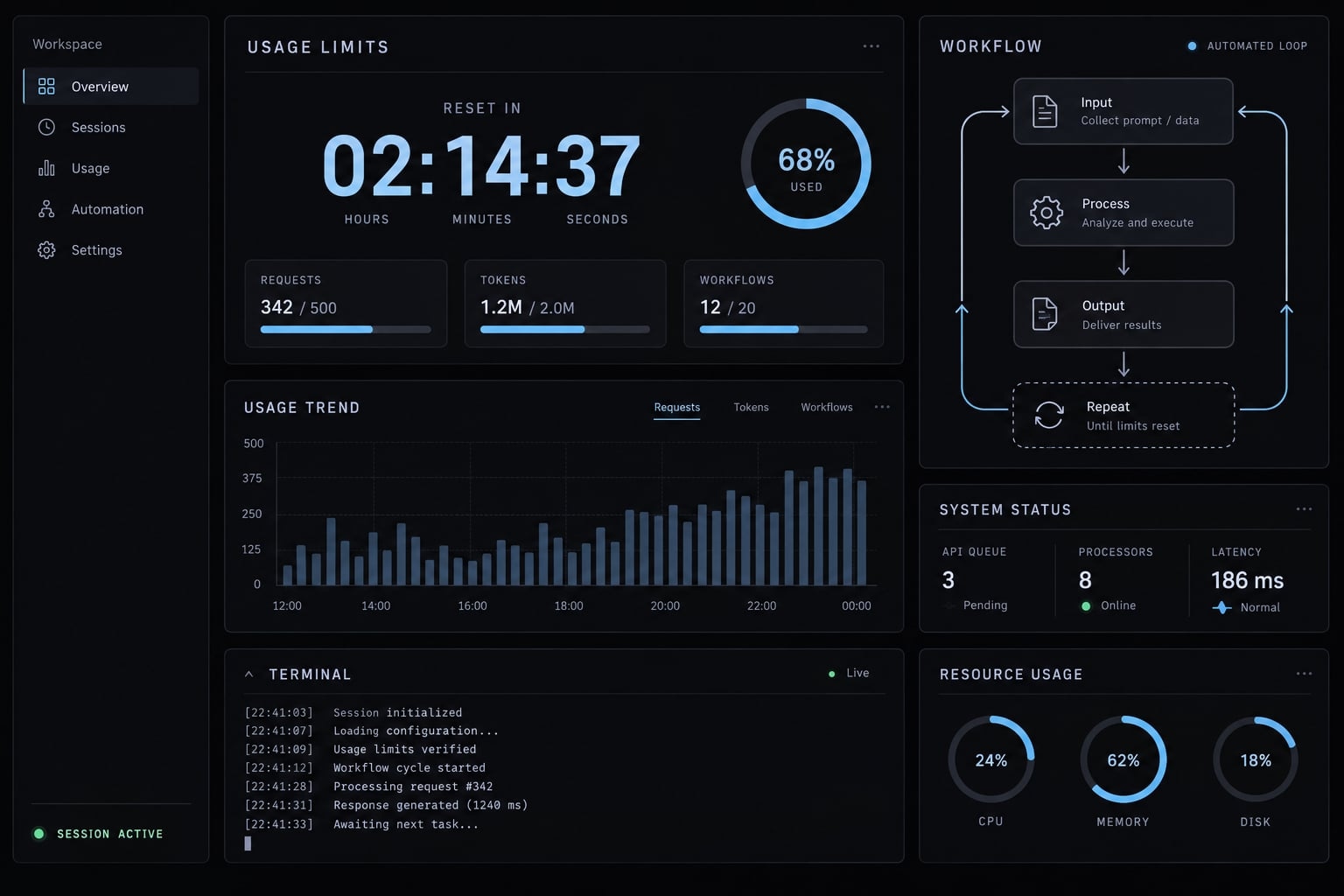
When do Claude Code limits reset?
The short answer
Your Claude Code reset time depends on your current limit type and payment method. Follow the timestamp attached to the restriction notice when available. If another allowance remains exhausted (such as a weekly cap), the end of a short-window reset will not automatically restore access. Without a displayed timestamp, do not estimate a schedule based on when you first noticed the interruption.
Why “It resets every five hours” is incomplete
A 5-hour limit is a short-term usage cap included in certain subscription plans. It is not a universal guarantee that every blocked account becomes usable again precisely after five hours.
Distinguish these three separate layers:
- Short-window allowance: Rolling availability that returns according to the specific time window shown for your account session.
- Longer-duration or model-specific restriction: A weekly reset or account-wide ceiling that determines overall capacity regardless of short-window resets.
- Model-specific caps: Independent thresholds applied to high-reasoning models (such as Claude 3.7 Sonnet or Opus).
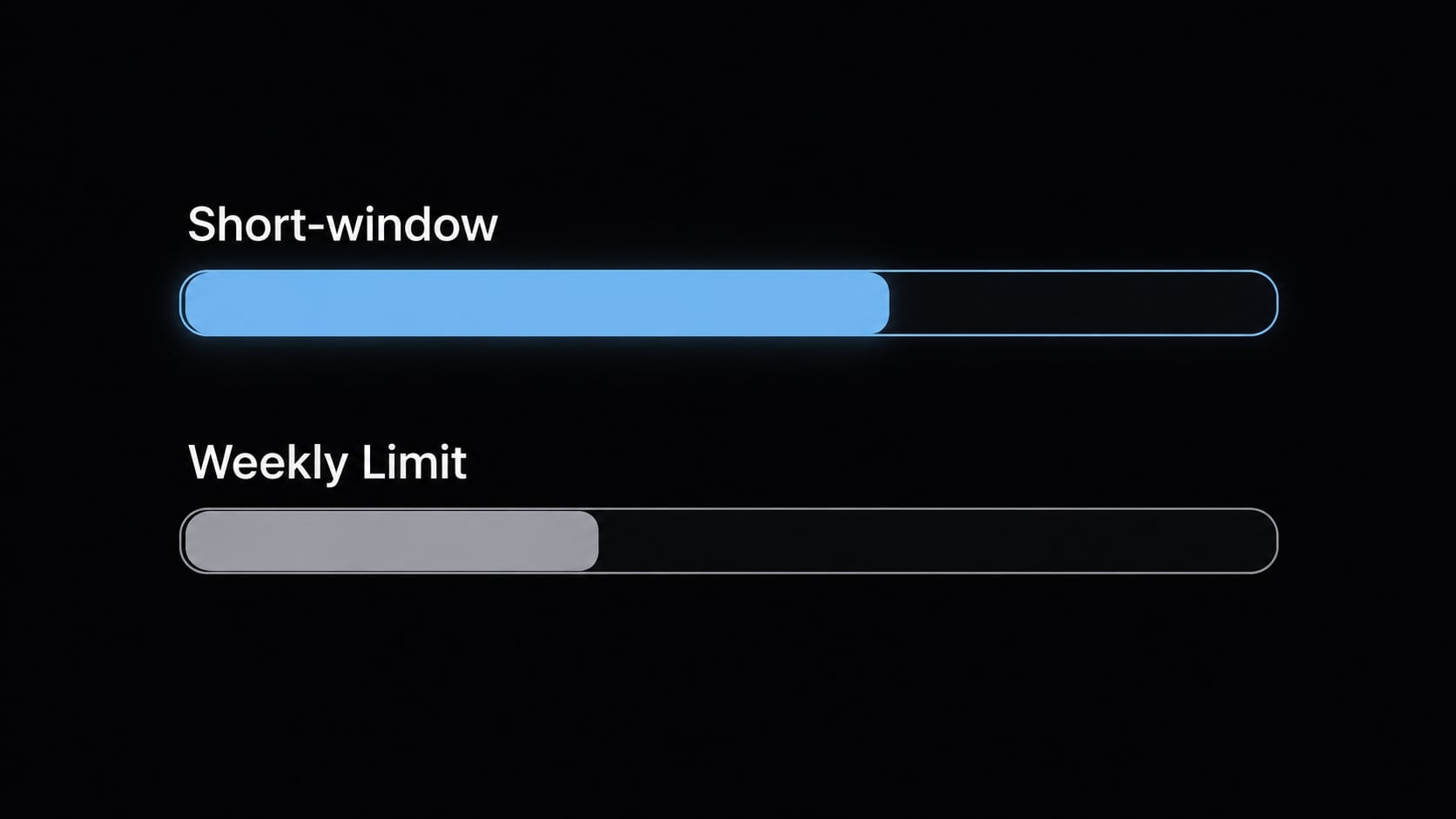
Example: A developer fixing an API handler hits a 5-hour burst restriction. Once five hours pass, the short-window limit resets, but execution remains blocked because the account's overall weekly capacity was fully consumed the previous day.
Claude Code limit types at a Glance
Interruption messages can look similar while requiring completely different resolutions. Understanding these categories prevents unnecessary waiting when account action is needed instead.
Claude Code limit comparison table
Limit or control | What it controls | Reset or resolution | How to verify | Practical response |
|---|---|---|---|---|
Short-window allowance | Usage within a shorter period | Displayed window reset | Limit notice; subscription usage | Record the timestamp |
Weekly allowance | Longer-period usage | Account’s weekly reset | Weekly usage indicator | Check before scheduling work |
Model-specific allowance | Access to a particular model | Model’s displayed restriction | Model-specific notice | Check eligible alternatives |
Subscription entitlement or shared allowance | Umbrella access rules across eligible products | Underlying quota reset or account correction | Plan, account, and usage settings | Confirm the signed-in account |
API request/token rate limits | Request frequency or processing volume | Applicable rate window; retry guidance | API error and Console limits | Reduce concurrency and back off |
Extra-usage spending limit or prepaid balance | Authorized paid consumption | Billing action or applicable spending-period reset | Relevant billing settings | Review budget before authorizing charges |
Subscription limits are not API rate limits
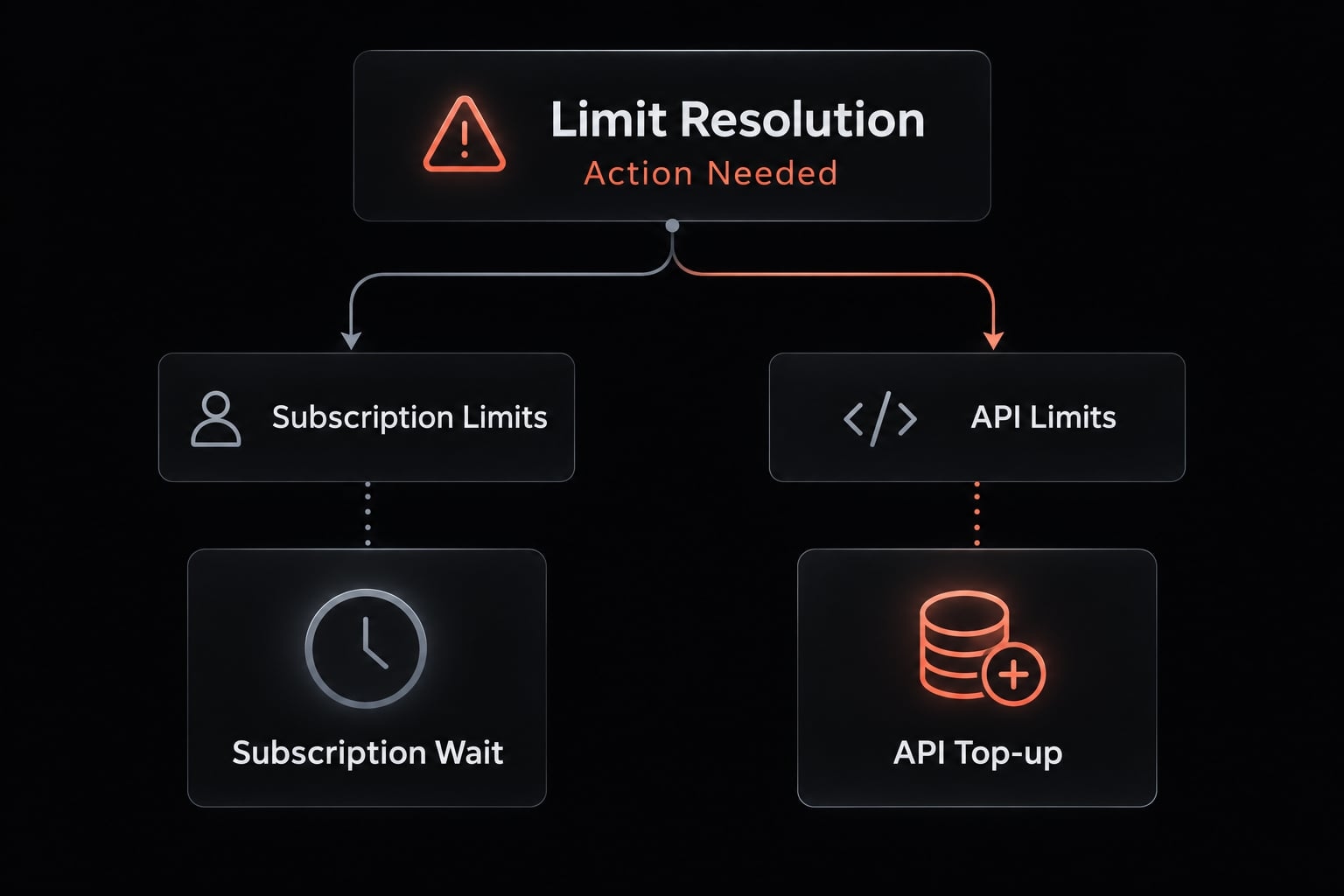
Authentication determines which rules apply. A Claude Pro/Max subscription session operates under rolling usage windows, whereas API-billed usage operates under API rate limits (tokens per minute) and credit balances. Switching between subscription login and an API key changes the underlying limit rules entirely.
Shared usage across Claude products
Check whether your plan shares usage between Claude conversations and Claude Code. Do not assume every web, desktop, cloud, or organizational surface draws from one universal pool.
The applicable plan guidance and account indicators should establish the scope. Switching interfaces does not establish that a fresh allowance exists.
How to check your actual Claude Code reset time
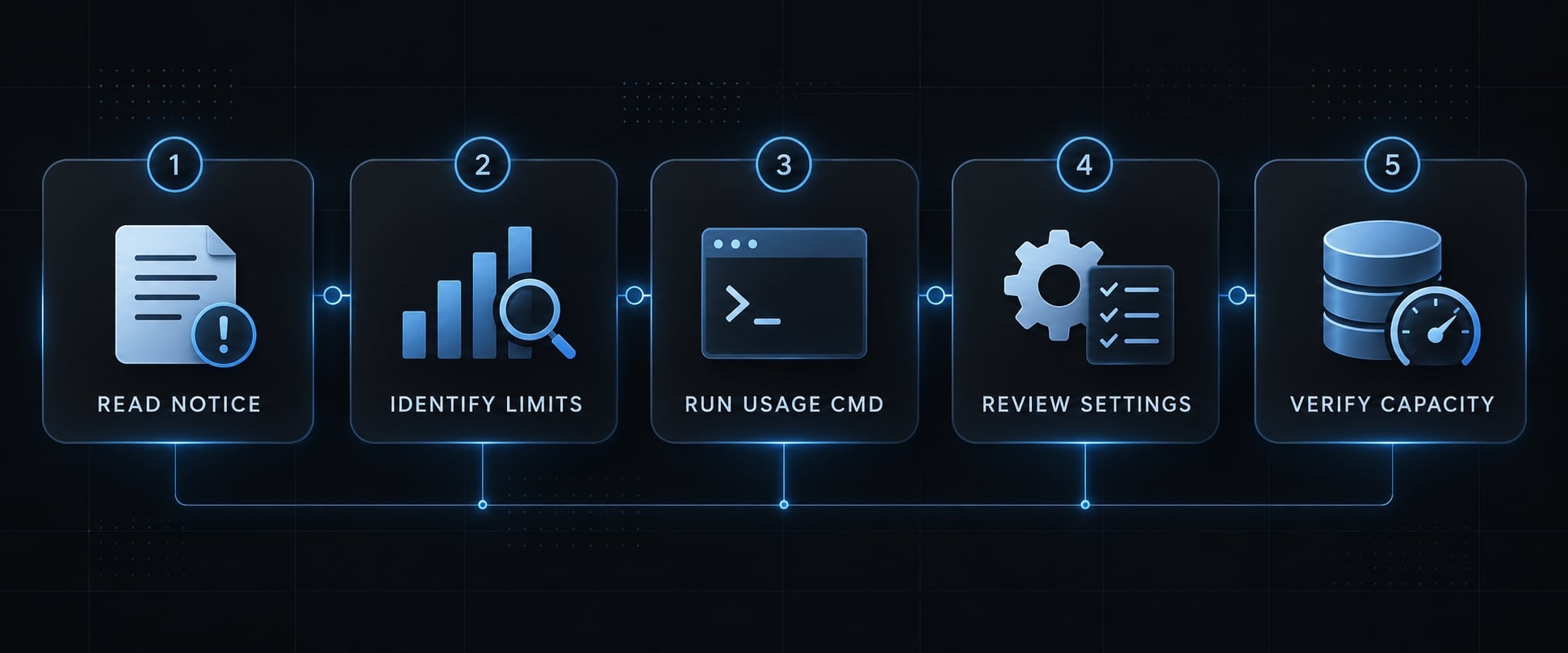
Follow this five-step check before attempting to restart a blocked coding session:
- Read the complete CLI notice: Keep the exact text. Look for explicit reset times or time-zone indicators.
- Identify the restriction category: Determine if you hit a rolling burst limit, a weekly ceiling, or an API credit depletion.
- Run native context commands: Use supported commands like /usage (where available in your version) to view current quota usage directly in the terminal.
- Review your Anthropic Account Settings: For subscription users, check the web portal for active usage percentages; for API users, inspect the API Console.
- Compare overlapping limits: Confirm that both your short-window and weekly capacities are open before initiating large agent loops.
Check the limit message first
Extract the category, timing, model, and account context. An ambiguous message is useful troubleshooting evidence; paraphrasing can remove the detail that identifies the blocker.
If the notice gives no countdown, avoid estimating a reset from the last successful request.
Review account usage information
To check Claude Code usage, review the subscription account’s Anthropic usage settings when subscription-authenticated. For API-billed activity, use the corresponding API Console.
These interfaces need not display identical metrics. Compare available short-window and weekly indicators, rather than relying on a single percentage.
Limit type:
Reset time:
Time zone, if shown:
Model/interface:
Next planned session: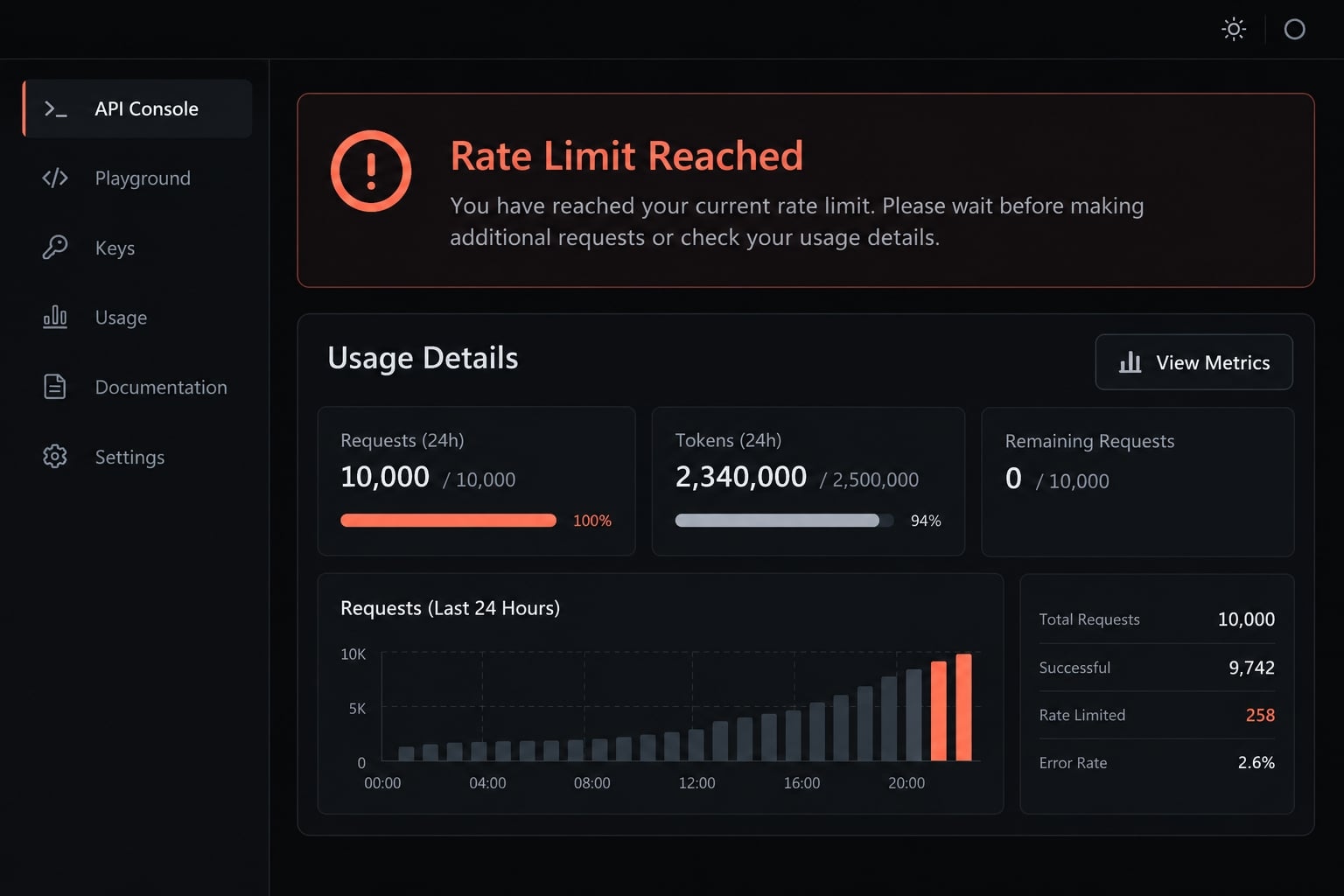
Use CLI commands only when currently supported
Check your installed version’s command help and official documentation before relying on usage commands. Session cost statistics are not automatically remaining subscription allowance.
Context-management commands are not reset-checking tools. Avoid undocumented reset commands copied from third-party posts.
What to do after you hit the Claude Code limit
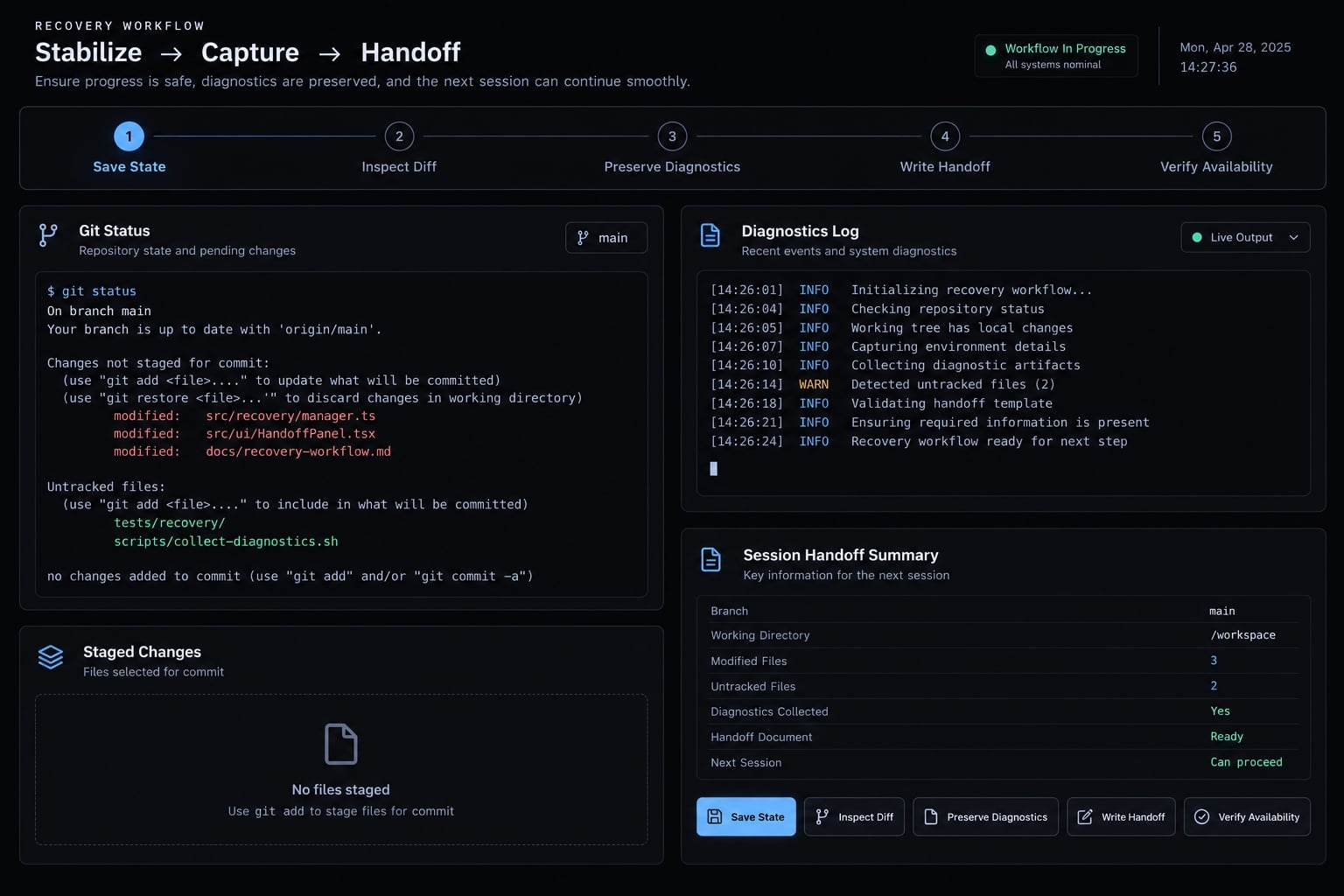
Protect local work before experimenting with retries. Recovery should remain possible without another model response.
- Save edited files.
- Inspect the working tree and diff.
- Preserve useful diagnostics and changes.
- Write a short handoff note.
- Check reset timing and eligible account options.
Preserve the current state
Do not close your terminal or reset your workspace without securing your code:
git status
git diff
git diff --cached
Review staged and untracked files. Stash or commit progress to a local feature branch so no manual edits are lost while waiting for the Claude Code limits reset.
Create a compact Handoff note
A useful session handoff captures decisions and the next action, rather than reproducing the conversation:
Goal:
Completed work:
Files changed:
Unresolved issue:
Next smallest action:
Write this context summary manually if Claude is already blocked. Include important constraints, such as preserving a billing endpoint’s public contract.
Review eligible recovery options
If your account offers additional paid usage, inspect eligibility, pricing, and spending controls before enabling it. Additional paid capacity is not a reset and is not free.
Do not rely on unverified reset grants, vouchers, or cloud-credit workarounds. Resume model work only after confirming availability under the intended billing arrangement.
No workflow tool can override Anthropic’s account controls.
How to make Claude Code limits last longer
You cannot force an early quota reset, but you can significantly slow down your token consumption rate during active coding sessions.
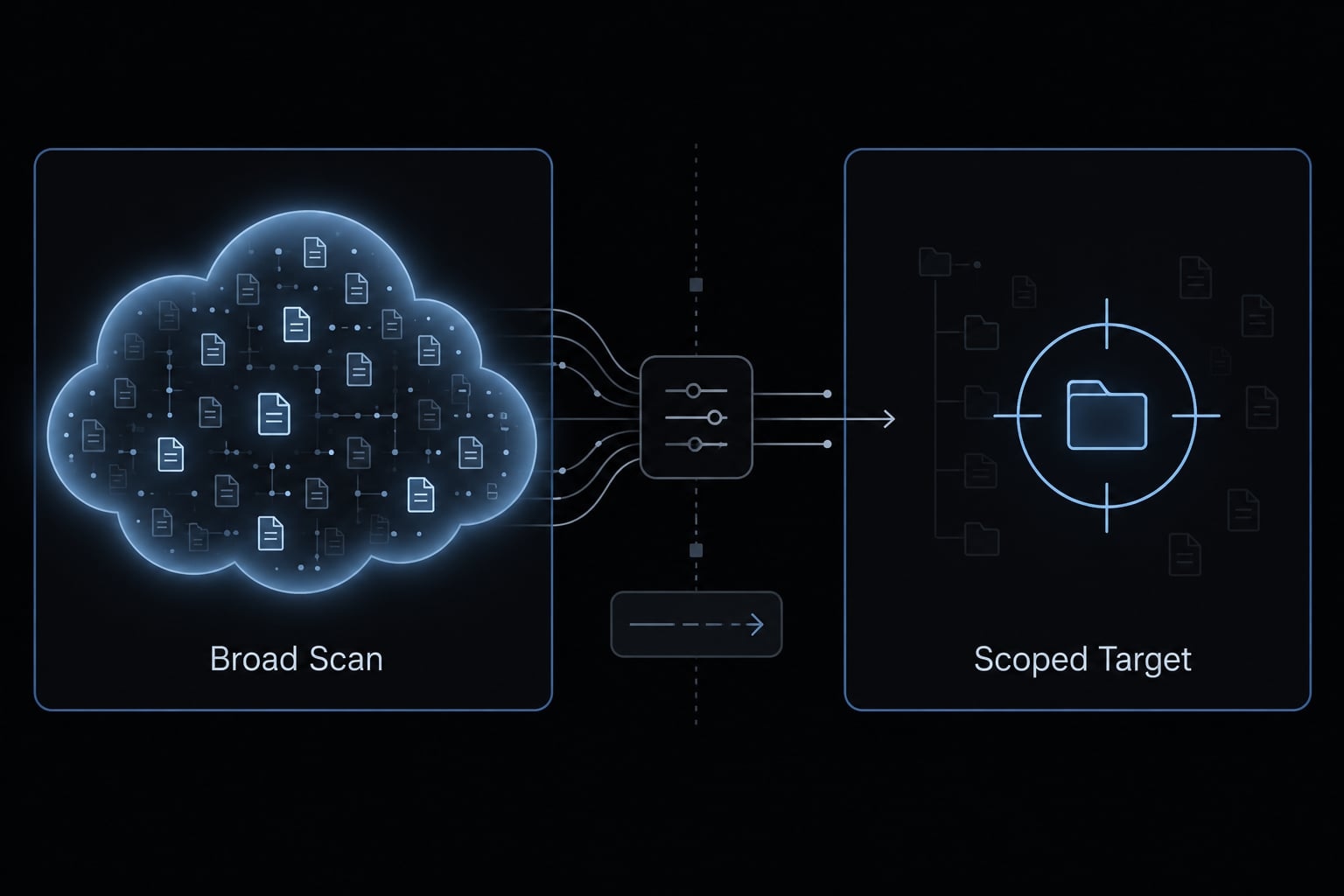
Narrow the repository scope
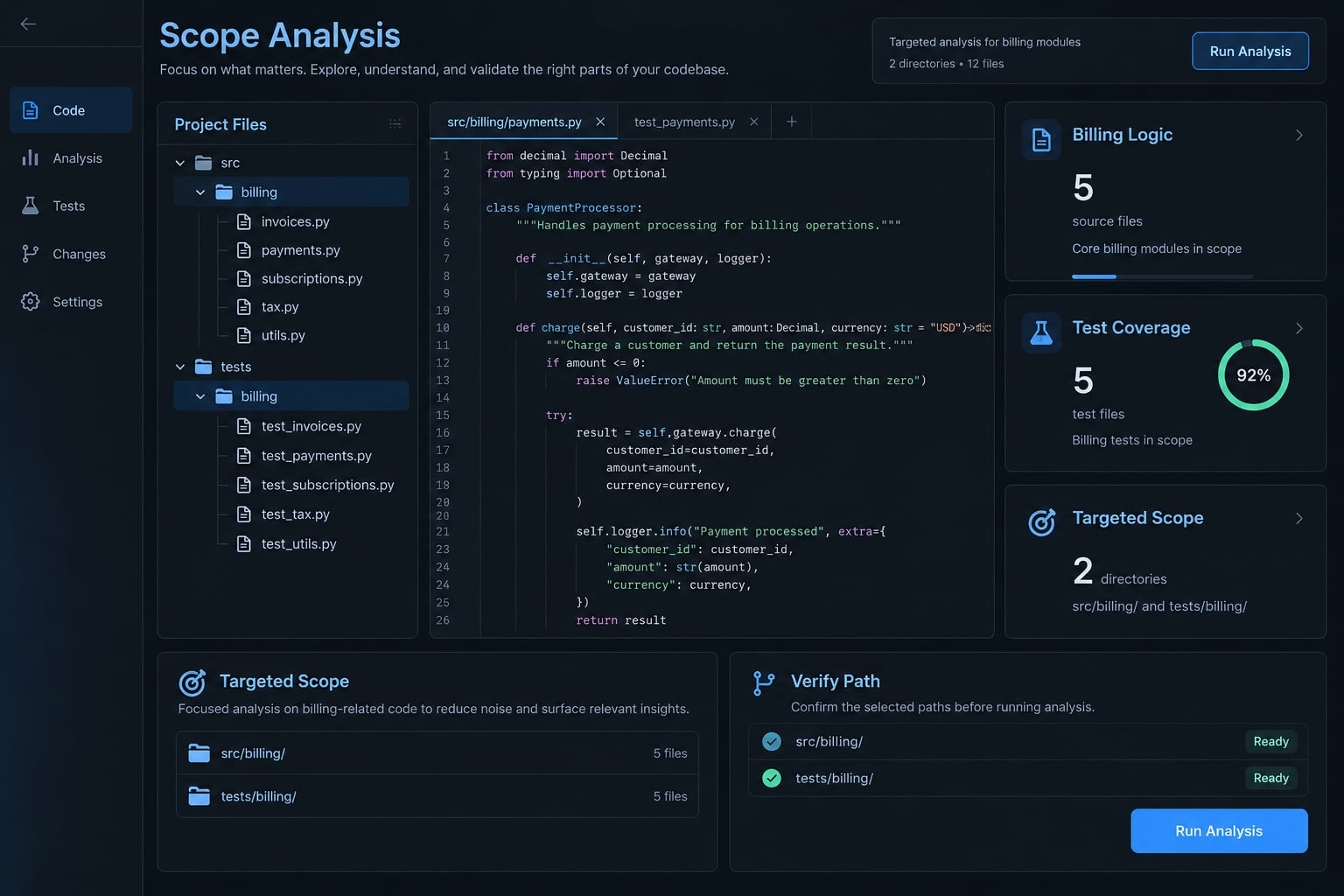
Name the relevant directories and exclude unrelated discovery.
Inspect src/billing/ and tests/billing/ only.
Find why canceled subscriptions retain access.
Exclude generated files and unrelated integrations.
Report the likely cause before editing.
This improves repository scope, but prompt boundaries are guidance-not enforced security permissions.
Ask for a plan before implementation
For unfamiliar or multi-file work, request a short plan containing affected files, acceptance criteria, and the proposed test command.
Skip this overhead for trivial edits. Planning helps when it prevents a wrong implementation; it does not automatically reduce usage.
Keep CLAUDE.md concise and project-specific
Persistent project instructions occupy context when loaded. Keep them actionable.
Do | Avoid |
|---|---|
List current build, test, and lint commands | Outdated command variants |
Name important directories and boundaries | Full repository inventories |
Record stable conventions | Temporary debugging transcripts |
Remove obsolete or duplicated guidance | Unrelated organization policies |
Project instructions are useful context, not free unlimited memory.
Compact or restart long sessions
Consider context compaction when logs, abandoned approaches, or changed objectives dominate the conversation.
Preserve decisions first. Compaction can omit details and itself require processing. Starting a fresh session also requires sufficient context to continue safely.
Neither compaction nor restarting restores consumed allowance.
Request targeted changes instead of full rewrites
Broad: “Rewrite the subscription billing module.”
Bounded:
Change calculateRenewalDate() and its tests only.
Preserve the public signature.
Acceptance: a January 31 renewal resolves to the
last valid February date in the configured timezone.
A concrete acceptance criterion limits correction loops and unnecessary changes.
Control subagents and tool loops
Give subagents non-overlapping deliverables and explicit stopping conditions. Delegation can add coordination and context overhead.
For debugging, require a checkpoint after a defined set of failed attempts. Local command execution differs from the model calls and returned output surrounding a tool loop. Large logs can create avoidable context.
Match the model to the task
Use a suitable available model for routine, low-risk edits. Reserve stronger reasoning capability for difficult debugging or high-risk changes.
Evaluate correctness, not just apparent consumption. Repeated failed attempts can undermine token efficiency. Model switching does not bypass weekly or account-wide restrictions.
Common mistakes that exhaust Claude Code usage faster
These patterns can increase unnecessary processing. They are not a formula for Anthropic’s quota accounting, and session length alone does not explain consumption.
Usage-draining mistakes and better approaches
Mistake | Better approach |
|---|---|
Whole-repository scans | Name relevant paths first |
Unrelated tasks in one session | Separate objectives with handoffs |
Repeated vague corrections | State a failing acceptance criterion |
Excessive logs | Return relevant error excerpts |
Full rewrites for small changes | Request a targeted patch |
Open-ended loops | Set stopping conditions |
Overlapping subagents | Assign distinct deliverables |
Repeated project setup | Maintain concise project instructions |
Mismatched model capability | Match capability to risk |
Confusing short-window and weekly resets-a planning error | Check both applicable indicators |
The most important diagnostic question
Was the session dominated by necessary changes, unnecessary discovery, repeated corrections, or excessive tool output?
Choose one corrective action:
- Necessary changes: Break the next milestone into independently testable tasks.
- Unnecessary discovery: Specify files before another repository scan.
- Repeated corrections: Define observable acceptance criteria before implementation.
- Excessive output: Filter diagnostics before returning them to the conversation.
For example, repeated CRM mapping failures call for a representative test fixture, not another broad instruction to “fix synchronization.”
Context bloat is something you can control, whereas predicting token-to-message conversion is not. Change the dominant source of waste first, then assess output quality and interruptions across comparable tasks.
Frequently asked questions
When does my Claude Code usage limit reset?
Claude Code limits do not follow a universal midnight schedule. Reset times are determined by rolling windows: short-window allowances typically operate on rolling multi-hour windows (e.g., 5 hours), while account caps operate on 7-day rolling windows. Always check the timestamp displayed in your terminal error notice or run /usage.
How can I check how much usage I have remaining?
In supported CLI versions, type /usage to view a breakdown of your current session's context usage and remaining allowances. For API-billed setups, monitor your consumption through the official Anthropic API Console dashboard.
Does starting a new chat session reset my usage limits?
No. Clearing the terminal session or starting a new chat window does not replenish your consumed quota. Claude Code shares usage allowances across your account; quota resets only when the rolling time window expires.
What is the /limit-reset command and can I use it?
The /limit-reset command allows you to redeem an available reset "grant" to immediately restore burst capacity. These grants are periodically issued to eligible paid tiers (Pro, Max, and Team). Check your account settings in the web interface or run the command in the CLI to see if a reset is currently available.
Why do my Claude Code limits exhaust faster than regular chat?
Claude Code executes autonomous tool loops (reading local files, running bash commands, analyzing git diffs). Each tool interaction re-processes the entire conversation context and tool results, causing token consumption to compound much faster than standard text chat.
What should I do if I am locked out of Claude Code?
If your weekly account cap is reached, waiting for a short-window reset will not restore access until the 7-day rolling window clears. You can either wait for the weekly reset timestamp, switch your authentication method to an API key (pay-as-you-go), or upgrade your subscription tier if available.
Read more:
- Claude Code dependency audit: A safe, step-by-step workflow
- Claude Code secrets: How to secure .env files and credentials
- Claude Code MCP: Connect servers, setup guide, and fix errors
Conclusion
Understanding when Claude Code limits reset starts with identifying the active restriction. Read the account-specific timestamp, confirm the billing arrangement, and check whether another limit remains active. A short-window reset does not override a weekly restriction, and waiting does not necessarily fix a depleted balance.
Preserve files, diagnostics, and a compact handoff before leaving an interrupted task. For the next session, adopt one practical habit: name the relevant files and acceptance criteria before requesting implementation.
AgentKit provides reusable skills and workflows that can support more consistent task setup. It cannot bypass Anthropic’s controls or restore consumed quota. Start with the handoff template included above; add workflow tooling only where it reduces repeated setup without introducing unnecessary complexity.