How to setup Claude Code with OpenRouter: Practical guide
Claude Code with OpenRouter: Practical setup guide, limits, and fixes
If you want to run Claude Code with OpenRouter, the main goal is usually simple: Better cost control, clearer billing visibility, or fewer workflow interruptions during long coding sessions. This guide is for developers, technical founders, and small teams who want the setup to work quickly without digging through unnecessary theory. You will get the exact environment variables to paste, the correct setup order, the main compatibility limits, and a troubleshooting checklist for the errors that waste the most time. In practice, most issues come from stale authentication, failing to reload the shell, or one variable quietly overriding another.
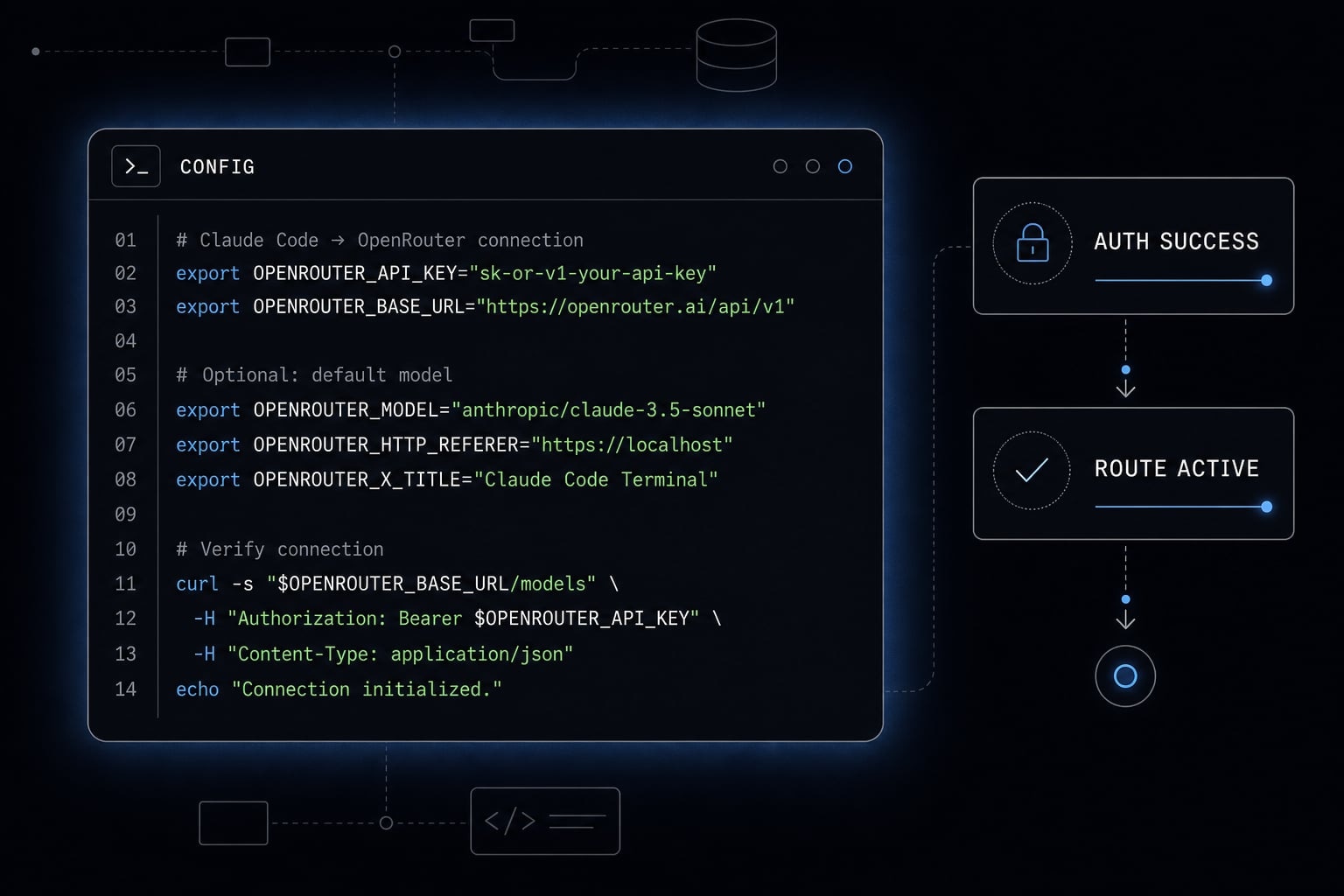
What Claude Code with OpenRouter actually does
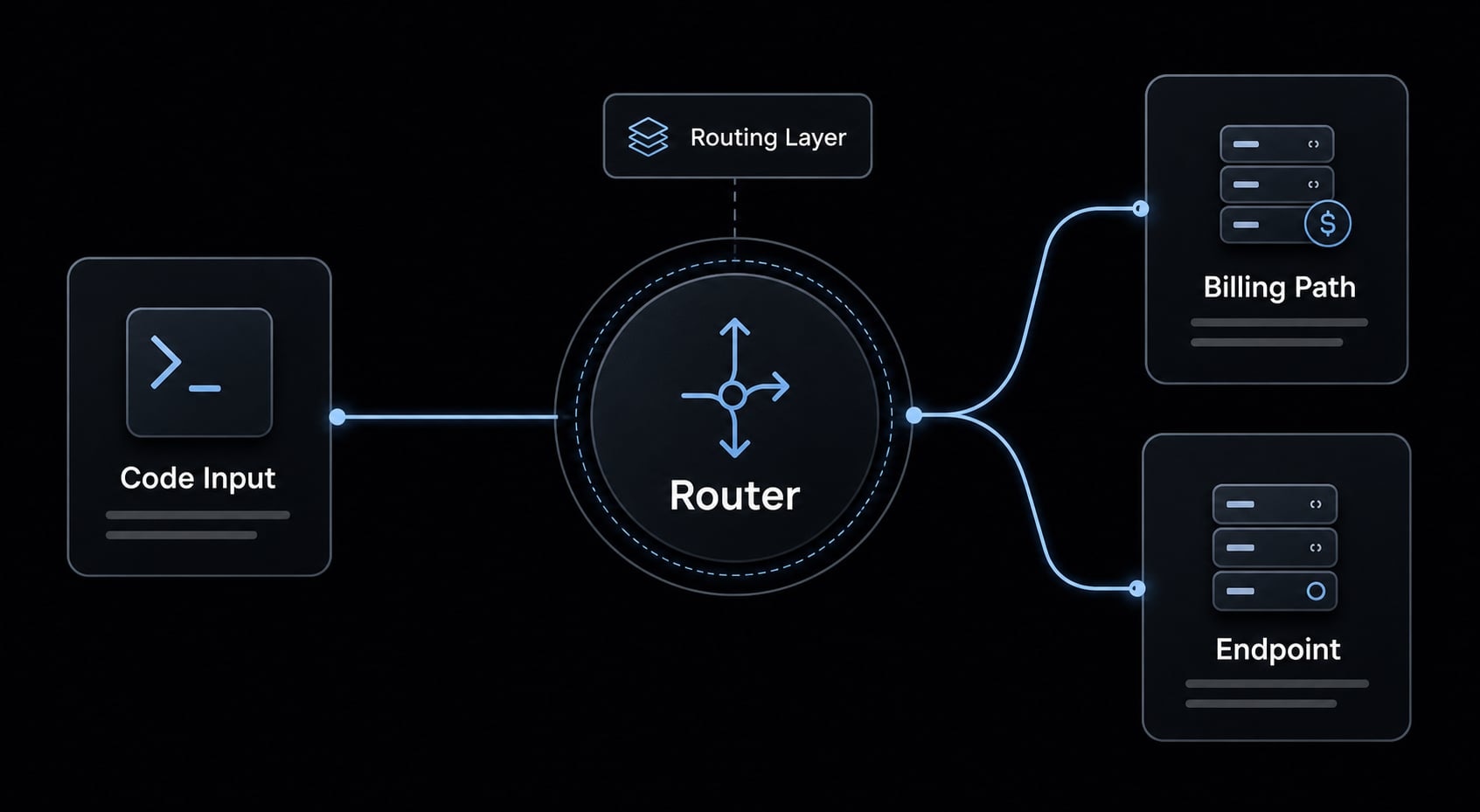
Claude Code with OpenRouter is a setup where Claude Code sends requests through OpenRouter instead of going directly to Anthropic. In plain terms, OpenRouter acts as a routing and billing layer, which can improve spend visibility, give you more operational flexibility, and support an Anthropic-compatible endpoint without changing the core Claude Code workflow.
The important point is that your day-to-day usage stays mostly familiar. You still use Claude Code as Claude Code. What changes is the request path behind the scenes and the way usage is managed.
For many users, that matters for operational reasons rather than feature novelty. Long coding sessions can run into rate-limit friction, and teams often want a cleaner view of shared spend across multiple developers.
OpenRouter is a routing layer, not a different Claude Code workflow
When configured correctly, Claude Code sends its requests to OpenRouter through an Anthropic-compatible endpoint. That means OpenRouter accepts requests in a format Claude Code can work with, then handles the provider-side routing and billing layer underneath.
This is an operational change, not a behavioral one. You are not replacing Claude Code with a different interface. You are changing where Claude Code sends its traffic.
It also does not require a heavy local proxy setup. For mainstream use, the setup is usually just a few environment variables and a clean verification step.
- Cost control: Easier visibility into usage and spend patterns.
- Billing visibility: Useful for solo operators and small teams sharing one billing path.
- Routing resilience: Can help when direct provider access is inconsistent or constrained.
- Lower friction: No need to run a separate local proxy for the basic setup.
When this setup is useful - and when it is not
Use Claude Code with OpenRouter when:
- You use Claude Code heavily and want better spend tracking.
- You want one billing layer across multiple developers.
- You need more routing flexibility for long sessions.
- You want operational control without changing the Claude Code workflow.
It may be unnecessary when:
- Your direct Anthropic setup already works well.
- Your usage is light and cost visibility is not a concern.
- You want the absolute simplest path with the fewest moving parts.
What do you need before setting up Claude Code with OpenRouter?
A short pre-check prevents most failed setups.
Minimum checklist before you start
- Claude Code is already installed and launches correctly.
- You have a valid OpenRouter API key.
- Your key begins with
sk-or-. - You can edit your shell profile, usually
~/.zshrcor~/.bashrc. - You know which shell you use: zsh and bash often use different profile files.
- You can reload the shell with
source ~/.zshrcorsource ~/.bashrc. - You can fully relaunch Claude Code after making changes.
- You are prepared to clear old auth state if needed.
Why older Anthropic login state can cause conflicts
A common failure point is previous authentication still being cached. Even if your new variables are correct, an older direct Anthropic login can override environment-based routing and cause confusing errors such as model not found, authentication issues, or traffic appearing to ignore your new path.
In practice, many “everything looks correct but still fails” cases come from either the wrong shell profile, a shell that was never reloaded, or stale login state that remains active until you run /logout.
How do you connect Claude Code to OpenRouter?
If you want a working Claude Code OpenRouter setup, start with the default route first. Do not add optional overrides until the base configuration works.
Add the required environment variables
Paste the following into your shell profile, usually ~/.zshrc or ~/.bashrc:
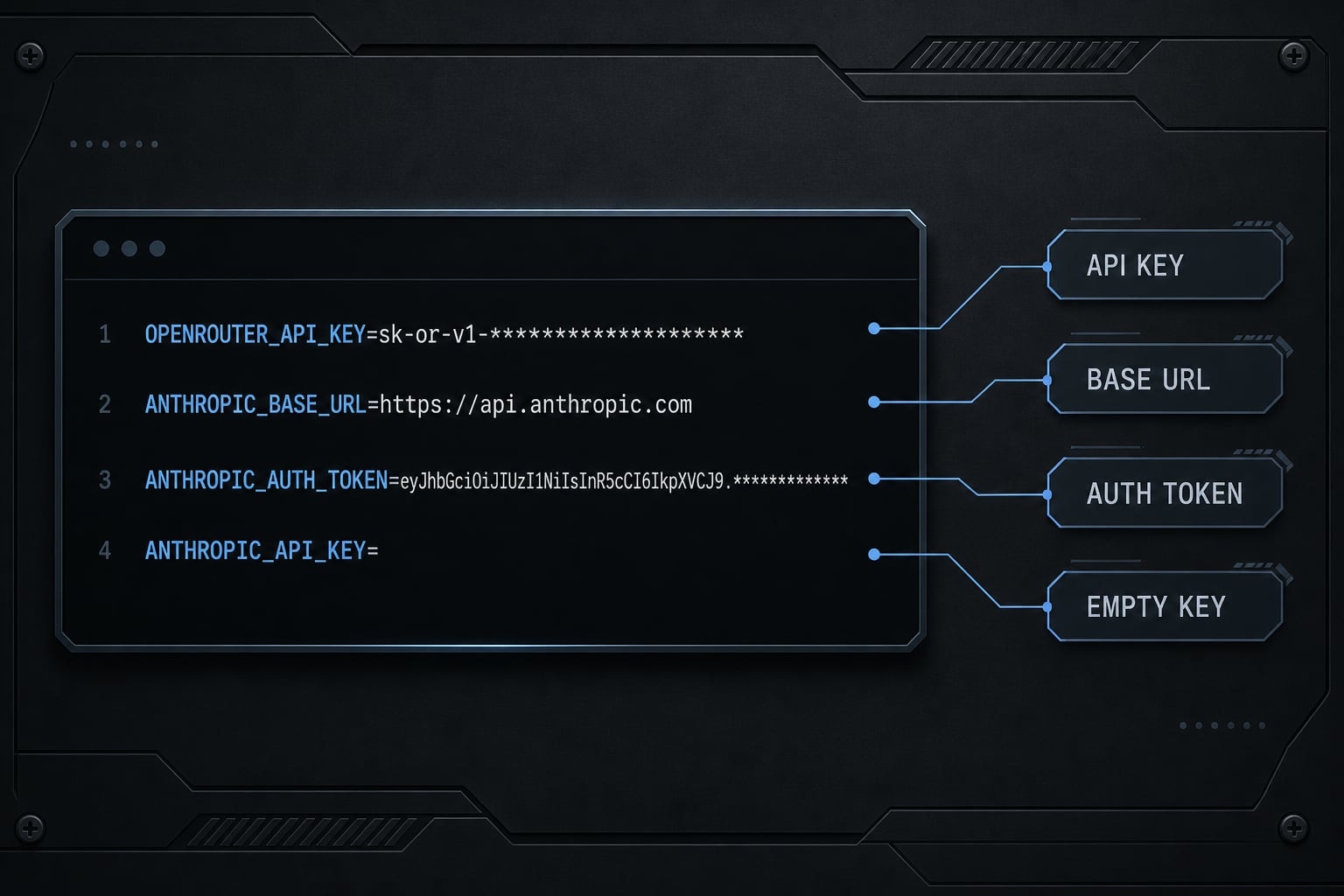
export OPENROUTER_API_KEY="sk-or-your-key-here"export ANTHROPIC_BASE_URL="https://openrouter.ai/api"export ANTHROPIC_AUTH_TOKEN="$OPENROUTER_API_KEY"export ANTHROPIC_API_KEY=""
What each variable does:
OPENROUTER_API_KEYstores your OpenRouter key for reuse.ANTHROPIC_BASE_URLpoints Claude Code to OpenRouter instead of direct Anthropic access.ANTHROPIC_AUTH_TOKENreuses your OpenRouter key for Anthropic-compatible authentication.ANTHROPIC_API_KEY=""must be explicitly empty so an old direct Anthropic key does not take precedence.
Do not skip the empty ANTHROPIC_API_KEY. This is one of the most common reasons a setup appears correct but still routes incorrectly.
Reload your shell config
After saving the file, reload your shell before testing anything.
- If you use zsh, run:
source ~/.zshrc - If you use bash, run:
source ~/.bashrc - If that does not seem to apply the changes, restart the terminal completely
- Do not test Claude Code before reloading the shell
A common failure point is editing the variables correctly but forgetting to reload the shell. That leaves Claude Code running with the old environment.
Log out old auth and verify the route
If you previously authenticated Claude Code directly with Anthropic, clear that old state.
- Open Claude Code
- Run
/logout - Close or relaunch Claude Code
- Start a fresh session
- Run
/status - Confirm the session is using the expected route and not an older cached login
This order matters. Cached auth often overrides otherwise correct variables.
Fast summary: Setup in 6 steps
- Open
~/.zshrcor~/.bashrc - Paste the four required environment variables
- Save the file
- Reload the shell with
source ~/.zshrcorsource ~/.bashrc - Run
/logoutin Claude Code if you used Anthropic auth before - Relaunch Claude Code and verify with
/status
Most users should stop here and confirm that the basic routing works before changing model slots or adding any extra configuration.
Can Claude Code use all OpenRouter models?
No. This is where many tutorials oversimplify the issue.
An Anthropic-compatible endpoint means OpenRouter provides a request path that Claude Code can speak to using Anthropic-style expectations. That helps Claude Code work through OpenRouter, but it does not mean Claude Code becomes a universal client for every model available on OpenRouter.
The cleanest use case is still Claude-focused routing. OpenRouter can help manage the path, billing, and operational flexibility, but you should treat full model parity across every provider path as an assumption to test carefully, not a guarantee.
What works well
- Routing Claude-oriented usage through OpenRouter.
- Better shared billing visibility across users or sessions.
- Possible provider routing or failover benefits.
- Cleaner operational control for solo developers and small teams.
- Keeping the familiar Claude Code workflow while changing the backend route.
What to treat carefully
- Arbitrary non-Anthropic model assumptions.
- Claims that Claude Code will work equally well with every OpenRouter model.
- Feature parity expectations across all provider paths.
- Simplified tutorials that present OpenRouter as a universal low-cost replacement for every model.
- Model mapping assumptions without direct verification.
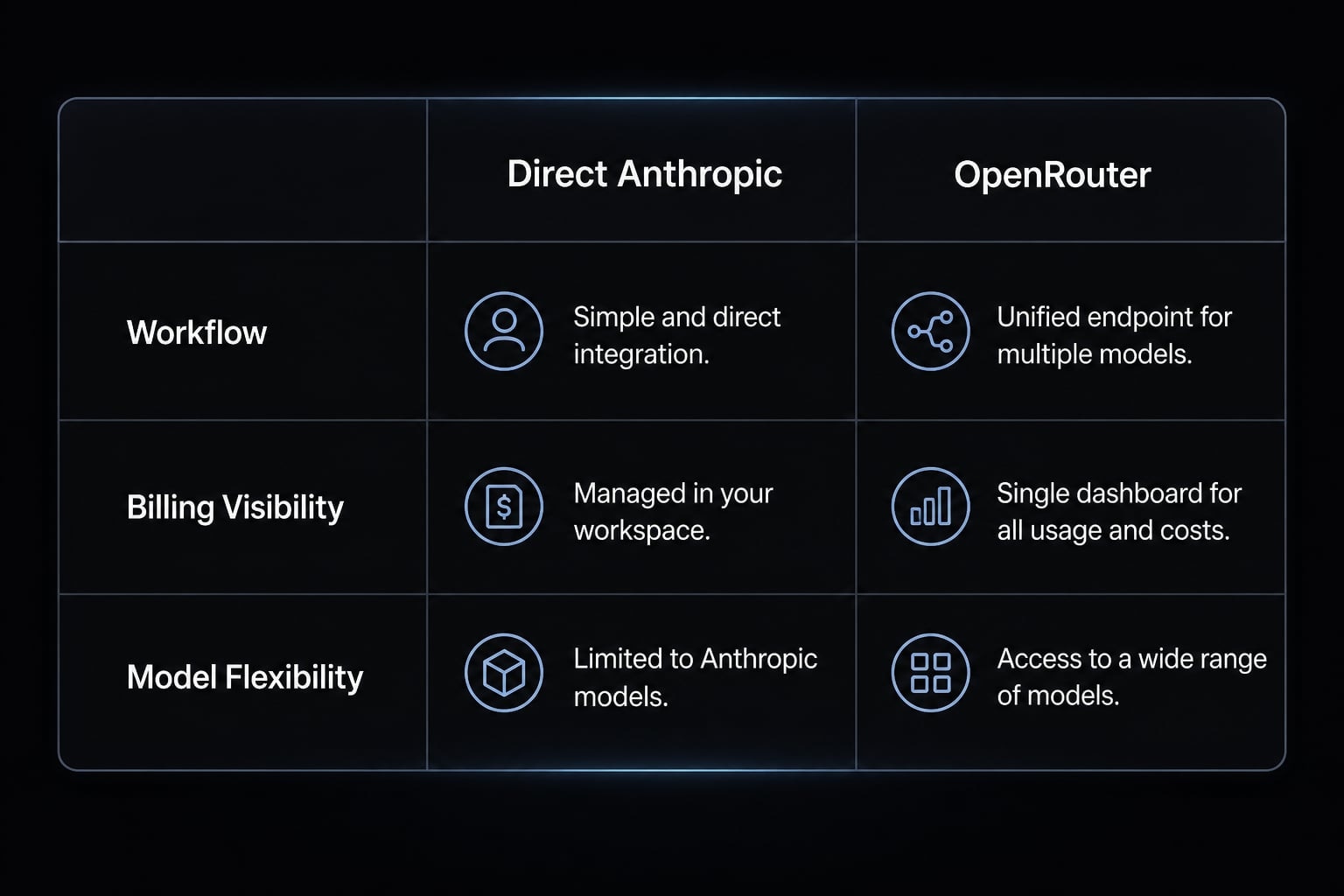
Direct Anthropic vs OpenRouter in Claude Code
Area | Direct Anthropic | Claude Code with OpenRouter |
|---|---|---|
Native Claude workflow | Yes | Yes, mostly unchanged |
Shared billing visibility | Limited to your direct account setup | Better centralized visibility |
Provider routing or failover | Direct provider path only | May offer more routing flexibility |
Arbitrary non-Anthropic model usage | Not applicable | Do not assume full support |
Setup complexity | Simpler | Slightly more setup due to env variables and auth checks |
Best fit | Light or straightforward direct use | Users needing cost control, routing, or shared visibility |
Can you customize model slots or use this more effectively with a small team?
Yes, but keep this optional. Most users should first get the base route working with no overrides.
Example model slot overrides
If your default setup is already working, you can optionally define model slot behavior like this:
export ANTHROPIC_DEFAULT_OPUS_MODEL="claude-opus-latest"export ANTHROPIC_DEFAULT_SONNET_MODEL="claude-sonnet-latest"export ANTHROPIC_DEFAULT_HAIKU_MODEL="claude-haiku-latest"export CLAUDE_CODE_SUBAGENT_MODEL="claude-sonnet-latest"
These are optional overrides, not required setup. Use them only after your base OpenRouter API key, Anthropic base URL, and auth flow are already working.
Keep the examples Claude-oriented. This is not the place to assume broad cross-model behavior.
Why small teams may care
For small teams, the value is usually operational rather than technical experimentation:
- Shared spend visibility across multiple developers.
- Easier standardization of a working setup.
- Better guardrails around usage behavior.
- Cleaner internal billing and usage review.
- Fewer ad hoc personal account workarounds.
If you are managing several developers, consistency usually matters more than customization depth.
Why is my Claude Code with OpenRouter setup not working?
Most setup failures are configuration issues, not product breakage. In practice, the problem is usually one of a few predictable mistakes.
Quick checklist before deeper debugging
- Your key starts with
sk-or- ANTHROPIC_BASE_URLis exactlyhttps://openrouter.ai/apiANTHROPIC_AUTH_TOKENis set correctlyANTHROPIC_API_KEYis explicitly empty- You saved the correct shell profile
- You reloaded the shell
- You ran
/logout - You relaunched Claude Code
- You checked
/status
Common symptoms and likely fixes
Symptom | Likely cause | Fix |
|---|---|---|
| Cached Anthropic login or incompatible model expectation | Run |
Authentication failed | Wrong OpenRouter API key, malformed key, or wrong auth variable | Confirm the key starts with |
Traffic still appears to go direct to Anthropic |
| Set |
No change after editing shell profile | Wrong shell file edited or shell was never reloaded | Verify whether you use zsh or bash, edit the correct file, then run |
Setup looks correct but behavior is still odd | Variable precedence issue, stale terminal session, or compatibility assumption | Open a fresh terminal, reload the shell, confirm exact variable values, then test only the base route without optional overrides |
Authentication works but routing does not | Wrong Anthropic base URL | Confirm |
Intermittent confusing behavior | Multiple overlapping config sources | Remove optional overrides temporarily and validate the default four-line setup first |
Practical debugging order
If you want the fastest path to a fix, use this order:
- Verify the key format
- Verify the base URL
- Verify
ANTHROPIC_AUTH_TOKEN - Confirm
ANTHROPIC_API_KEY="" - Reload the shell
- Run
/logout - Relaunch Claude Code
- Check
/status - Remove optional overrides until the base route is stable
Most failures are fixable and not uncommon. When the setup “looks right” but still behaves strangely, the cause is usually config precedence, stale auth, or an unsupported compatibility assumption rather than a broken product.
When does using OpenRouter with Claude Code make sense?
This is a practical routing option, not a mandatory upgrade. It makes sense when the operational benefits matter more than keeping the absolute simplest direct setup.
Use it if
- You use Claude Code heavily.
- You want better budget control or billing visibility.
- Several developers share the same workflow.
- Long coding sessions make routing flexibility valuable.
- You want more control without changing the daily Claude Code experience.
Skip it if
- Your usage is light.
- You do not need shared billing visibility.
- Your direct Anthropic setup is already stable and simple.
- You want the fewest setup steps possible.
- You expect OpenRouter to turn Claude Code into a universal multi-model client.
For many technical users, the decision is straightforward: If direct Anthropic usage is already enough, stay simple. If spend visibility, team coordination, or routing control starts to matter, OpenRouter becomes a reasonable layer to add.
Frequently asked questions
What is the primary benefit of routing Claude Code through OpenRouter?
Routing Claude Code through OpenRouter serves as a centralized management layer for billing and API traffic. It provides unified cost visibility across multiple developer sessions, enables provider failover if a specific endpoint experiences rate limits, and allows for easier budget control without changing the native Claude Code experience.
Do I need an active Anthropic subscription to use this setup?
No. By configuring Claude Code to route through OpenRouter, your requests are processed using your OpenRouter credits. This eliminates the need for a separate direct Anthropic subscription while maintaining the Anthropic-compatible request semantics required for Claude Code to function correctly.
Can Claude Code use every model available on OpenRouter?
No. Claude Code is designed specifically for Anthropic's request semantics. While OpenRouter allows you to route requests through its gateway, you should only use models that are fully compatible with Anthropic's API specifications to ensure tool use, thinking blocks, and multi-turn context processing work as intended.
Why is my Claude Code setup not reflecting the OpenRouter routing?
If your requests are not routing through OpenRouter, the most common cause is a cached authentication state or an incorrectly set environment variable. Ensure you have run /logout inside Claude Code, explicitly set ANTHROPIC_API_KEY to an empty string, and properly reloaded your shell configuration file after updating your variables.
Does OpenRouter store my source code when I route Claude Code through it?
OpenRouter does not retain your prompts, completions, or source code by default. It only logs necessary metadata, such as token counts and request headers, to facilitate billing and operational monitoring. You can verify your specific data privacy settings directly within your OpenRouter dashboard.
Should I use model overrides in my settings.json file?
Model overrides are optional and should only be configured after you have successfully verified the base setup. They are useful for teams wanting to standardize model usage or for developers who prefer to explicitly assign specific Claude models to different task classes, but they are not required for standard operation.
Read more:
- Claude Code tutorial: Set up and master your AI coding agent
- Claude Code install guide: Official setup steps for all OS
- Claude Code MCP configuration: A practical setup guide
Conclusion
Claude Code with OpenRouter is mainly a routing and billing choice, not a new way to use Claude Code. The setup is simple when the variables are exact, but small details matter: ANTHROPIC_BASE_URL must be correct, ANTHROPIC_AUTH_TOKEN must use your OpenRouter key, and ANTHROPIC_API_KEY should be explicitly empty.
If something fails, check cached auth and config precedence before assuming deeper product issues. Just as important, treat model compatibility realistically rather than assuming universal OpenRouter support inside Claude Code. If you want a clean follow-up resource, use a shell configuration checklist or a reusable environment template for future AI tool setups.