
Article 10/20 in the AgentKit v3 onboarding series. About a 10 minute read.
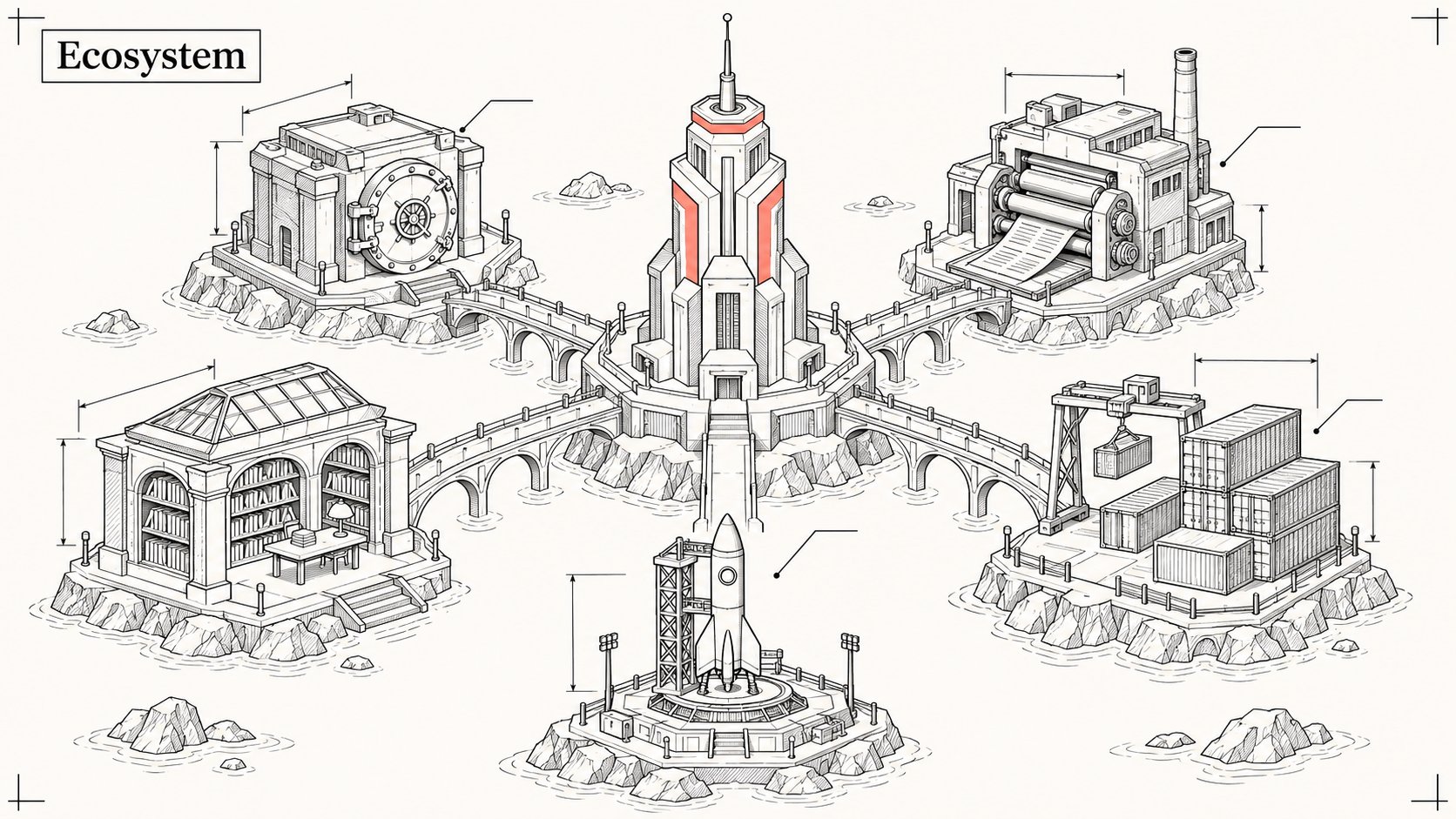
AgentKit is the core. Around it sit a few smaller products, each solving exactly one problem I ran into working with agents every day. This article is the map: what each one is, how far along it is, how it connects to ak, and when you actually need it.
| Product | One sentence | Status | Connects to ak via |
|---|---|---|---|
| AK Vault | Store and sync secrets with end-to-end encryption | ✅ local, 🧪 sync | ak secrets |
| AK Render | The agent writes a spec, out comes an interactive HTML page | ✅ | The --ak-render flag in skills |
| CloudHarness MCP | The agent works in a remote sandbox | ✅ live, beta | cloud-harness kit package 🧪 |
| SkillX | A signed skill marketplace, personal kits | ✅ marketplace, 🧪 personal kits | ak skills |
| TOSE | An app hosting platform, deploys from Git | ✅ | The ak-deploy skill |
1/ AK Vault ✅ / 🧪
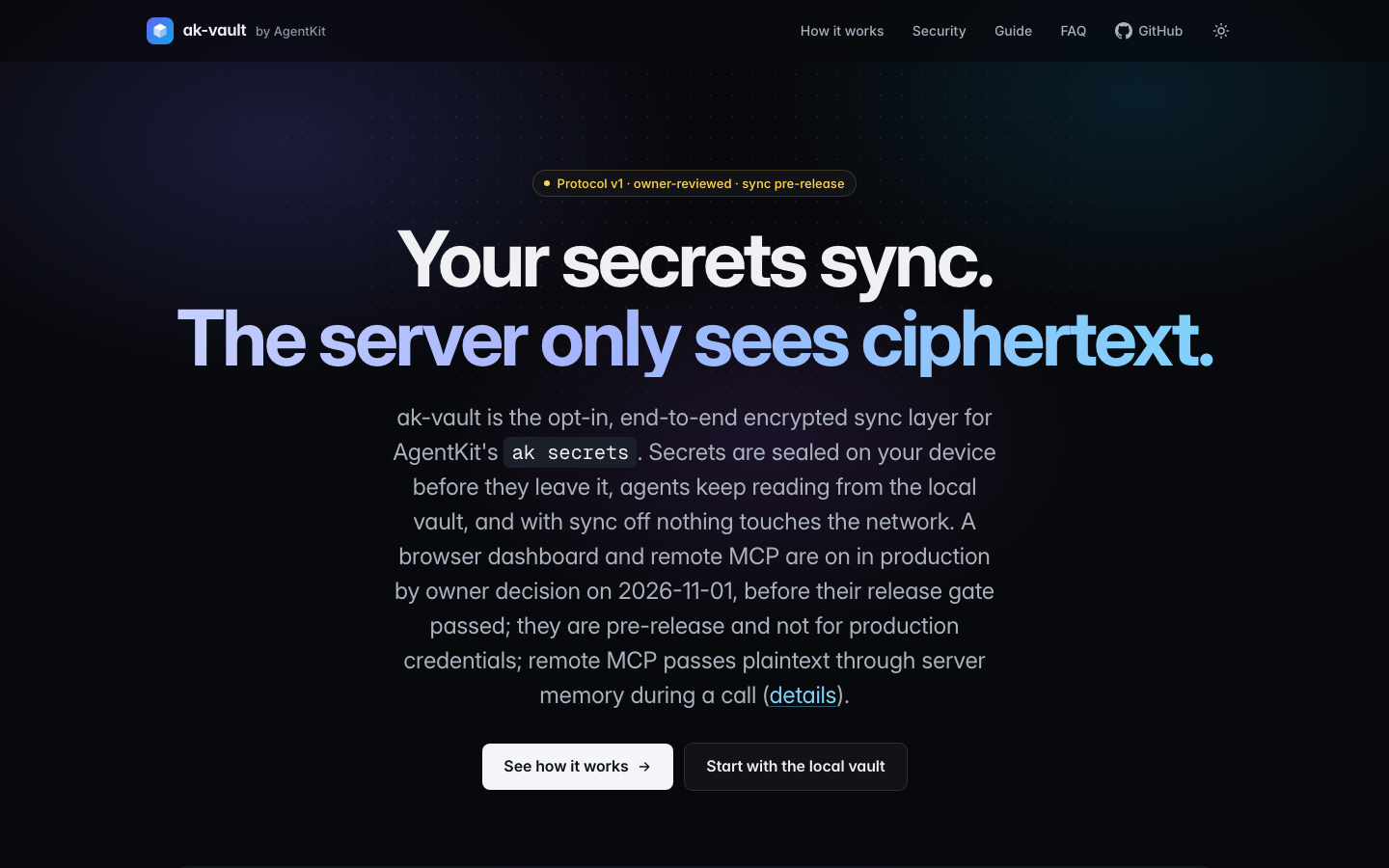
Problem it solves: API keys scattered across .env files, readable by agents, lost when you switch machines.
How to use it: the local vault ak secrets has shipped. E2E multi-device sync via vault.agentkit.best is preview.
When you need it: today, for the local part. For the sync part, wait for GA if the keys are production keys.
Open source, MIT: bestagentkits/ak-vault. Full details and warnings are in article 6.
2/ AK Render ✅
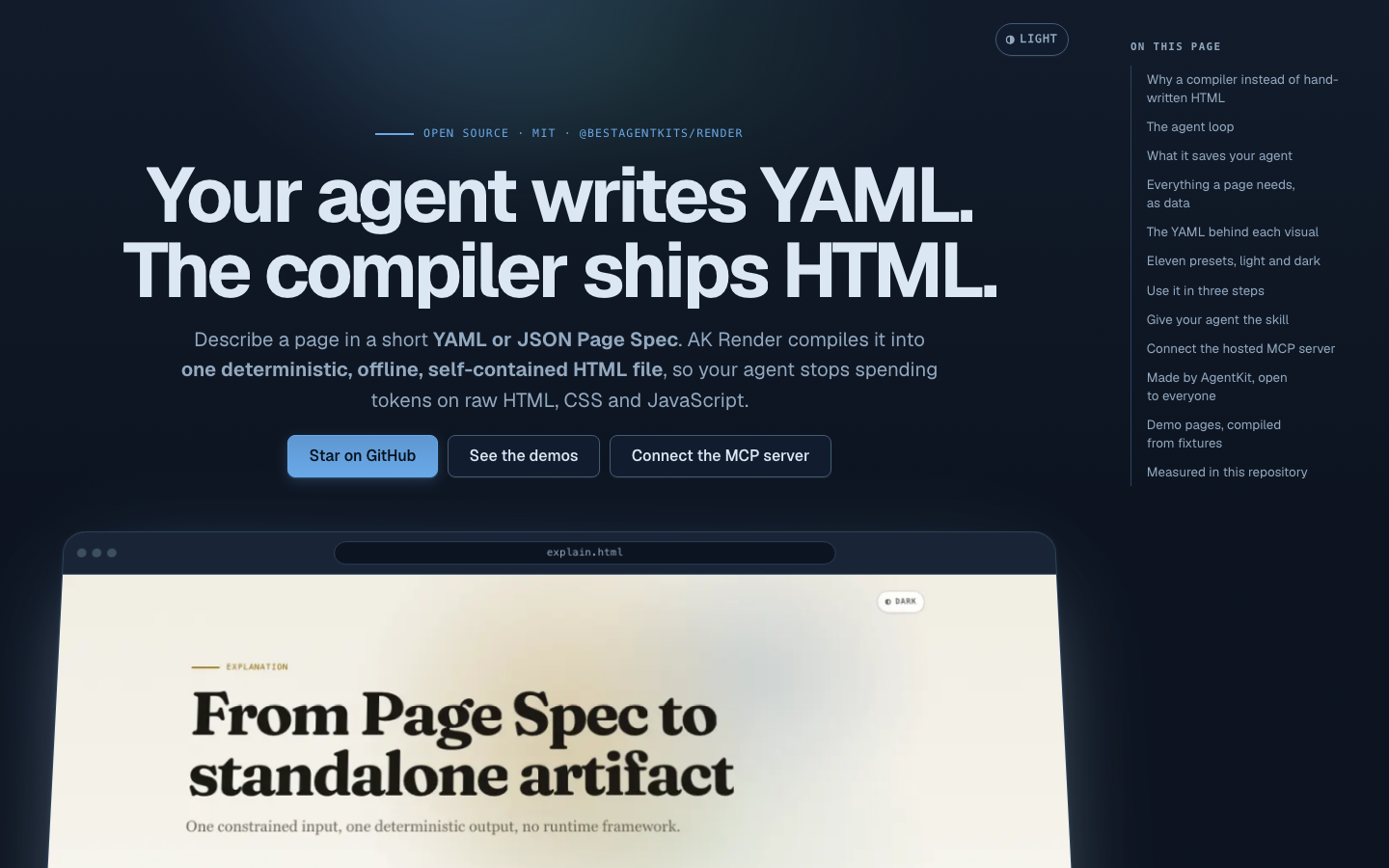
Problem it solves: you tell the agent "make me a report dashboard" and every time it writes a different pile of HTML/CSS/JS, with small bugs, sometimes calling random CDNs.
How AK Render does it: the agent does not write HTML. It writes a Page Spec in YAML/JSON, and a compiler produces a self-contained, offline, deterministic HTML file (same spec, same file).
About 90 block types in 8 groups, with ready-made recipes (dashboard, report, incident...), themes, icons, motion.
The exported page makes no network requests, fonts are embedded, and the spec does not allow raw HTML/CSS/JS.
No account or API key needed.
Try it right now (needs Node 20.11 or higher):
npx -y @bestagentkits/render validate plan.yaml
npx -y @bestagentkits/render plan.yaml --out plan.html
There is an MCP server the agent can call directly:
npx -y @bestagentkits/render mcpHow does it connect to AgentKit? There is no ak render command. Instead, the ak-brainstorm, ak-explain and ak-preview skills have an --ak-render flag:
/ak-explain the payments module architecture --ak-renderThe npm package @bestagentkits/render is at version 0.3.0, source under MIT.
3/ CloudHarness MCP ✅ beta
Problem it solves: you want the agent to work on a repo without running on your machine: an isolated clone, running commands, running tests, opening a PR, then cleaning everything up.
How it works: an authenticated MCP server over HTTP. The agent calls workspace_open with the repo URL, works through the tools (files, code intel, shell, Git, worktree, tasks...), then workspace_close. Each workspace is a clone inside a time-limited Docker container.
Connecting:
Clients that support OAuth:
https://harness.zuey.me/mcpClients that can only send static headers:
https://api.harness.zuey.me/mcpwith an API key from the dashboard
Local mode over stdio (POSIX only, via WSL on Windows):
cloud-harness-mcp --transport stdio --workspace /path/to/repo⚠️ Security warnings you must read
The CloudHarness README states this clearly, and I will repeat it:
This is a single trust domain. People operating the same instance must trust each other.
The agent can run arbitrary commands in an executor that shares the kernel. It is not a sandbox for multiple customers who don't trust each other.
Local mode restricts paths, but is not an OS sandbox.
Versions: latest stable 0.76.2, latest pre-release v0.80.0-beta.2. Source under MIT: bestagentkits/cloud-harness-mcp. AgentKit's own operating routine also uses CloudHarness (article 9).
4/ SkillX ✅ / 🧪
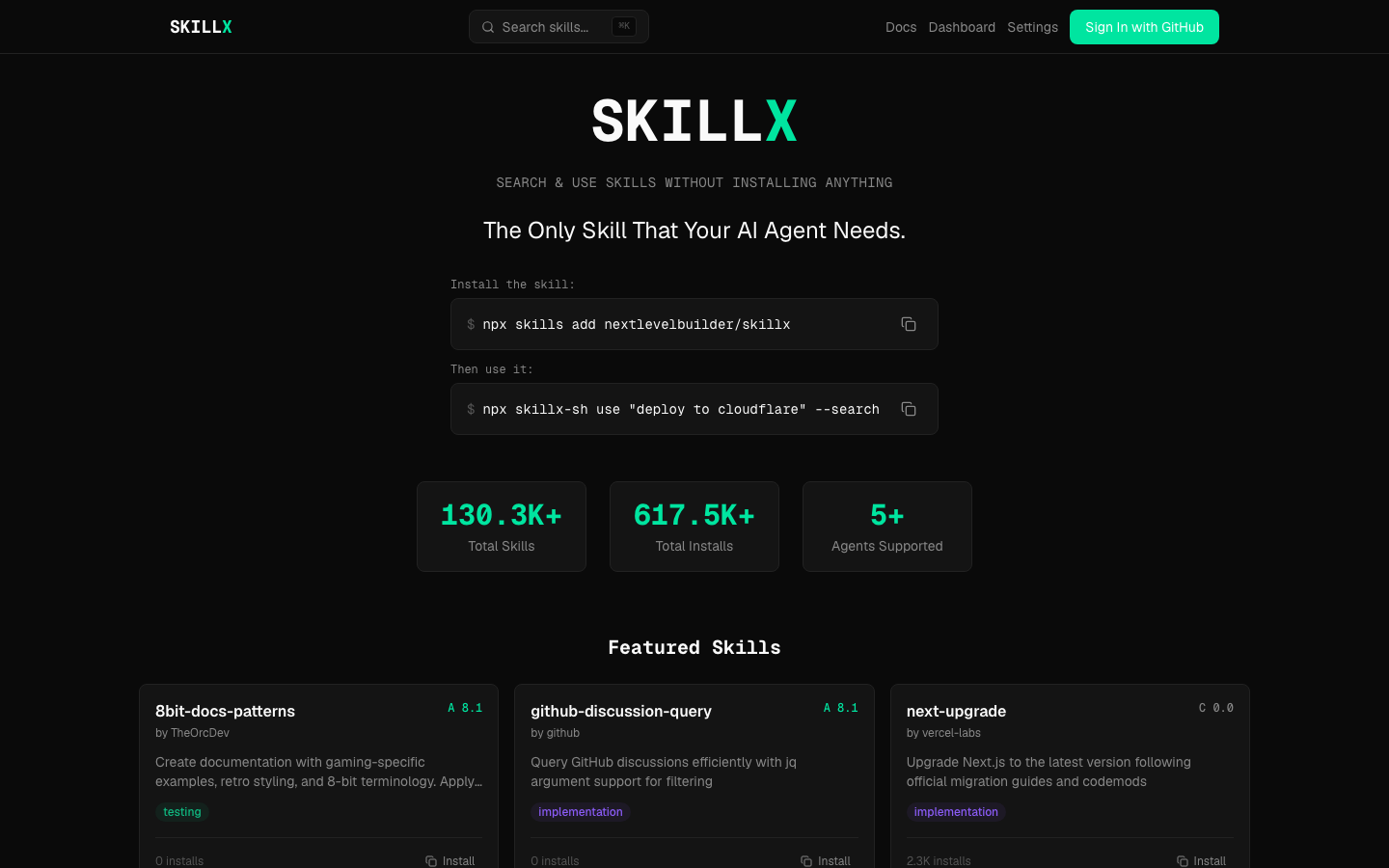
Problem it solves: finding good skills, installing signed skills, sharing and syncing your own skills.
The skillx.sh marketplace and the
skillx-sh0.8.0 CLI: shipped.Reading and inspecting skills from
akwithout running scripts (ak skills inspect,ak skills read): in 3.0.0.Personal kits, private publish and sync: preview, the server-side API is still behind a flag.
Source: nextlevelbuilder/skillx. A detailed guide is in article 5.
5/ TOSE ✅
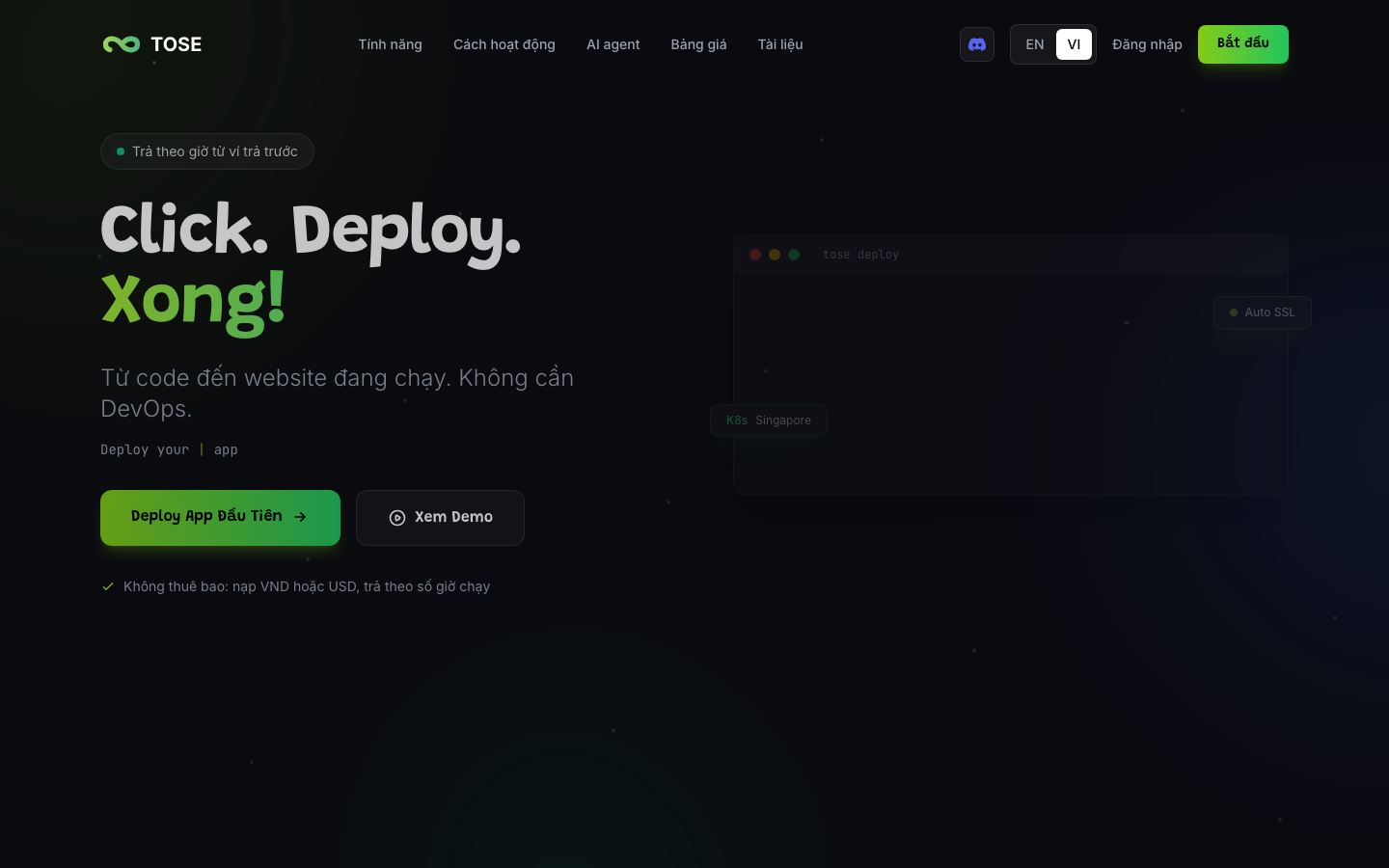
Problem it solves: the code is done, so where do you deploy quickly without having to do DevOps?
TOSE (tose.sh) is an app hosting platform running on Kubernetes: connect a Git repo, build and deploy with a domain and TLS, with AI agent app templates, managed databases, and a shared cloud desktop. Prepaid wallet, hourly billing, paid in USD or VND.
CLI:
npm i -g @tosesh/tose
tose login        # or set the TOSE_API_KEY variable
tose whoami
tose init
tose up
There is an MCP connector (OAuth 2.1) for agents, with a two-step approval gate for deploys and rollbacks. The agent cannot push to production without you knowing.
Connecting to AgentKit: the ak-deploy skill accepts TOSE as a deploy target, auto-detected when the project has a tose.yaml:
/ak-deploy to TOSETOSE's source code is currently private.
Why did I split it into so many products?
A fair question: why not fold it all into ak to keep it tidy?
Because each one has a different trust model. Vault has to be zero-knowledge. Render has to run offline with no account. CloudHarness runs arbitrary code, so it has to be completely separate from your machine. TOSE touches real money and infrastructure. Put them in one place and a hole in one drags down the others.
The price I pay is that the ecosystem is currently a bit scattered: many domains (agentkit.best, skillx.sh, tose.sh, zuey.me), many GitHub organizations. I know, and I have put the need for a single overview page in the gap report.
Next article: The Contributor program and earning with AgentKit →
Sources
AK Vault: https://vault.agentkit.best, https://github.com/bestagentkits/ak-vault
AK Render: https://render.agentkit.best, npm
@bestagentkits/render0.3.0, ak-render repo README; the--ak-renderintegration inagentkit/kits/core/skills/ak-brainstorm/SKILL.md(tagv3.0.0)CloudHarness MCP: https://github.com/bestagentkits/cloud-harness-mcp (README,
docs/security-model.md, CHANGELOG), release v0.80.0-beta.2 (01/11/2026)SkillX: https://skillx.sh, release
skillx-shv0.8.0TOSE: https://tose.sh, npm
@tosesh/tose0.1.3;agentkit/kits/engineer/skills/ak-deploy/SKILL.md(tagv3.0.0)Screenshots of the web pages taken on 02/11/2026