
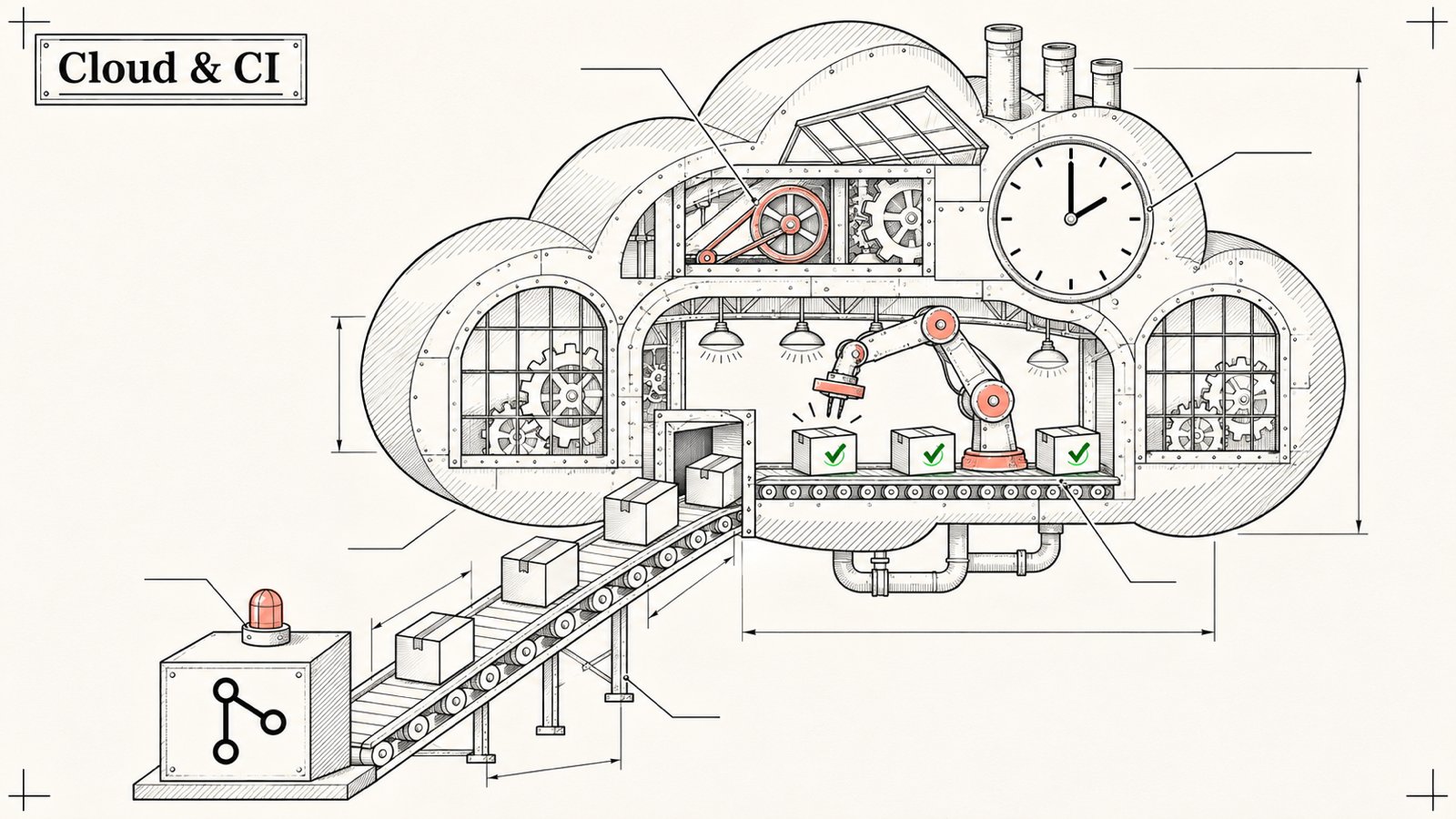
Article 9/20 in the AgentKit v3 onboarding series. About an 8 minute read.
Let me be clear up front: AgentKit's official docs do not yet have a dedicated cloud/CI page. This article is how my team and I do it, assembled from flags and behaviors that really exist in ak 3.0.0. Wherever something is my own recipe, I say so.
Good news: AgentKit itself is run by a Claude Routine that fires every hour, so none of what follows is theory.
1/ The simplest way: commit the kit into the repo ✅
If you install the kit at project scope (see article 4), all the skills, agents and hooks live inside the repo (for example ./.claude for Claude Code). Commit them to git:
ak kit init engineer --yes
git add .claude .agentkit
git commit -m "feat: add AgentKit engineer kit"
That covers most cloud cases. Claude Code on the web, Claude Routine, or any environment that clones the repo will see the skills immediately, with no need to install ak and no login.
This is the approach I recommend first, because: no secret has to go up to the cloud, and the whole team has the same skill version.
2/ When you need to run ak on a cloud machine ✅
If you really need ak on the cloud (installing the kit at run time, using ak secrets, running ak doctor...):
Install
curl -fsSL https://agentkit.best/install.sh | shLog in without a human
Use an API key (create one on the /account/api-keys account page on agentkit.best). Two safe ways, and both keep the key out of the process argument list:
printf '%s' "$AK_KEY" | ak login --api-key-stdinor:
export AGENTKIT_API_KEY="..."   # take it from the environment secret store, do not hardcode
ak login
There is an --api-key flag, but it shows the key in the process list, and ak prints a warning. Don't use it on a shared machine.
Don't mix them up: the license key (ak_license_...) is only for activating the desktop app and cannot log the CLI in.Install the kit without questions
ak kit init engineer --target claude-code --yes --no-interactiveEvery ak command has --no-interactive and --json. With --json, non-interactive is implied.
Auto-update switches itself off in CI ✅
When the CI environment variable is present (GitHub Actions, GitLab CI... all set it automatically), ak's auto-update does not run. To be sure in other environments, also set:
export AK_NO_AUTO_UPDATE=1Pin the kit version so every build is identical:
ak kit init engineer --version <kit-version> --yes --no-interactiveCheck the kit version on your own machine with ak versions, then pin exactly that number.
3/ GitHub Actions example (my recipe)
name: agentkit-check
on: [pull_request]

jobs:
  doctor:
    runs-on: ubuntu-latest
    steps:
      - uses: actions/checkout@v4
      - name: Install ak
        run: curl -fsSL https://agentkit.best/install.sh | sh
      - name: Log in with API key
        env:
          AGENTKIT_API_KEY: ${{ secrets.AGENTKIT_API_KEY }}
        run: ak login --no-interactive
      - name: Check the environment
        run: ak doctor --json
Notes:
Keep
AGENTKIT_API_KEYin GitHub Secrets, never in the workflow file.If the install step says
akis not on PATH, add the install folder (usually~/.local/bin) to$GITHUB_PATH.Rely on exit codes instead of reading text: for example
15means renewal required,4means another operation is holding the lock.
4/ Claude Routine: agents running on a schedule in the cloud
A Claude Routine is a Claude Code agent that runs on a schedule inside Anthropic's cloud environment. A real example: the AgentKit repo has a routine that runs every hour, gathers pull requests that are ready, rebases them, runs tools/preflight.sh on the cloud machine, then puts the whole batch onto the dev branch. It runs in Claude's cloud environment, not in GitHub Actions.