
Article 6/20 in the AgentKit v3 onboarding series. About a 10 minute read.
Come on, confess: how many .env files with real API keys are sitting on your machine right now? I once counted mine, and the number made me a little... embarrassed 😅
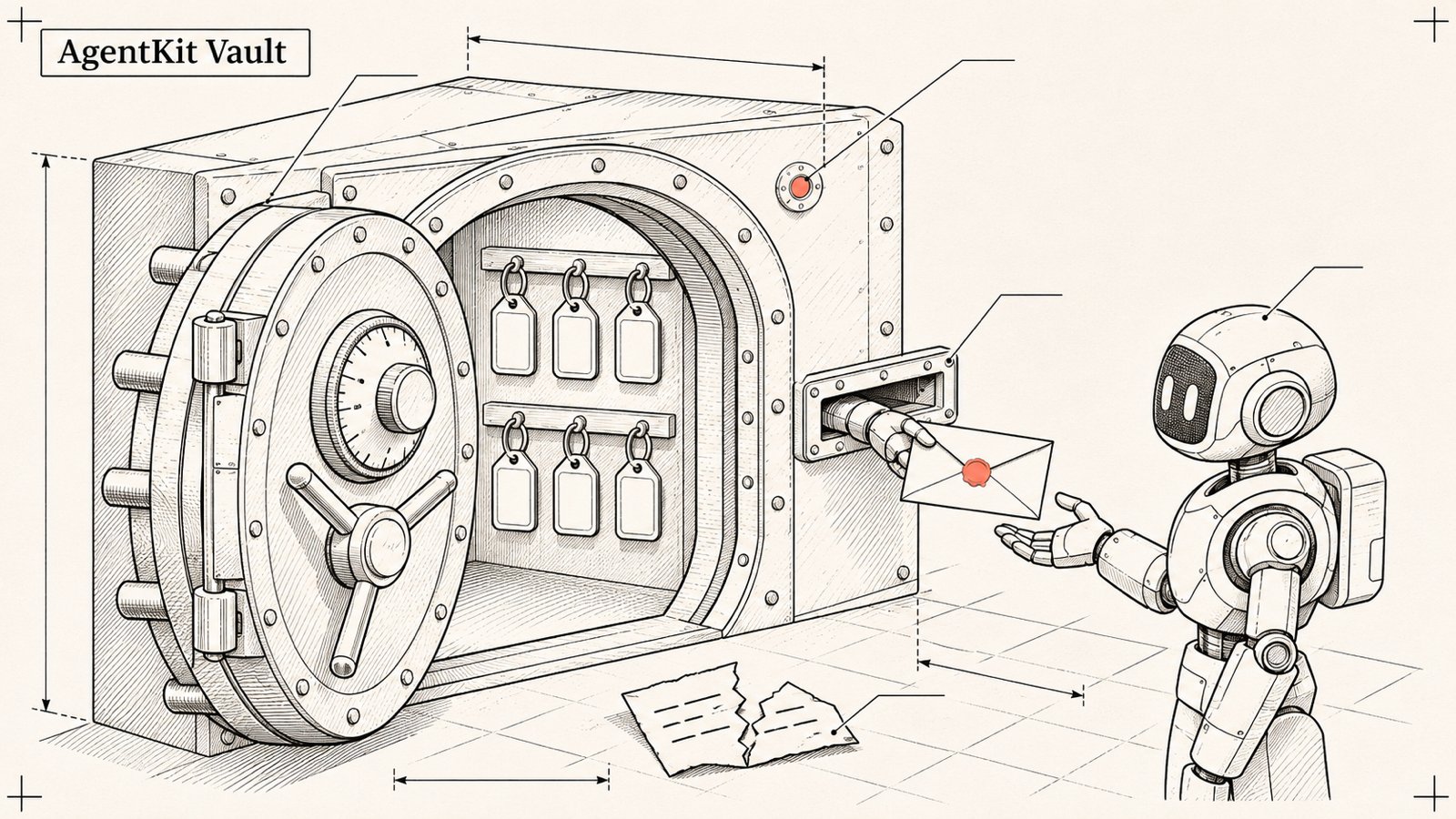
The problem is not just "what if I commit it to GitHub". These days agents read files in your project like it is breakfast. One prompt injection in the README of some library and your keys could be read out. AgentKit's Vault was born to deal with this.
This article has 2 clear parts: the local vault (shipped, use it now) and multi-device sync (preview, read the warnings carefully).
Part A: the local vault ak secrets ✅
1/ Where does it store secrets?
Default: the operating system keychain (macOS Keychain, Windows Credential Manager, Secret Service on Linux).
Machines with no usable keychain (servers, containers): an age-encrypted vault file,
--backend=file, with a recovery key.The file
~/.agentkit/secrets/index.jsononly holds metadata (name, creator, time, a short hint), never the values.
2/ Move .env into the vault
ak secrets import-env .envOr add them one by one:
ak secrets set OPENAI_API_KEY        # enter the value via a prompt, not saved in shell history
ak secrets list
ak secrets get OPENAI_API_KEY        # redacted by default
ak secrets search stripe --environment production
After importing, remember to delete or clean up the original .env file. Otherwise you may as well have done nothing 😁
3/ Use secrets without exposing the value
Run a program with the secret in its environment:
ak secrets run --env STRIPE_API_KEY=STRIPE_API_KEY --purpose deploy -- npm run deploy--env VARIABLE=SECRET_NAME attaches the secret to exactly one variable for exactly one program, and that run is recorded in the audit log.
Reference in the agent's config: the secrets-inject hook replaces ${secret:SECRET_NAME} with the real value at run time. The agent only sees the reference, not the key.
One variable name, several secrets: for example DATABASE_URL pointing to staging or production depending on context:
ak secrets alias --helpCompare without printing:
ak secrets compare OPENAI_API_KEY --value-file ./key-to-check.txtThe result is only "match" or "different", and no value is printed at all.
4/ The agent asks, you approve
This is the part I like most. An agent cannot take a secret on its own. It has to ask, you approve, and every read leaves a log entry:
ak secrets approve     # answer the requests agents are waiting on
ak secrets grants      # see which agent may read which secret
ak secrets revoke ...  # withdraw access
ak secrets audit       # access log
ak secrets trust       # view or re-pin the coding agent's binary
Access is granted to the agent binary that has been fingerprinted. If the binary changes (an update, or it gets swapped), you have to pin it again.
5/ Let the agent do it right
In Claude Code or Codex, use the ak-vault skill:
/ak-vault import this project's .env into the vault, then update the config to use ${secret:...}This skill is written to never print secret values, and to respect your choice if you have already decided to use .env or another secret manager. It asks at most once.
Part B: multi-device sync (AK Vault) 🧪
The idea
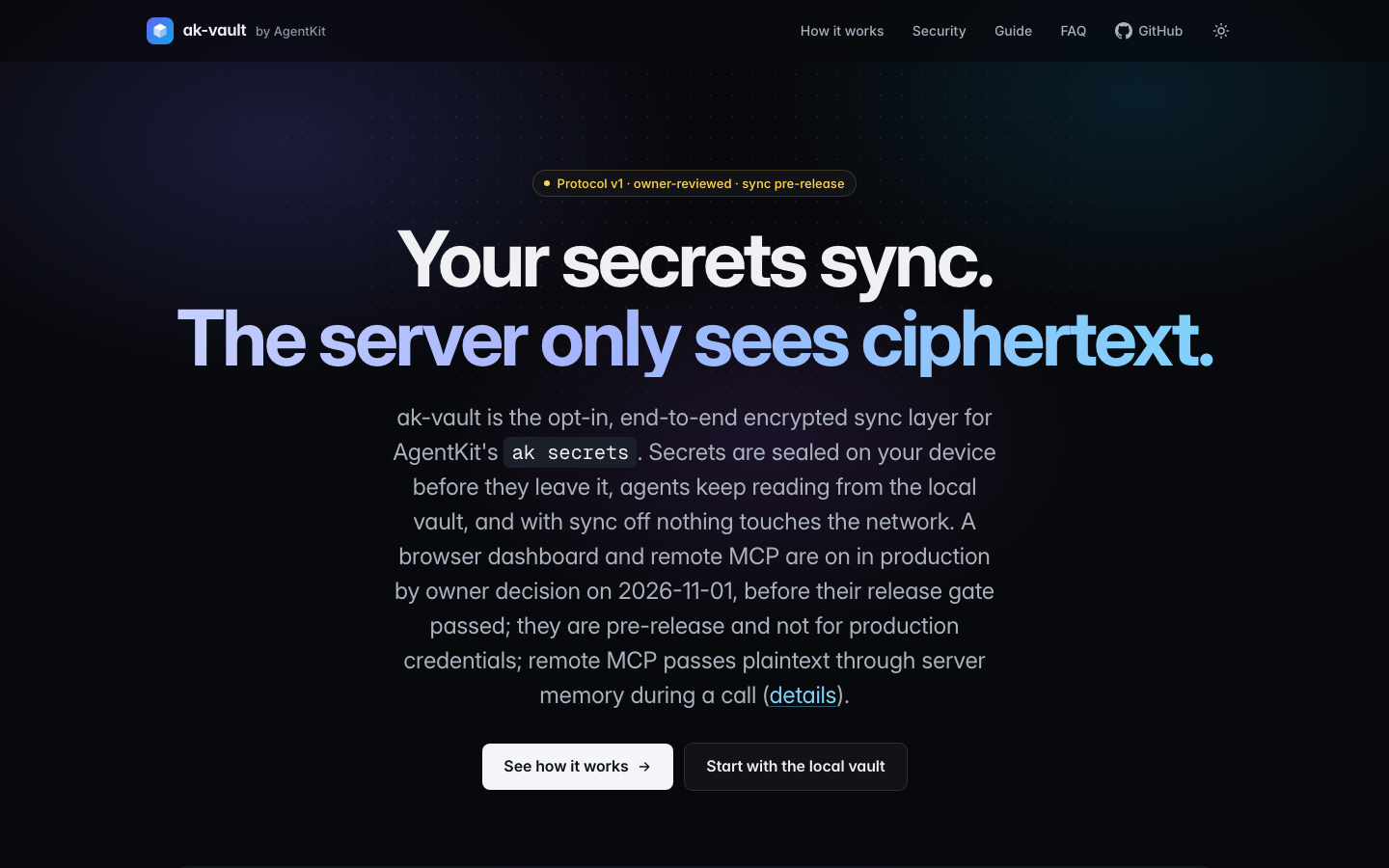
You have a laptop, a desktop, a work machine. You want your secrets to follow you while the server can never read them. AK Vault does exactly that: end-to-end encrypted (E2E), local-first, opt-in.
The server (a Cloudflare Worker, one Durable Object SQLite per vault) only stores ciphertext and a bit of documented metadata.
The vault key is wrapped by: a device key, a password-derived key using Argon2id, and a random 32-byte recovery key.
Adding a new machine: the new machine shows a 6-digit SAS code, and you compare and approve it on a machine you already trust. Like Bluetooth pairing, but more serious.
The member list is signed, and there is a mechanism for revoking devices.
The repo is open source under the MIT license: bestagentkits/ak-vault.
Commands (in the 3.0.0 binary, currently hidden from the top-level --help)
ak login --email ban@example.com
ak secrets sync enable
ak secrets sync now
ak secrets sync status
ak secrets devices add       # on the new machine
ak secrets devices approve   # on the trusted machine, compare the SAS code
ak secrets devices list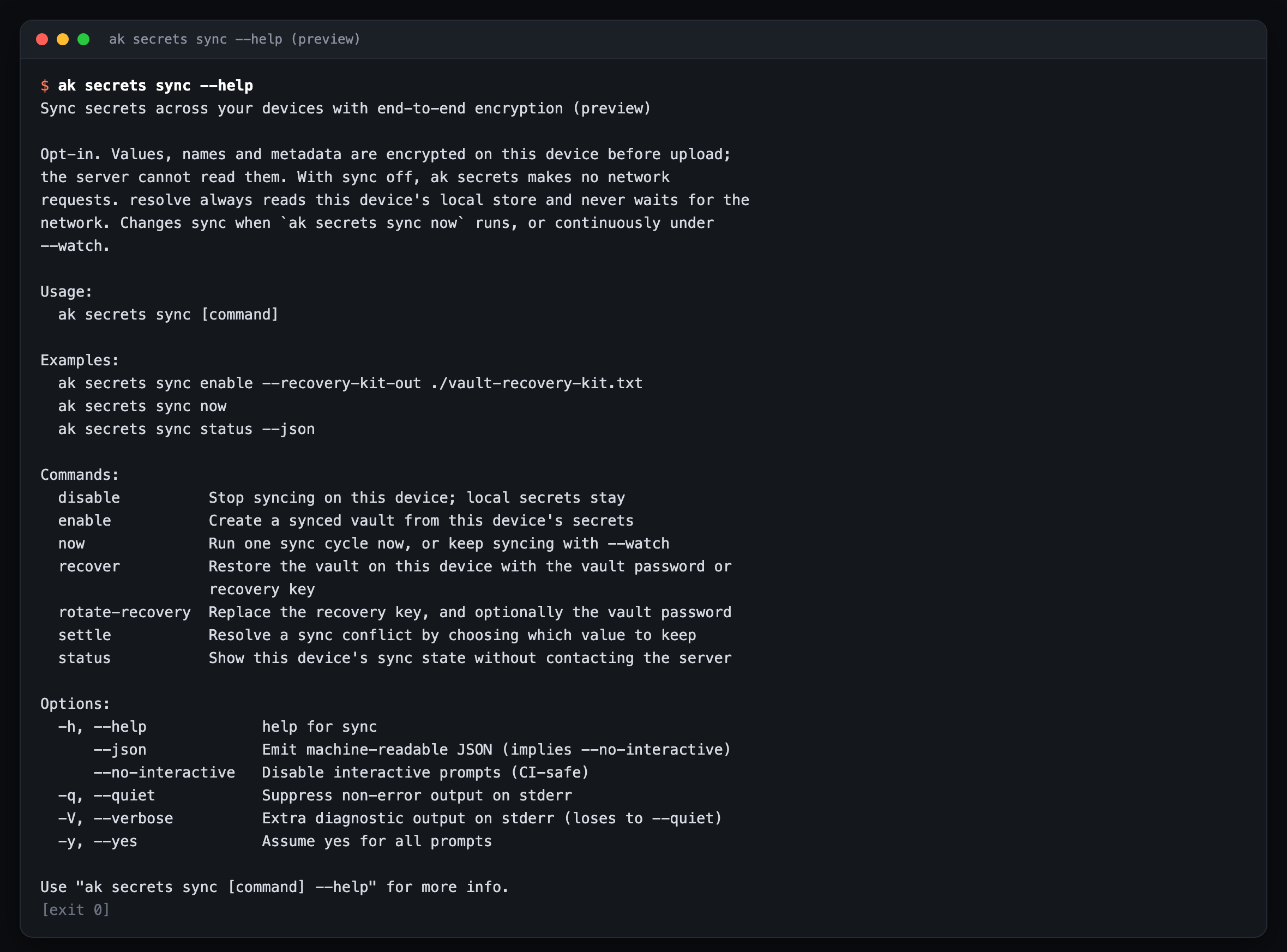
There are also sync recover, sync rotate-recovery, sync disable, devices remove, devices rotate.
⚠️ Warnings you must read
I will say it straight, because these are your secrets:
Sync is not GA. The
ak secrets synccommand is currently hidden from the command list in--help. The ak-vault README states clearly: not generally available, do not store production credentials.The browser dashboard and remote MCP at vault.agentkit.best were turned on in production by a product owner decision on 01/11/2026, before passing the release gate. The vault page itself says it is pre-release.
Remote MCP is different from E2E sync: when you use remote MCP, plaintext passes through the server's memory. If you need "the server never sees plaintext", do not use remote MCP.
The v1 protocol has only been reviewed by the product owner so far, with no independent external review yet.
So what do I recommend?
Use the local vault today. It has shipped and solves 80% of the problem.
If you want to try sync, try it with dev/test keys. Production keys wait for the GA release.
Keep the recovery key somewhere safe, off your machine. If you lose both your devices and the recovery key, you lose the vault, and the server cannot save you (that is what zero-knowledge means).
Quick summary
| Feature | Status |
|---|---|
ak secrets set/get/list/search/import-env/run/alias |
✅ |
| Grants by agent binary, approve, audit | ✅ |
${secret:NAME} in agent config |
✅ |
| age-encrypted file backend + recovery | ✅ |
Multi-device E2E sync (ak secrets sync, devices) |
🧪 hidden, not GA |
| Web dashboard, remote MCP on vault.agentkit.best | 🧪 pre-release |
Next article: Hooks and privacy →
Sources
ak secrets --help,ak secrets sync --help(ak 3.0.0, run in a temporary HOME)ak-vault repo (MIT): https://github.com/bestagentkits/ak-vault, README, ADR 0001,
docs/security/threat-model.mdPage https://vault.agentkit.best (checked 02/11/2026): pre-release note, dashboard and remote MCP enabled on production since 01/11/2026
Secrets guide:
agentkit/docs/guides/secrets.md(tagv3.0.0), sourceapps/cli/internal/commands/secretscmd/sync_cmd.go(syncHidden: true)