
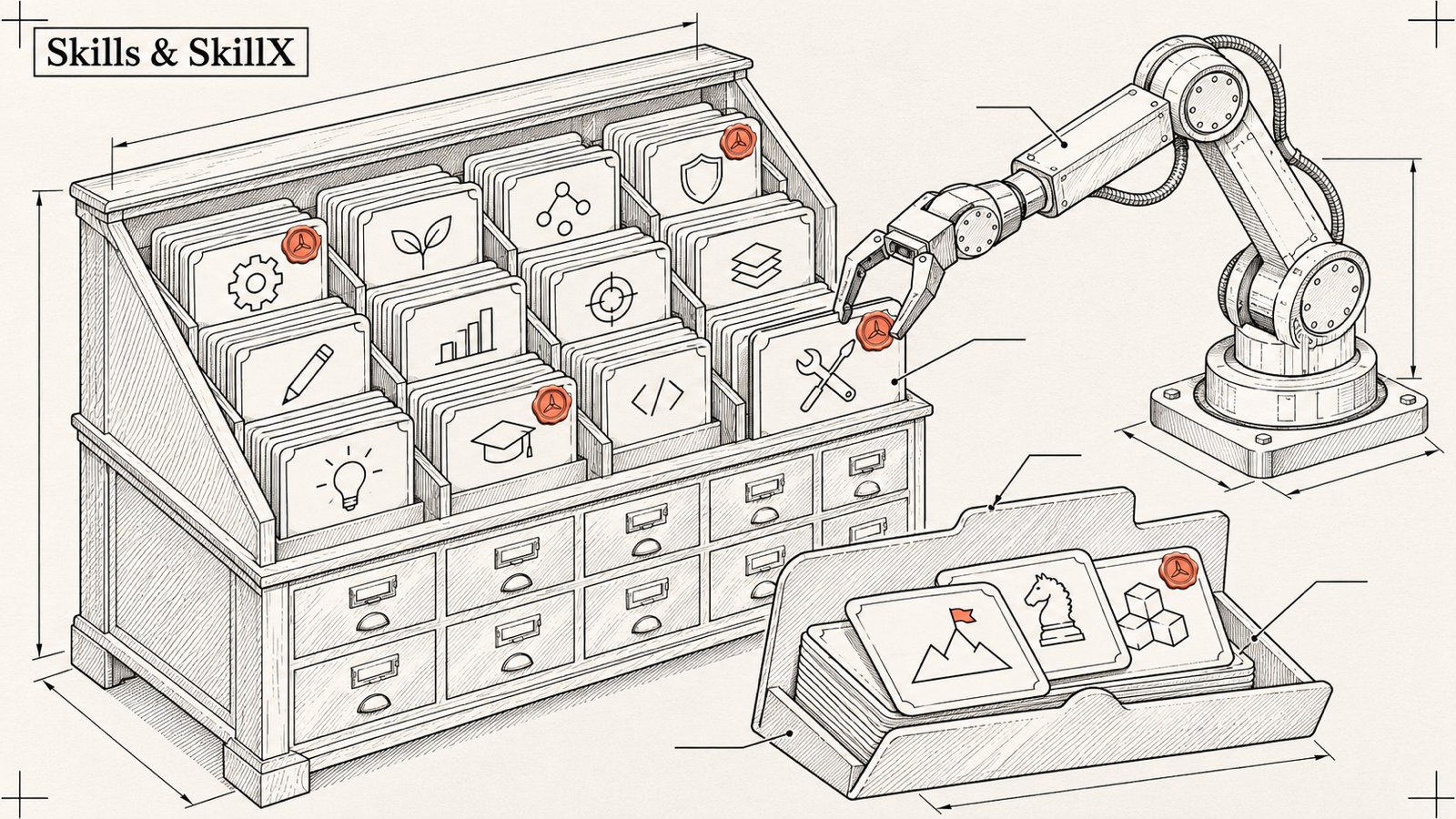
Article 5/20 in the AgentKit v3 onboarding series. About a 12 minute read.
This is the longest article in the series, because it holds the part of v3 I am most excited about: your skills are your assets. You write them, edit them, carry them to another machine, share them with your team, and the next kit update does not overwrite them.
But I have to say it straight at the top: a big part of this is still preview 🧪. I marked each section carefully so you know what you can use right now and what to wait for.
1/ Basic skill management ✅
ak skills list
ak skills search "deploy"
ak skills show ak-cook
ak skills install <skill-name>
ak skills remove <skill-name>
To see which skill calls which:
ak skills graphLocal skill router ✅
Too many skills, can't remember what each one does? Ask the router:
ak skills route "write a blog post about the new release"The router runs locally, picks one fitting skill, or answers NONE if nothing matches. It would rather say "I don't know" than pick at random.

(The screenshot above was taken in a temporary HOME with no kit installed, so the router returned empty. Correct behavior.)
2/ Create your own skill ✅
The quickest way is to let the agent do it. In Claude Code:
/ak-skill-creator create a skill "write-changelog" that reads the git log since the latest tag and writes a changelog in the team's voiceThis skill creates the full SKILL.md, references/, scripts/ if needed, then checks the structure. It also audits, validates and packages existing skills.
After a working session, to turn the places where the agent went in circles into skill improvements:
/ak-dogfoodak-dogfood only proposes by default (dry-run), and only --apply actually edits. How dogfood writes fixes into your personal kit is covered in guide 20.
3/ --ssot and SkillX: the foundation for personal skills 🧪
Everything in sections 3 through 6 needs you to have turned on the single-source skill store (more in article 1):
ak update --ssot --dry-run
ak update --ssot --yes
Once the global scope has been committed to the store, SkillX switches on automatically. You can also enable it for a single command with AGENTKIT_SKILL_STORE=1 or AGENTKIT_SKILLX=1.
What is SkillX? It is the skill marketplace at skillx.sh, with a skillx-sh CLI (version 0.8.0), hybrid search (vector + full-text) and signed releases.
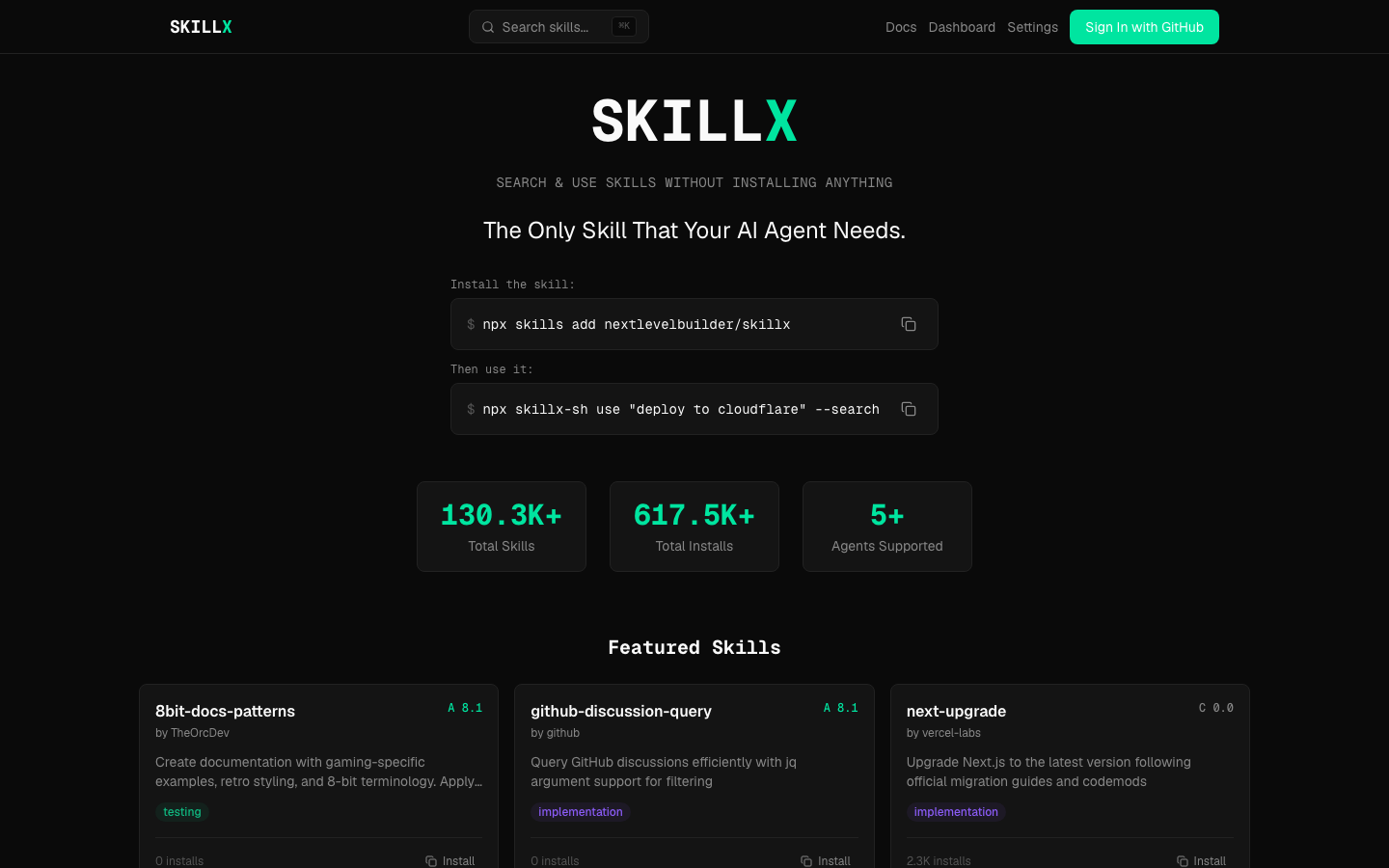
With ak, you can read and inspect skills on SkillX without running any script:
ak skills resolve @publisher/skill-name
ak skills inspect @publisher/skill-name@1.2.0
ak skills read @publisher/skill-name@1.2.0
ak skills read @publisher/skill-name@1.2.0 references/notes.md
read prints SKILL.md by default, capped at 256 KiB, and only reads non-executable files listed in the signed manifest. The printed content is marked "untrusted", and terminal control characters are neutralized.
inspect and read only read non-executable files, after verifying the signature and digest. Read carefully before installing, like reading the label before taking medicine.
4/ Personal kit: "my own" kit built on the base kit 🧪
The idea: you take the Engineer kit as the base, then overlay your own changes on top. When the base kit ships a new version, you rebase instead of redoing everything from scratch.
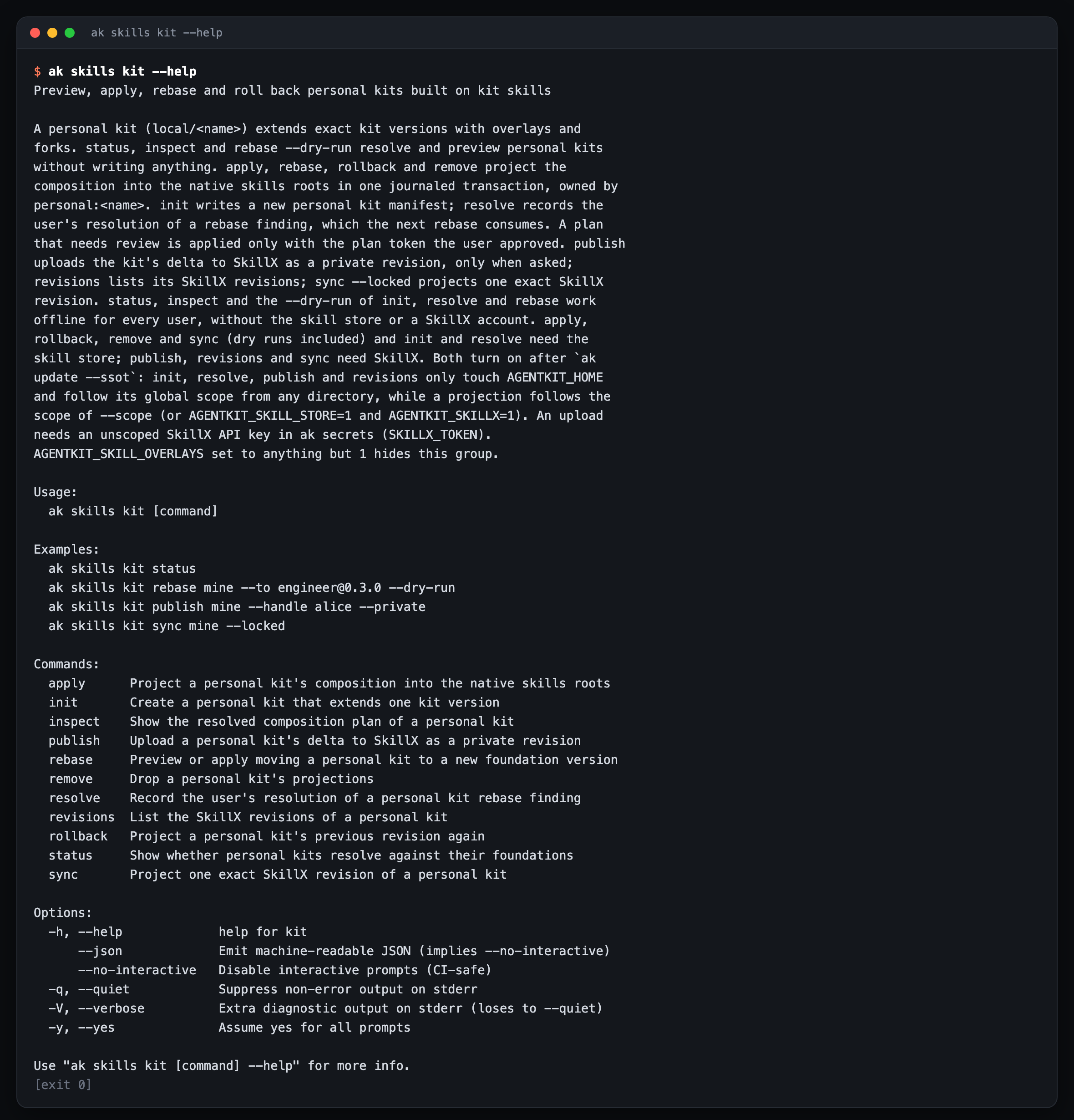
ak skills kit init mine --extends engineer@0.2.0   # create a personal kit
ak skills kit status mine                         # where you are, what has changed
ak skills kit inspect mine                        # view details
ak skills kit rebase mine --to engineer@0.3.0 --dry-run   # trial rebase onto the new base
ak skills kit apply mine                          # apply to the project
ak skills kit rollback mine                       # go back to the previous revision
ak skills kit revisions mine                      # revision history
A few principles I set for it:
Immutable revisions. Every change is a new revision, and old revisions are never overwritten.
Deterministic rebase. Conflicts are recorded explicitly, and it never picks a winner on its own.
No revision takes effect until you approve it.
status, inspect and the dry-runs of init, resolve, rebase run offline, with no SkillX account needed.
5/ Publishing, sharing, syncing across machines 🧪
Publish
ak secrets set SKILLX_TOKEN    # store the SkillX API key in the vault, not in .env
ak skills kit publish mine --private
publish pushes a private revision. To make it available to the community (public or unlisted), use the SkillX CLI:
skillx publish ./your-skill --visibility publicNew packages are private by default. Changing the visibility of an already published package can currently only be done on the SkillX web dashboard, not in the CLI. I put it in the gap report already.
Syncing across machines
Sync is based on a lock file. Machine A publishes and commits the lock file to the repo, then machine B runs:
ak skills sync --locked
ak skills kit sync <kit-name> --locked
To preview without writing anything: add --dry-run.