Vibe coding PRD template: Streamline AI development projects
Vibe Coding PRD template: Copy, fill, and use it with AI coding tools
A vibe coding PRD template is essential: while AI writes code fast, vague requirements still cause rework, prompt drift, and unpredictable output. That problem shows up often for solo founders, PM-led small teams, and developers using Claude Code, Cursor, or GitHub Copilot. This guide gives you a copy-paste template, explains what to put in each section, shows one realistic MVP example, and outlines how to use the document in an AI-assisted build workflow without turning the process into heavyweight product management.
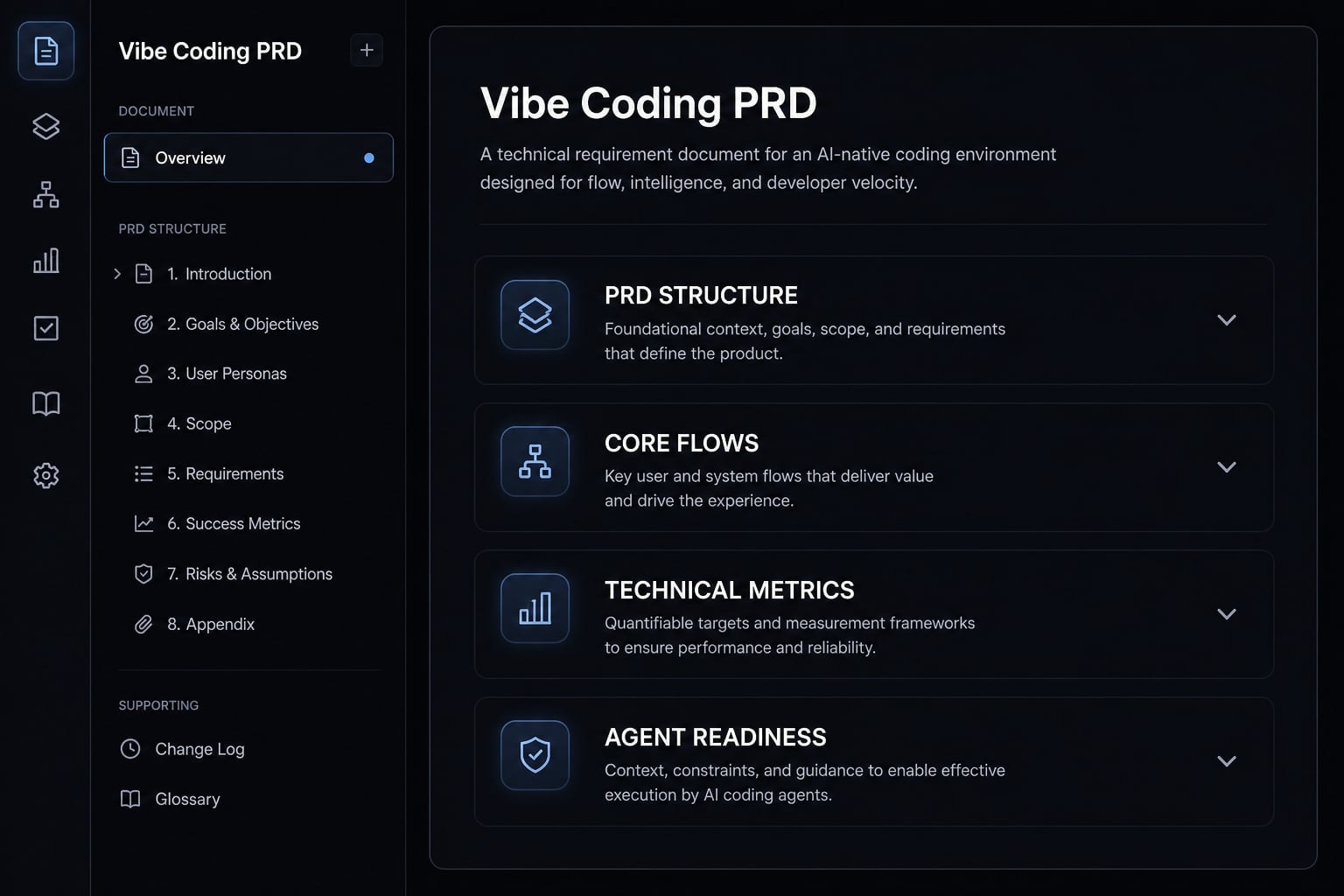
Vibe Coding PRD template: What it is and why it matters
A vibe coding PRD template is a lightweight PRD (Product Requirements Document) built for AI-assisted software delivery. It acts as an AI product requirements specification and AI agent development brief, giving the model structured context about goals, users, flows, scope, constraints, and testable requirements before coding starts.
In AI-assisted MVP builds, the bottleneck is usually not code generation speed. It is missing or unstable context. When the brief is vague, the model fills in gaps on its own. That often leads to invented assumptions, inconsistent screens, unnecessary features, or the wrong stack choices.
A lightweight PRD helps prevent that by defining:
- What the product should do.
- Who it is for.
- Which user flows matter first.
- What stays inside the MVP scope.
- Which technical constraints must be respected.
- What counts as done through acceptance criteria.
This kind of structured context improves handoffs between you and the model. It also makes outputs easier to review, test, and refine.
That said, a PRD does not replace iteration. It improves clarity, but you still need to adjust scope, update decisions, and build in small passes as the product takes shape.
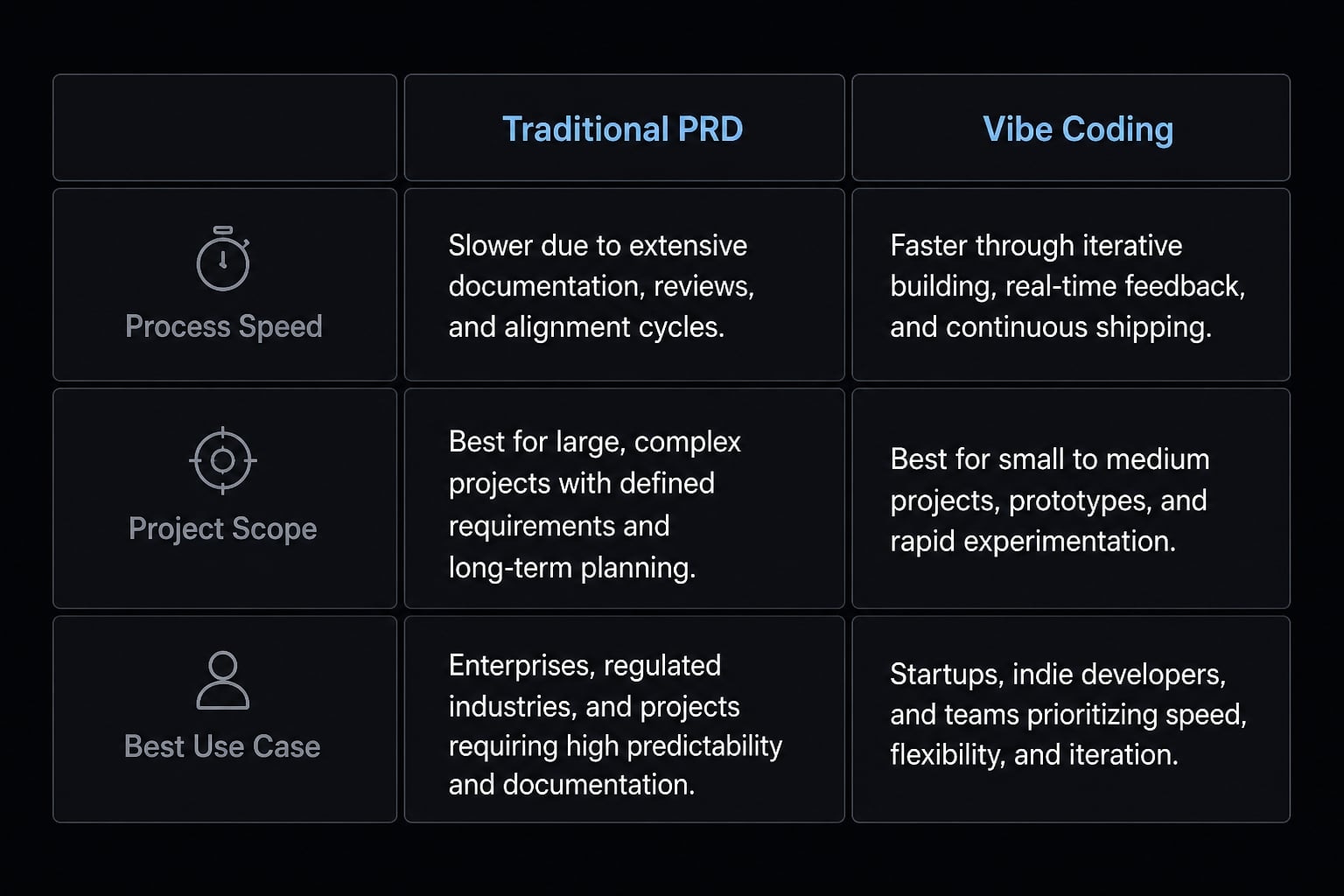
Traditional PRD vs. Vibe coding PRD
Not every project needs the same level of documentation. The easiest way to understand the difference is this: A traditional PRD is built for broader organizational alignment, while a vibe coding PRD is optimized for speed, MVP scoping, and agent-friendly execution.
Dimension | Traditional PRD | Vibe coding PRD |
|---|---|---|
Purpose | Cross-functional planning and alignment. | Fast, build-ready context for AI-assisted execution. |
Audience | Product, engineering, design, leadership, stakeholders. | Founder, PM, developer, AI coding agent. |
Scope depth | Broader and more detailed. | Narrower and focused on MVP. |
Speed to write | Slower. | Faster. |
Ideal project size | Large products or multi-team initiatives. | MVPs, prototypes, small-team products. |
Required sections | Often includes roadmap, dependencies, business analysis, governance. | Only core requirements, flows, constraints, and test criteria. |
Best use case | Formal delivery across many stakeholders. | Rapid build cycles with AI coding tools. |
How a better PRD improves AI output
A stronger PRD does not magically produce perfect code, but it usually makes AI output more stable and reviewable.
- Better context injection: The model gets a clearer brief instead of reconstructing intent from scattered prompts.
- Clearer acceptance criteria: Features become testable, which reduces fuzzy output and faster-changing requirements.
- Fewer implementation mistakes: Defined technical constraints help the model avoid unsupported stacks, unwanted libraries, or missing integrations.
In practice, the model is more likely to infer less, stay closer to intent, and produce code that can be reviewed one module at a time.
Copy-paste vibe coding PRD template (Markdown)
Start with a solid default. Built for MVPs and small teams, this Markdown PRD works natively in Notion, Git repos, or any /docs folder.
Suggested template structure
- Product overview.
- Problem and goal.
- Target users.
- Core user flows.
- Features and priorities.
- Acceptance criteria.
- Technical constraints.
- Non-functional requirements.
- Success metrics.
- Open questions.
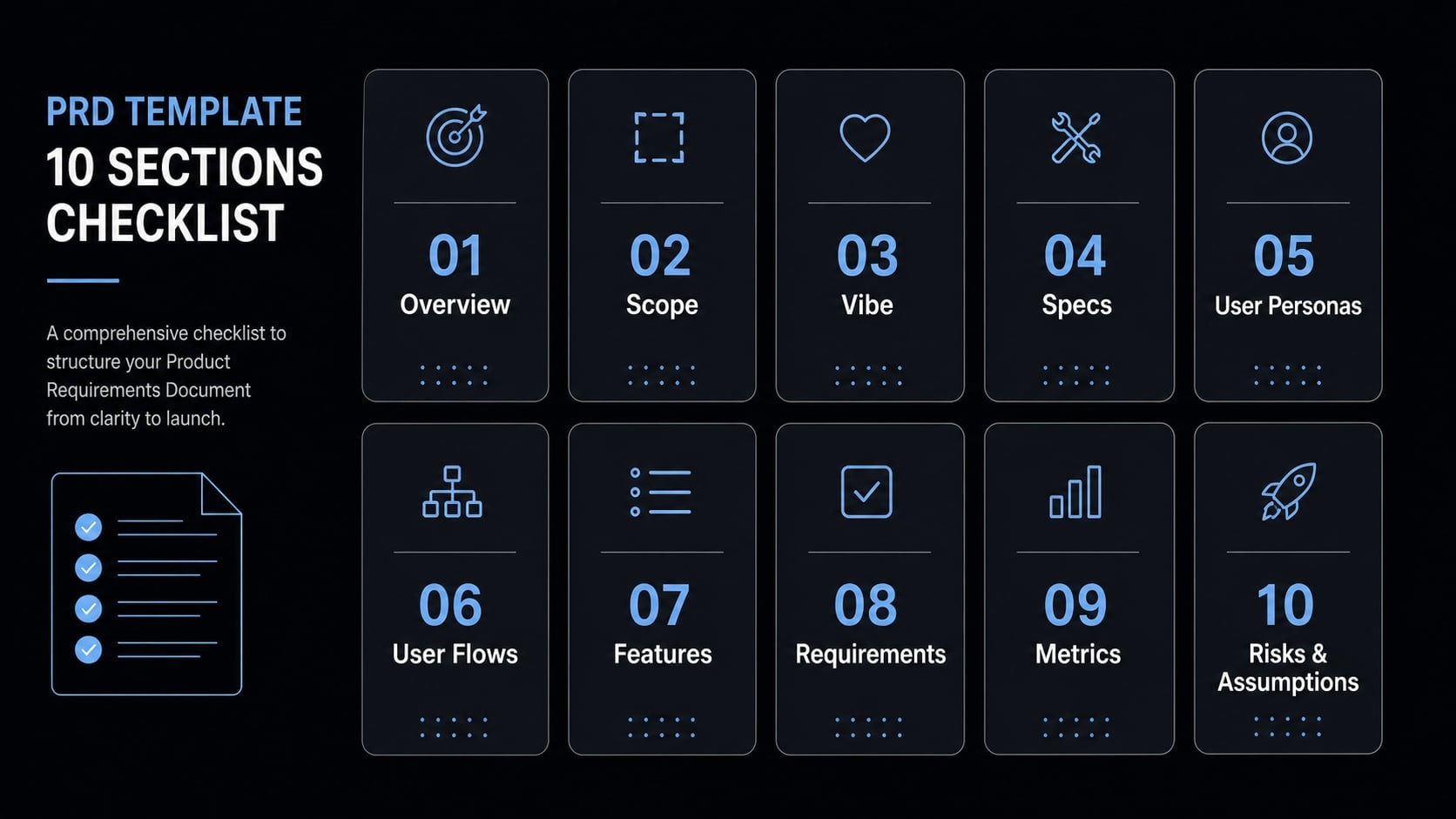
# PRD: [Project Name]## 1. Product Overview- One-sentence summary:- Product type:- Primary use case:## 2. Problem- What user problem does this solve?- What is broken, slow, unclear, or frustrating today?- Why is this worth solving now?## 3. Goal- What outcome should this MVP create for the user?- What should the product help users do better or faster?- What is explicitly out of scope for this version?## 4. Target Users### Primary User- Who is the main user?- What are they trying to accomplish?- What is their current workflow or pain point?### Secondary User (optional)- Who else may use it?- What is their smaller or supporting need?## 5. Core User Flows### Flow 1: [Name]1. 2. 3. ### Flow 2: [Name]1. 2. 3. ### Flow 3: [Name] (optional)1. 2. 3. ## 6. Features and Priorities| Feature | Description | Priority | Notes ||---|---|---|---|| [Feature] | [What it does] | Must-have / Later | |## 7. Acceptance Criteria### [Feature or Flow Name]- [Testable requirement]- [Testable requirement]- [Testable requirement]## 8. Technical Constraints- Preferred framework:- Preferred database:- Authentication method:- Deployment target:- Required integrations:- Constraints or tools to avoid:## 9. Non-Functional Requirements- Performance expectations:- Responsive design requirements:- Accessibility basics:- Reliability expectations:## 10. Success Metrics- Activation metric:- Task completion metric:- Time-to-value metric:- Error or failure metric:## 11. Open Questions- - -
This is a great starting point for AI software development, though it isn't a one-size-fits-all template. Treat it as an LLM-ready project blueprint for a clear vibe coding project scope, then trim or extend it based on the build.
Optional sections if the app is slightly more complex
If your app has a bit more complexity, add only the sections that reduce ambiguity:
- API dependencies and third-party integrations.
- Simple data model notes.
- Explicit MVP boundary or release scope notes.
- References to AGENTS.md for persistent coding instructions.
- A short assumptions and risks section.
Keep these lightweight. If a section does not improve execution, it probably does not belong in the doc.
How to fill out each PRD section without overcomplicating it
Writing an effective PRD for vibe-based coding comes down to balance: give the AI enough context to guide it, without creating a heavy document that's slow to maintain. For most MVPs, clarity beats completeness.
Product overview, problem, and goal
Your product overview should be one or two sentences. Keep it concrete. The problem should describe real user friction, not broad ambition. The goal should be outcome-based and tied to MVP value.
- Weak: “Build an AI productivity app.”
- Better: “Build a lightweight content idea tracker that helps solo founders save, tag, and revisit content ideas in under 30 seconds.”
This framing works because it gives the model a clearer object, user, and speed expectation. An outcome-based goal is more useful than vague positioning language. Avoid market-disruption claims, feature lists, or strategy-heavy filler here.
Target users and core user flows
Start with one primary user. That is usually enough for an MVP. Defining too many personas too early often creates noise and weakens scope.
For target users, focus on what they need to get done, not demographics. Then define only two to four user flows. Write them step by step so the model does not guess missing transitions.
Example flow:
- User opens dashboard.
- User clicks “New Idea”.
- User enters title, note, and tag.
- User saves the idea and returns to the list.
This is lightweight user story mapping in practice. The model now understands sequence, not just feature names.
Features, priorities, and acceptance criteria
Split features into two groups:
- Must-have.
- Nice-to-have or later.
This keeps feature prioritization tied to MVP reality. Phrase each feature as observable behavior, then add acceptance criteria that someone can check without interpretation.
Feature | Priority | Acceptance criteria |
|---|---|---|
Create idea | Must-have | User can create a new idea from the dashboard |
Idea fields | Must-have | Each idea includes title, note, and status |
Save data | Must-have | Ideas persist after refresh |
Search ideas | Later | User can search by keyword |
Good acceptance criteria are specific and testable. Avoid vague lines like “UI should be intuitive” or “app should be fast.” If it cannot be verified, it is not helping the build.
Technical constraints and success metrics
Only specify technical constraints when they matter. If you know the stack, say it. If not, define boundaries instead of pretending certainty.
Useful examples:
- Preferred framework: Next.js
- Authentication: email magic link
- Deployment target: Vercel
- Database: PostgreSQL or Supabase
- Required integration: OpenAI API
- Avoid: heavy admin frameworks
For success metrics, keep it small. Most MVPs do not need a giant analytics plan. A few practical metrics are enough:
- Activation: User creates first idea
- Task completion: User saves and revisits an idea
- Time-to-value: Time from signup to first saved idea
- Error rate: Failed create or save actions
This gives the build direction without turning the PRD into a reporting project.
Example: A filled-out PRD for a simple MVP
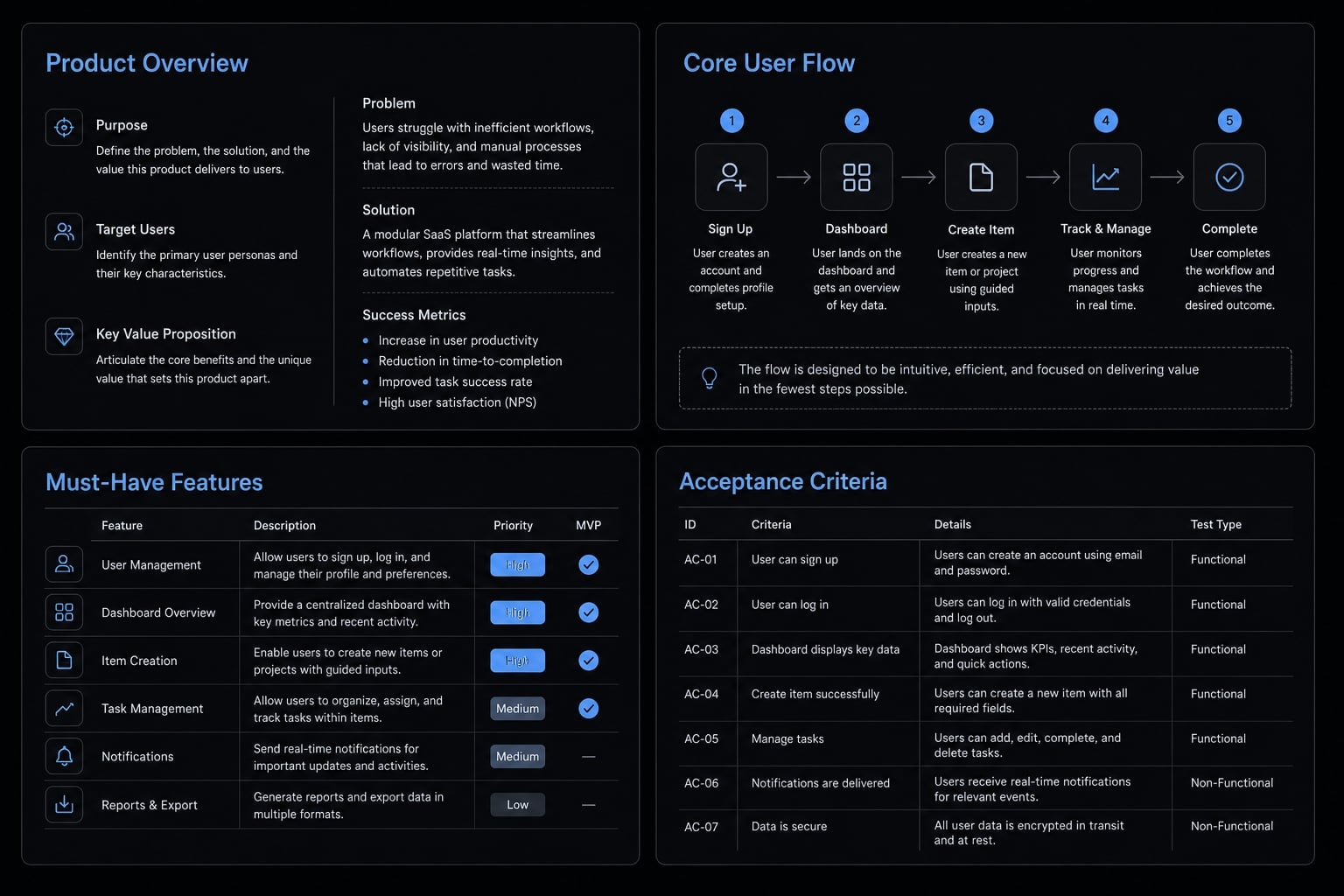
A realistic PRD example for MVP is often the fastest way to understand the format. Below is a compact sample built for an AI-assisted engineering workflow.
Sample app: Content idea tracker for solo founders:
- Product overview: A simple web app that helps solo founders capture, tag, and manage content ideas quickly so they do not lose promising topics during busy workdays.
- Problem: Many solo founders collect content ideas across notes apps, voice memos, and browser tabs. Retrieval is inconsistent, and good ideas get lost.
- Goal: Help users save and revisit content ideas in under 30 seconds. Keep the MVP focused on capture, organization, and review.
- Target user: Solo founders creating content for audience growth, product marketing, or personal brand building.
Core user flow: Save a new idea
- User logs in.
- User opens dashboard.
- User clicks “New Idea”.
- User enters title, short note, and tag.
- User saves and sees the idea in the list.
Must-have features
- Email login.
- Dashboard with idea list.
- Create new idea.
- Edit idea.
- Tag idea.
- Mark idea status: New, draft, published.
Sample acceptance criteria
- User can create a new idea from the dashboard.
- Each idea includes title, note, tag, and status.
- Saved ideas remain visible after refresh.
- User can edit an existing idea without losing prior content.
Technical constraints
- Use Next.js.
- Use Supabase for auth and database.
- Deploy on Vercel.
- Mobile-responsive layout required.
This is intentionally small. It is enough to guide user flows, priorities, and acceptance criteria without expanding into a roadmap.
How to use this PRD with Claude Code, Cursor, or Copilot
A good PRD becomes more useful when it fits naturally into your delivery workflow. The goal is not just documentation. The goal is better context injection, cleaner execution, and less rework across Claude Code, Cursor IDE, and GitHub Copilot.
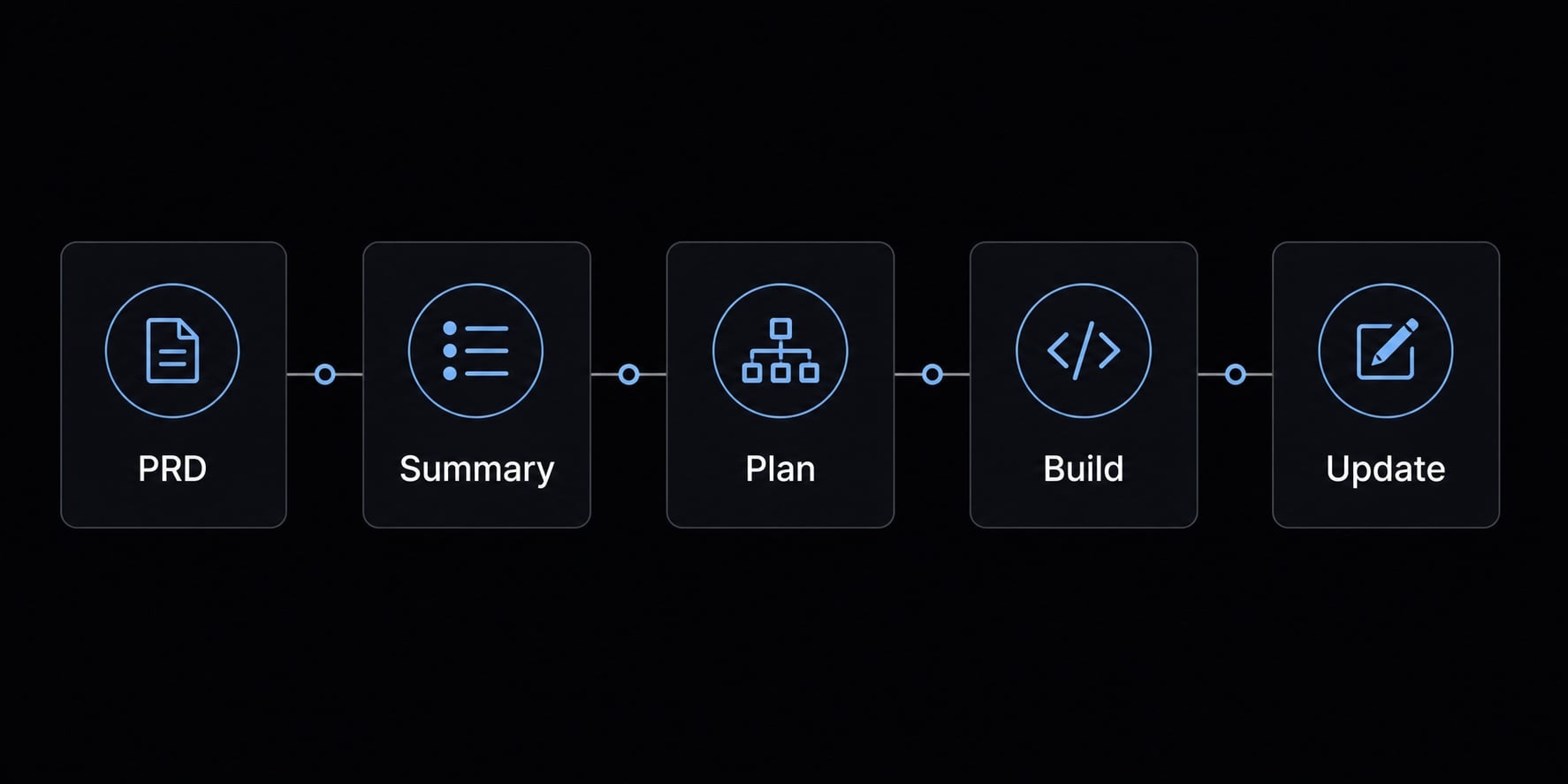
Recommended workflow
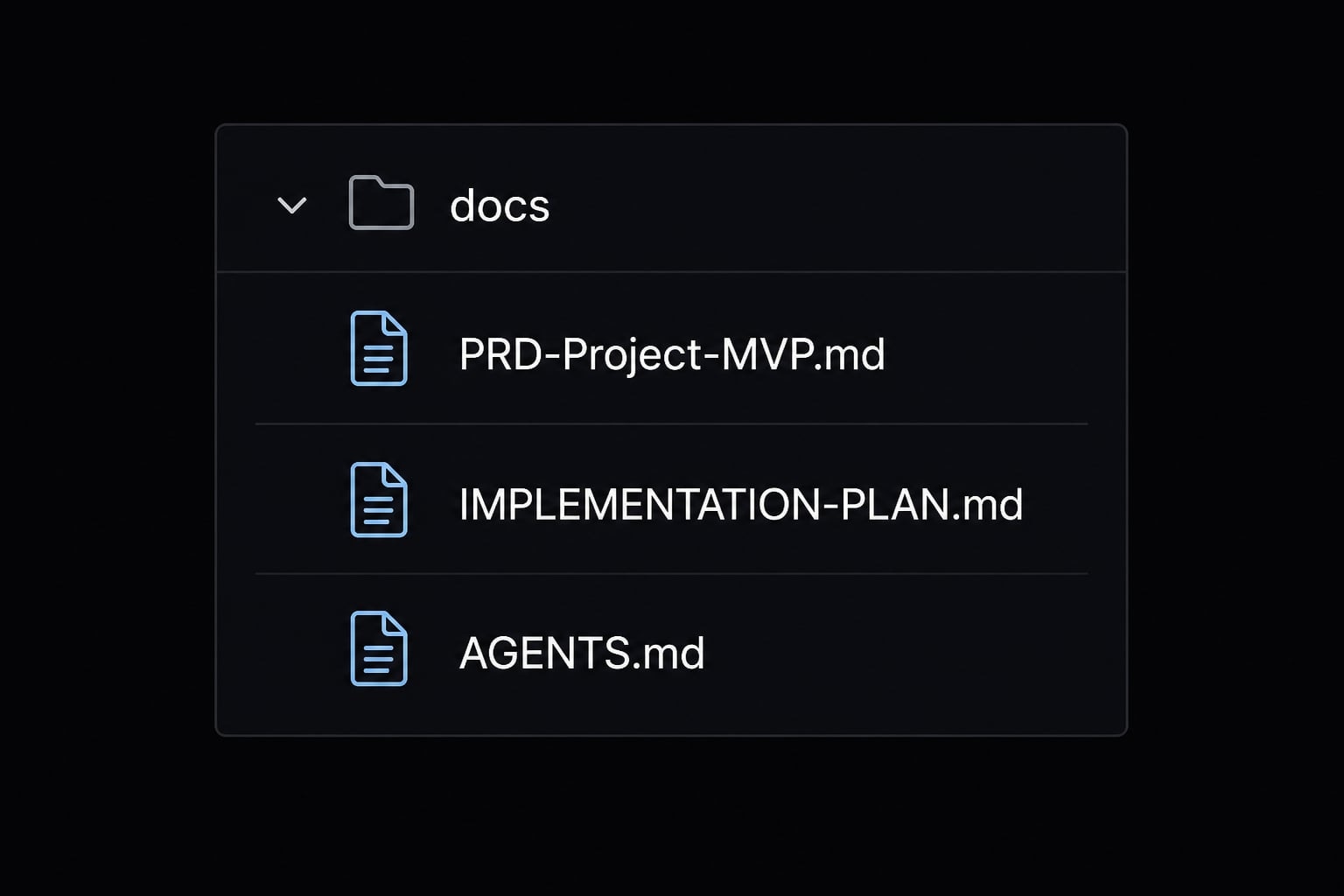
- Save the file as
PRD-[Project]-MVP.md - Place it in
/docs - Ask the agent to read the PRD and summarize the requirements first
- Ask for an implementation plan before any code is generated
- Build one flow or one module at a time
- Update the PRD when scope changes or new decisions become real
This approach supports structuring project docs for Claude Code and similar tools. It also fits an artifact-first memory workflow, where important decisions live in files instead of disappearing into chat history. If you use AGENTS.md, keep persistent coding rules or team conventions there so the PRD can stay focused on product requirements.
Common mistakes when using a PRD with AI coding tools
A few habits create avoidable instability:
- Dumping too much context into one prompt.
- Mixing requirements and implementation decisions inconsistently.
- Leaving MVP boundaries unclear.
- Asking the model to build the entire app in one pass.
- Failing to update the PRD after scope changes.
Smaller iterations usually produce more stable output. In practice, reviewable chunks beat one-shot generation almost every time.
Practical workflow note: From PRD to agent-ready execution
The PRD is usually the first useful artifact in an AI agent workflow for MVP development. After that, more structured teams often turn it into a simple chain:
- PRD.
- Implementation plan.
- Task breakdown.
- Execution prompts or agent instructions.
- Review checklist.
This is where an automated development roadmap starts to become repeatable. Instead of rebuilding context in every chat, you move from one stable artifact to the next. Tools and systems like AgentKit fit this model by helping teams manage reusable agent workflows, docs, and execution patterns more cleanly. The important point is not the tool itself. It is the discipline of keeping requirements, planning, and coding instructions separate enough that the model can follow them reliably.
Frequently asked questions
What is a vibe coding PRD template?
A vibe coding PRD template is a lightweight product requirements document designed specifically for AI-assisted development. It provides structured context-such as user flows, feature priorities, and acceptance criteria-to help AI agents like Claude Code or Cursor deliver stable, build-ready code with minimal ambiguity and rework.
How does a vibe coding PRD differ from a traditional PRD?
A vibe coding PRD focuses on rapid MVP execution and agent-centric instructions, whereas a traditional PRD serves broader stakeholder alignment and enterprise governance. Use a vibe coding template to prioritize speed, clear technical boundaries, and actionable user stories over long-form business analysis or organizational roadmap documentation.
Why is structured context important for AI coding agents?
Structured context prevents AI "prompt drift," where models make assumptions that lead to scope creep or broken features. Providing specific acceptance criteria and technical constraints acts as a "source of truth," ensuring the agent follows your intended product logic rather than hallucinating features during the build process.
What should I include in my PRD for a simple MVP?
For a simple MVP, your PRD should include:
- Product overview and goals.
- Primary target user profile.
- 2–4 core user flows.
- Feature list with MoSCoW prioritization.
- Specific, testable acceptance criteria.
- Key technical constraints and success metrics.
Where should I save my PRD for the best AI integration?
Save your PRD as a Markdown file (e.g., PRD-MVP.md) within a /docs folder in your project root. This allows your AI agents to reference the document easily. Instruct your agent to "read the PRD in /docs and summarize the scope before starting any implementation tasks."
Do I need to update my PRD after I start coding?
Yes. A PRD should evolve as you learn from the building process. Whenever you identify new edge cases, shift feature priorities, or finalize technical implementation details, update the document to ensure your AI agent remains aligned with the latest project status and avoids regressions.
How do I use this PRD with Claude Code or Cursor?
- Place your finalized PRD in the
/docsfolder. - Open your IDE chat and point the agent to the file.
- Request a summary of requirements first.
- Ask for a step-by-step implementation plan.
- Execute the build one module or user flow at a time.
Read more:
- Vibe coding MVP: Build fast without fooling yourself
- 7 practical vibe coding examples: Build apps faster with AI
- Sample Design Doc for Claude Code: Lightweight template
Conclusion
A vibe coding PRD template helps stabilize AI-assisted building by giving the model a clearer source of truth before code starts. The most useful versions stay lightweight and focus on goals, target users, user flows, technical constraints, and acceptance criteria that can actually be tested.
If you are building an MVP, do not overthink the format. Copy the template, save it in /docs, fill in the sections with just enough detail, and use it as the starting point for your next build in Claude Code, Cursor, or GitHub Copilot. If you want a cleaner end-to-end process after that, move from the PRD into an implementation plan and agent-ready workflow artifacts.