
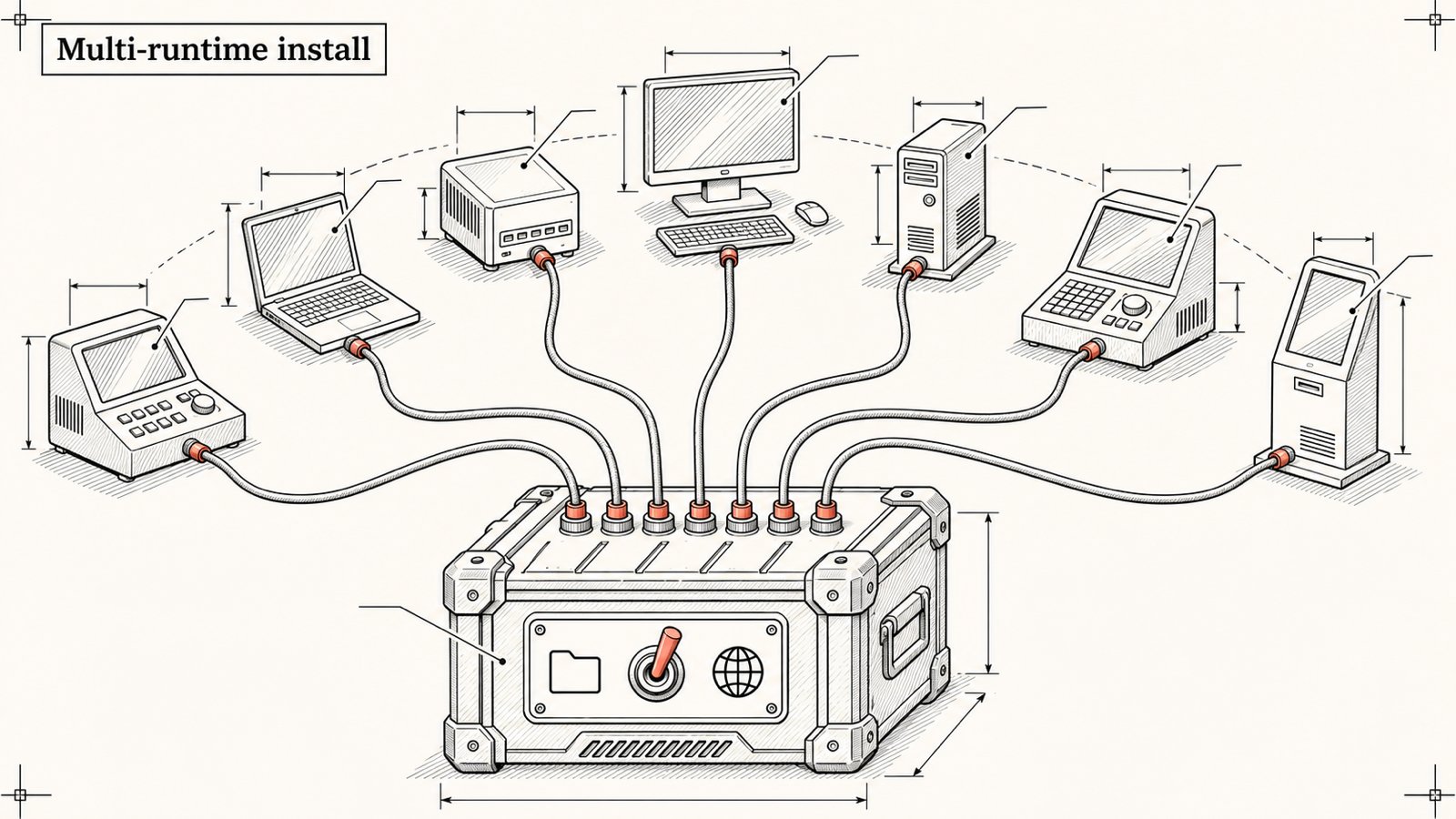
Article 4/20 in the AgentKit v3 onboarding series. About a 9 minute read.
"Does AgentKit run on Cursor?" The honest answer: it installs, but it is not certified yet. This article gives you the table I use internally to decide how "mature" each runtime is, then shows how to install for each case.
1/ The v3.0.0 runtime certification table
Each runtime is trial-run on 3 environments: macOS arm64, Windows 11, Linux (WSL). Results:
| Runtime | ID | macOS | Windows 11 | Linux/WSL | Status |
|---|---|---|---|---|---|
| Claude Code | claude-code |
✅ | ✅ | ✅ | ✅ Certified 3/3 |
| DeepSeek Harness | dsh |
✅ | ✅ | ✅ | ✅ Certified 3/3 |
| Codex | codex |
✅ | ⚠️ partial | ✅ | ✅ 2/3, Windows is still partial |
| Oh My Pi | omp |
✅ | ✅ | ✅ | 🧪 Spike stage, 3/3 pass |
| Pi | pi |
✅ | ✅ | ✅ | 🧪 Spike stage, 3/3 pass |
| Cursor | cursor |
⚠️ | ⚠️ | ❌ | 🧪 Not passing yet (2 partial, Linux fails) |
| Antigravity | agy |
⚠️ | ⚠️ | ⚠️ | 🧪 Spike, 3 partial |
| Grok | grok |
- | - | - | 🧪 Kit package exists, not measured |
| OpenCode | opencode |
- | - | - | 🗺️ Not measured |
| CloudHarness | cloud-harness |
- | - | - | 🧪 Kit package exists, not measured |
| Portable (export skill ZIP) | portable |
- | - | - | 🧪 File export only, not measured |
How to read this table?
If you use Claude Code or DeepSeek Harness: relax, this is the main road.
Codex: works well on macOS and Linux. On Windows it runs, but not everything is green.
Cursor, Antigravity: installable to try out, but do not take them to important work right now.
One thing I have to admit: the agentkit.best FAQ page currently lists Antigravity as an "available" runtime, while the certification table says spike andak updatedoes not acceptagyas a target. I logged it in the gap report so it gets fixed to match.
2/ Project or global?
| Project | Global | |
|---|---|---|
| Installs into | The current project folder | The runtime's user folder (for example ~/.claude) |
| Who sees it | Only that project | Every project on the machine |
| Can be committed to git | Yes, shared with the team | No |
| When to use | Default, teams, client projects | Personal machine, when you want skills everywhere |
My advice: start with project. Your team clones the repo and has every skill, regardless of what anyone installed on their own machine.
3/ Installing for one runtime ✅
By default ak kit init installs for Claude Code, in the current project:
cd ~/projects/your-project
ak kit init engineer --yes
For Claude Code, project-native mode merges the content into ./.claude and stores lifecycle metadata in ./.agentkit.
To install globally:
ak kit init engineer --global --yes4/ Installing for several runtimes at once ✅
--target takes a comma-separated list of IDs:
ak kit init engineer --target claude-code,codex --yesAdd the marketing kit to the same project:
ak kit init marketing --target claude-code,codex --yesUpdates then follow per runtime too:
ak update --target codex --yesAccording to the ak update help in 3.0.0, the supported project targets are: claude-code, codex, cursor, dsh, grok, omp, pi. Global is the same minus pi.
5/ Installing only a few skills ✅
The Engineer kit has around a hundred skills. If you do not need them all:
ak kit init engineer --skills ak-plan,ak-cook,ak-debug,ak-ship --yes