Hey everyone! 👋
Duy here (pronounced "/zuey/"), creator of ClaudeKit.
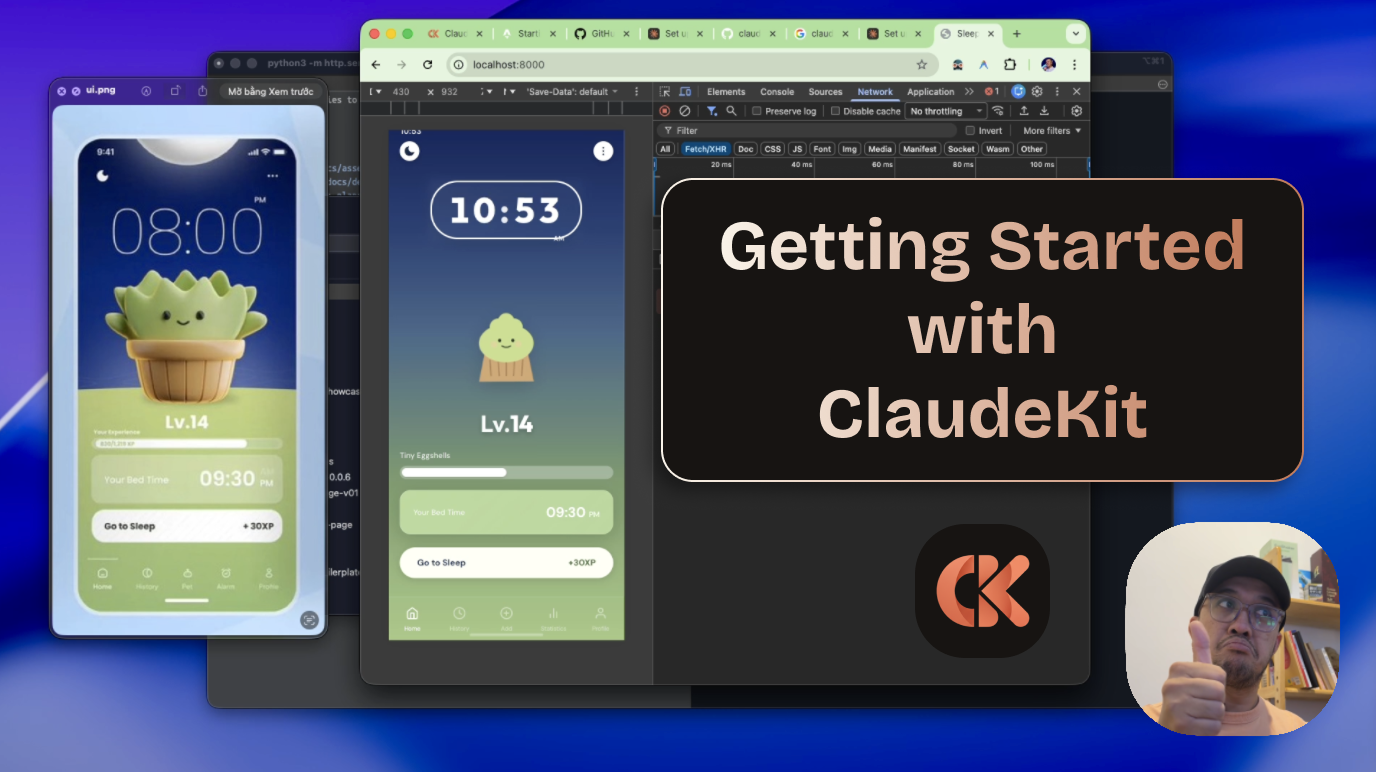
I'm excited to share something I've been working on - my first-ever tutorial video showing you how to get started with ClaudeKit from scratch.
Who Is This Video For?
Whether you're:
A vibe coder who prefers AI assistance over deep terminal diving
A low-tech/non-tech user curious about AI-powered development
Someone who just purchased ClaudeKit and wants a visual walkthrough
Or simply exploring what's possible with Claude Code
...this video breaks everything down step-by-step, no assumptions made.
What You'll Learn
In this 15-minute tutorial, I cover:
Setting up ClaudeKit using the CLI (command-line interface)
Installing your first kit (Engineer or Marketing)
Understanding the 14 specialized AI agents that ship production code
Using slash commands like
/plan,/cook, and/testNavigating the skills library with 20+ pre-built workflows
Your first project setup from zero to running
📺 Watch the Video
👉 Getting Started with ClaudeKit - Complete Setup Guide
💭 A Quick Note
Full transparency: this is my first time creating a tutorial video like this. I was pretty nervous recording it, so you might catch a few stumbles or awkward pauses. If you spot anything confusing or have suggestions for improvement, I'd genuinely appreciate your feedback - it'll help me make better content for future videos.
Resources
🙏 Thank You
If you find this helpful, consider:
Dropping a like on the video
Sharing it with fellow friends
Leaving feedback in the comments
Your support means everything as I continue building ClaudeKit and creating resources to help you ship faster.
Happy coding! ❤️
Duy
P.S. Already purchased ClaudeKit? Join our Discord community for exclusive tips, troubleshooting, and updates!